 AIImageInsight
In early 2024, users of OpenAI’s DALL‑E 3 logged in to download their freshly generated artwork, expecting the crisp PNGs or universal JPEGs they’d grown accustomed to. Instead, they found their images wrapped in an unfamiliar container — WebP. What began as a puzzling hiccup turned into a persistent frustration, much like discovering a garden overrun overnight by an unfamiliar, stubborn weed that refuses to be pulled. Fast forward to 2026, and that weed is still thriving. Despite years of user requests, DALL‑E 3 continues to serve downloads exclusively in the WebP format, leaving everyday creators to fend for themselves with conversion tools.
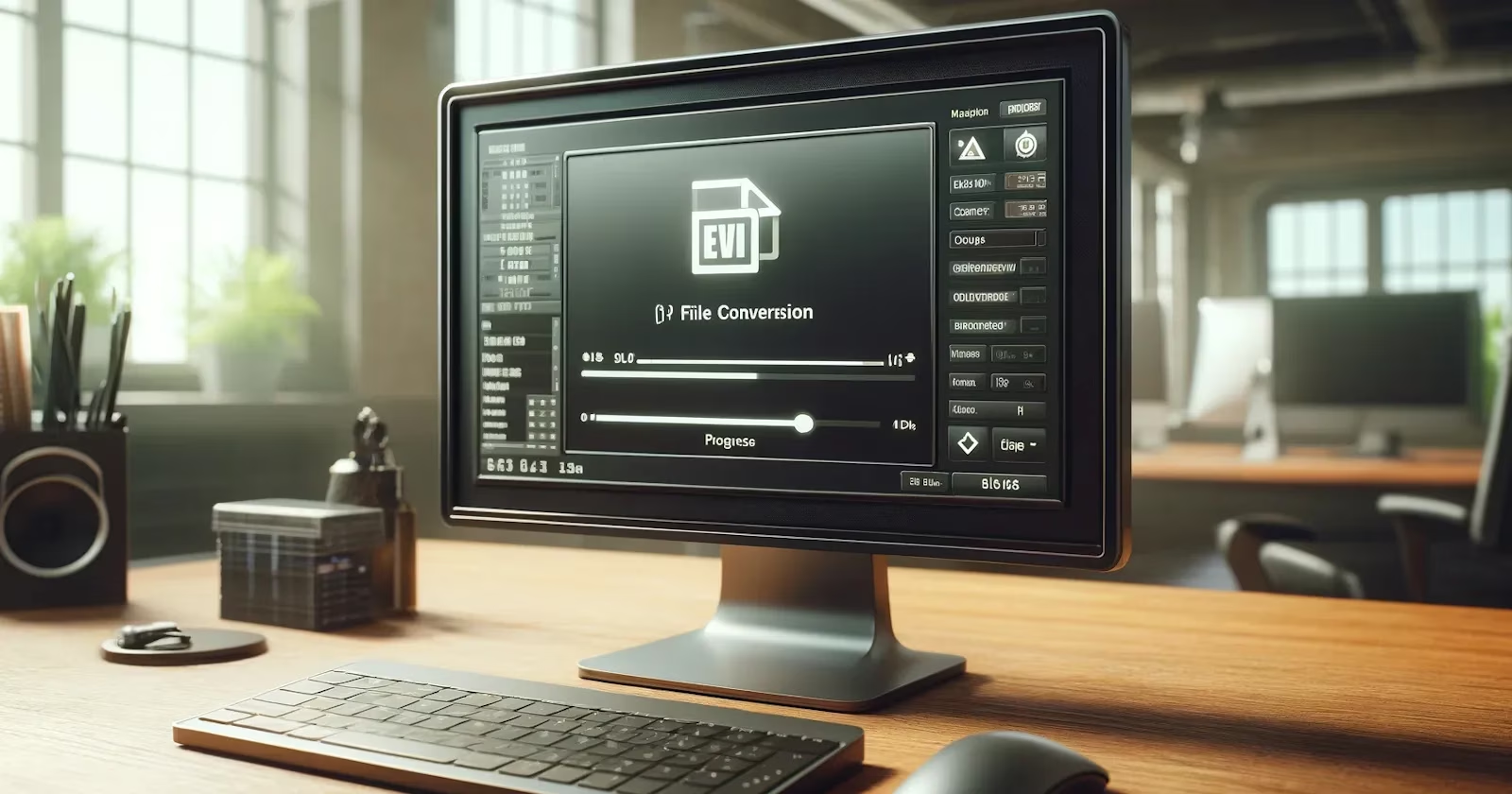
The quiet rebellion against WebP isn’t driven by some shadowy consortium of PNG loyalists. According to a moderator on the official OpenAI Discord — a comment that first surfaced in a 2024 Reddit thread and remains the closest thing to an official explanation — the cause is mundane: a backend bug that simply never got patched. Like a faint, permanent smudge on an otherwise pristine telescope lens, this glitch obscures what should be a seamless experience. OpenAI has not issued any formal statement in the two years since, nor has it added a toggle for preferred download format. The silence has only deepened users’ reliance on third‑party solutions.
Why does the format matter so much? WebP files are smaller and perfectly suited for web use, but they stumble when inserted into presentations, printed, or shared via channels that still expect JPEG or PNG. It’s akin to being handed a delicate porcelain vase but discovering it has no base to stand on — the object is beautiful, yet it refuses to fit into the expected places. For graphic designers, educators, and casual creators alike, the extra conversion step has become an unwelcome part of the AI art workflow.
Thankfully, the remedy remains straightforward, and the tools have only matured since 2024. Here is how to reclaim your PNG or JPEG in just a few clicks in 2026:
🛠️ How to Convert DALL‑E 3’s WebP Files
-
Visit a reliable online converter — Cloud Convert is still a popular choice. It works without registration, handles batches, and offers fine control over output quality.
-
Upload your WebP by clicking “Select File” and browsing to your DALL‑E 3 download folder.
-
Choose the target format — either PNG for lossless quality or JPEG for wider compatibility. Use the spanner icon to push compression quality to 100% to avoid artifacts.
-
Hit “Convert” and let the engine do its work. Most conversions finish in seconds.
-
Download the fresh file and use it anywhere, from PowerPoint slides to print‑on‑demand mugs.
Think of Cloud Convert as a digital Swiss Army knife — compact, versatile, and ready to slice through format barriers without denting your hard drive. For sensitive work, however, you might prefer an offline tool. Desktop applications like XnConvert and mobile apps such as WebP Converter (available on Android and iOS) perform the same task without sending files to a remote server. Even Windows’ built‑in Paint app now saves opened WebP images as PNG or JPEG as of the 2025 feature update, a quiet but welcome improvement that reduces friction slightly.
| Tool | Platform | Offline? | Key Benefit |
|---|---|---|---|
| Cloud Convert | Web | No | Batch processing, high quality |
| XnConvert | Windows/macOS | Yes | Bulk operations, metadata control |
| WebP Converter (App) | Android/iOS | Yes | Quick on‑device conversion |
| MS Paint (Windows 11) | Windows | Yes | No additional install |
Should you struggle simply to view a WebP on Windows, a one‑time codec installation from the Microsoft Store or enabling the built‑in support in legacy mode (still an occasional quirk in 2026) will let thumbnails appear.
The persistence of this issue is a curious footnote in the AI revolution — a minor but symbolic reminder that even the most advanced systems can trip over the simplest of details, like a maestro who forgets to tune a single string. While there is no indication that OpenAI plans to restore PNG/JPEG as the default download format, the ecosystem of converters has grown robust enough to render the problem little more than an extra click. Until DALL‑E 4 arrives with a fix — or until a fresh wave of user outcry forces a change — knowing how to transform a WebP into a universally accepted format remains an essential skill for anyone who creates with AI.
Comments