 AIImageInsight
In the digital realm where pixels often blur the lines of memory and artistry, the promise of AI upscalers glimmers like a beacon. They offer restoration, a chance to breathe new life into faded snapshots and low-resolution fragments of time. Yet, as the year 2025 unfolds, not all who promise clarity deliver it without a hidden cost. The journey through eight such tools reveals a landscape of varying fidelity, generosity, and compromise, where the true victor emerges not merely from technical prowess, but from the harmony of accessibility and result.
Let’s Enhance: Polished Facade, Watermarked Reality
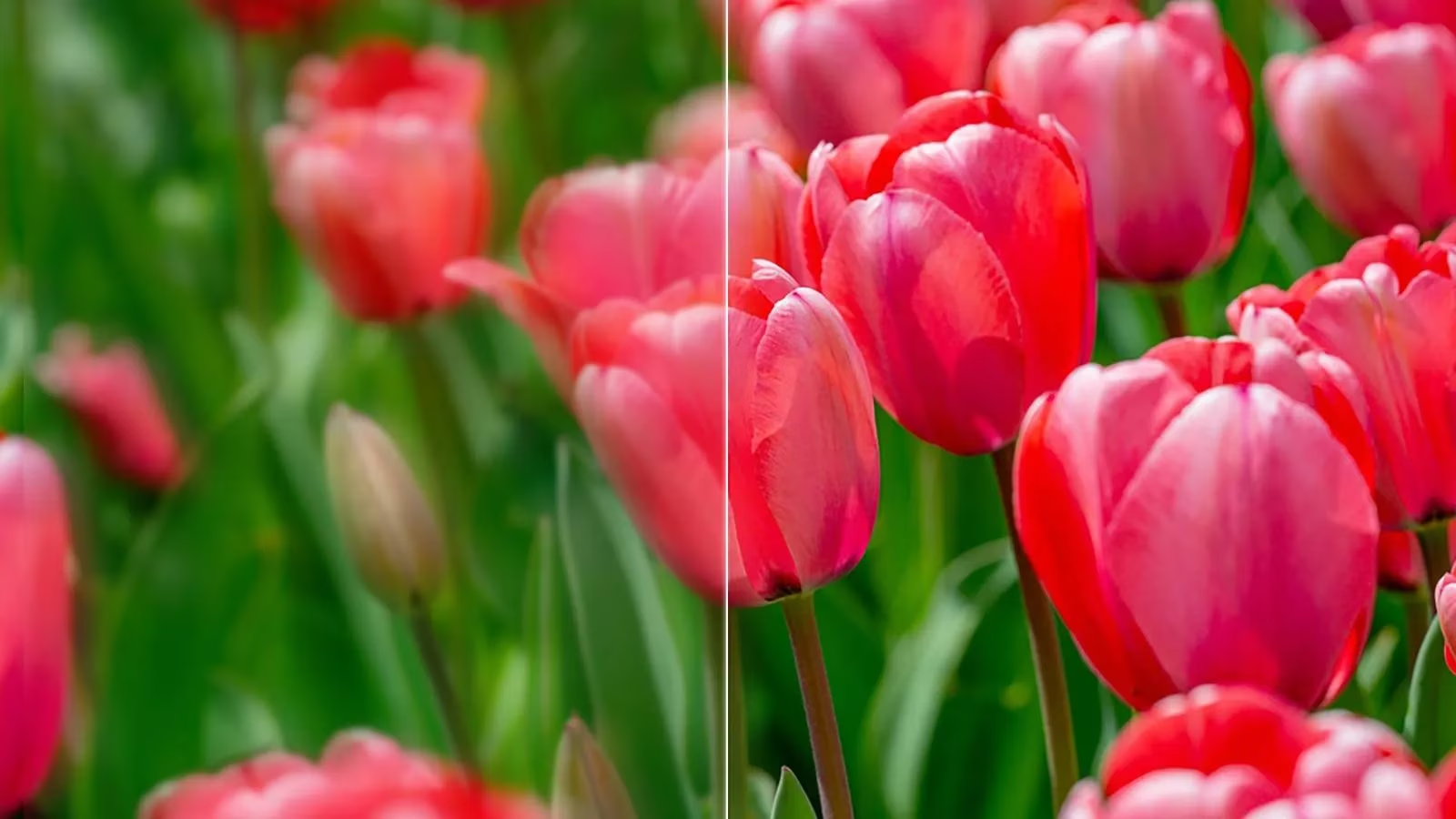
Its interface whispers sophistication, a sleek portal suggesting effortless transformation. Users glide through: upload, select an upscale level or trust the auto-magic, perhaps choose a stylistic guise like 'Old photo'. The algorithm performs admirably, sharpening edges and quieting noise without veering into artificial excess. A low-res portrait finds respectful refinement. Yet, the celebration is muted. Ten free monthly credits arrive shackled to a visible watermark—not centrally imposed, but conspicuous enough to taint casual sharing. For many, this spectral brand renders the tool's elegance a hollow gesture.
Upscale.media: Lean Efficiency, Unmarked Generosity
Stripped bare of unnecessary ornament, this tool embodies functional grace. An uncluttered canvas presents only essentials: upload, choose upscale magnitude (surprisingly up to 8×), and execute. Two free daily upscales suffice for fleeting needs or swift corrections. Crucially, the results emerge pristine, unmarred by watermarks—a rare boon.
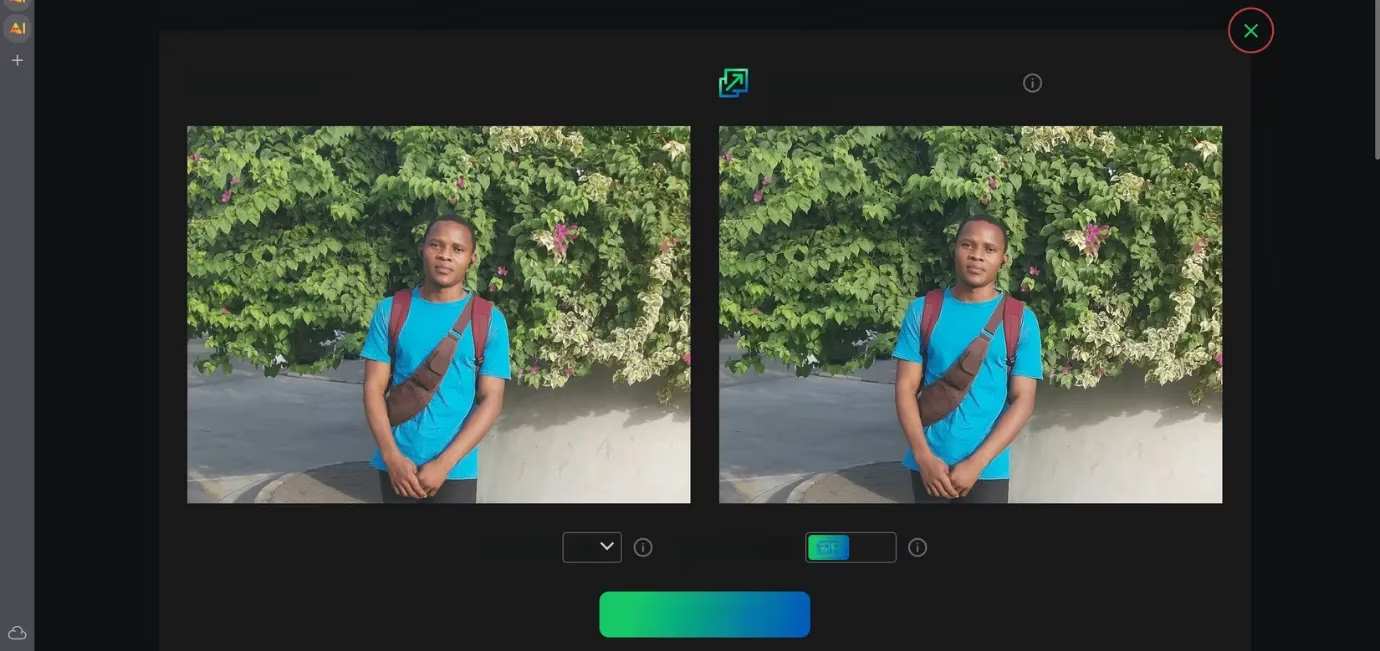
Testing revealed its strength: a 4× upscale breathed sharpness into a portrait, enhancing details while preserving color truth and avoiding the plasticky veneer plaguing lesser tools. Yet, ambition faltered at 8×; fine textures like hair strands or intricate backgrounds sometimes surrendered to excessive smoothing, a common pitfall where artificial intelligence sacrifices nuance for perceived cleanliness.
VanceAI: Focused Tools, Credit Conundrums
Clarity defines its purpose, offering three core instruments: Enlarge, Sharpen, Denoise. Minimal input is demanded. Upload, select scale (free plan permits 8×), and witness the transformation. Applied to the same portrait, VanceAI revealed subtle strength. Facial structures held integrity, skin avoided unnatural waxiness, and eyes and hair gained definition. The improvement, while not revolutionary, proved meaningful for human subjects.
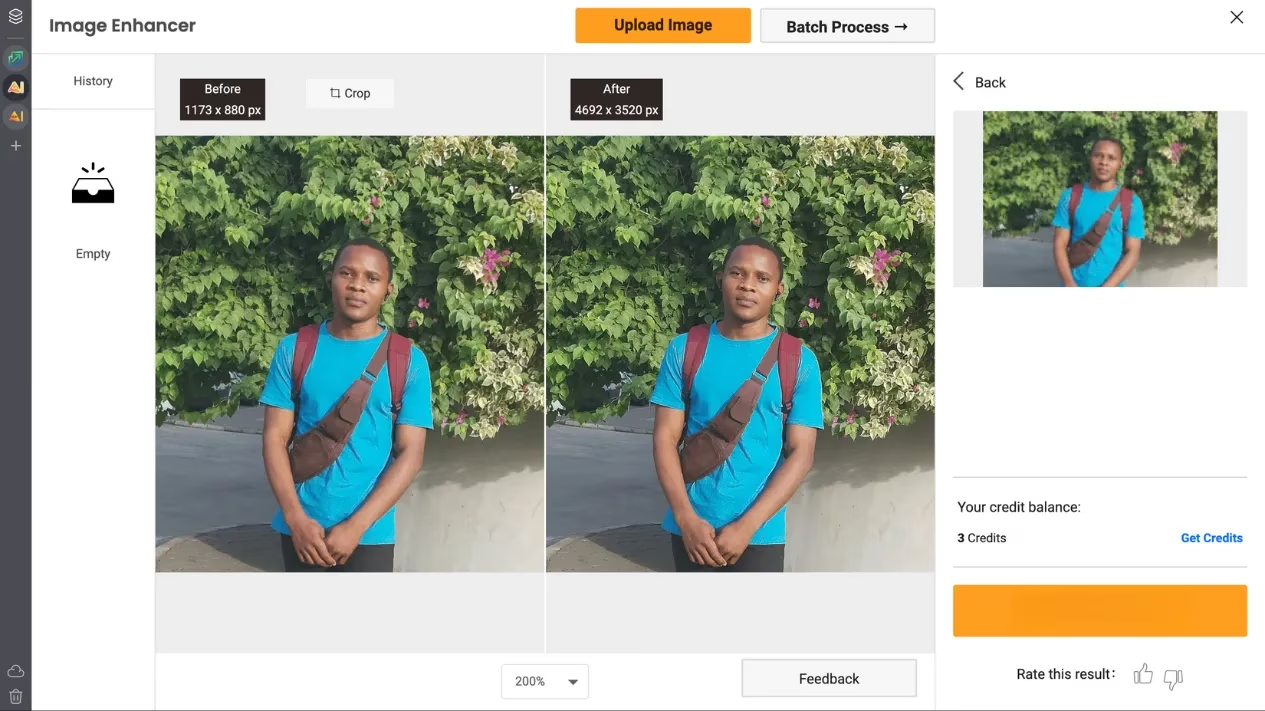
However, its generosity is constrained. Five free generation credits allow processing five images. Downloading these without a watermark consumes separate 'watermark-free download credits'—only three are granted. Beyond this, the specter of branding reappears, a reminder that true freedom lies behind a paywall.
BigJPG: The Unassuming Relic
Time seems to have brushed past its interface, leaving a design echoing an earlier digital era. Its aesthetic feels more akin to a forgotten browser extension than a cutting-edge 2025 AI marvel. Yet, beneath this dated veneer, capability resides. Free limits remain undefined; five images sailed through unhindered, emerging watermark-free—a generosity exceeding many contemporaries.
| Feature | BigJPG Free Offering |
|---|---|
| Watermark | ❌ None |
| Clear Limits | ❌ Undefined |
| Tested Usage | ✅ 5+ images processed |
Its results, however, dwell in mediocrity. Competence was shown, no images were ruined, but neither was wonder invoked. It performed adequately, a testament to function over form, yet failed to inspire.
Icons8 Smart Upscaler: Simplicity Bound
Ease radiates from its core. Upload, and it automatically doubles resolution. No sliders, no complex choices. Yet, this simplicity is a cage. The free tier grants merely three demos, forever locked at 2× magnification. For deeply low-res sources, 2× often feels like a whisper of improvement, barely softening pixelation's harsh edge.
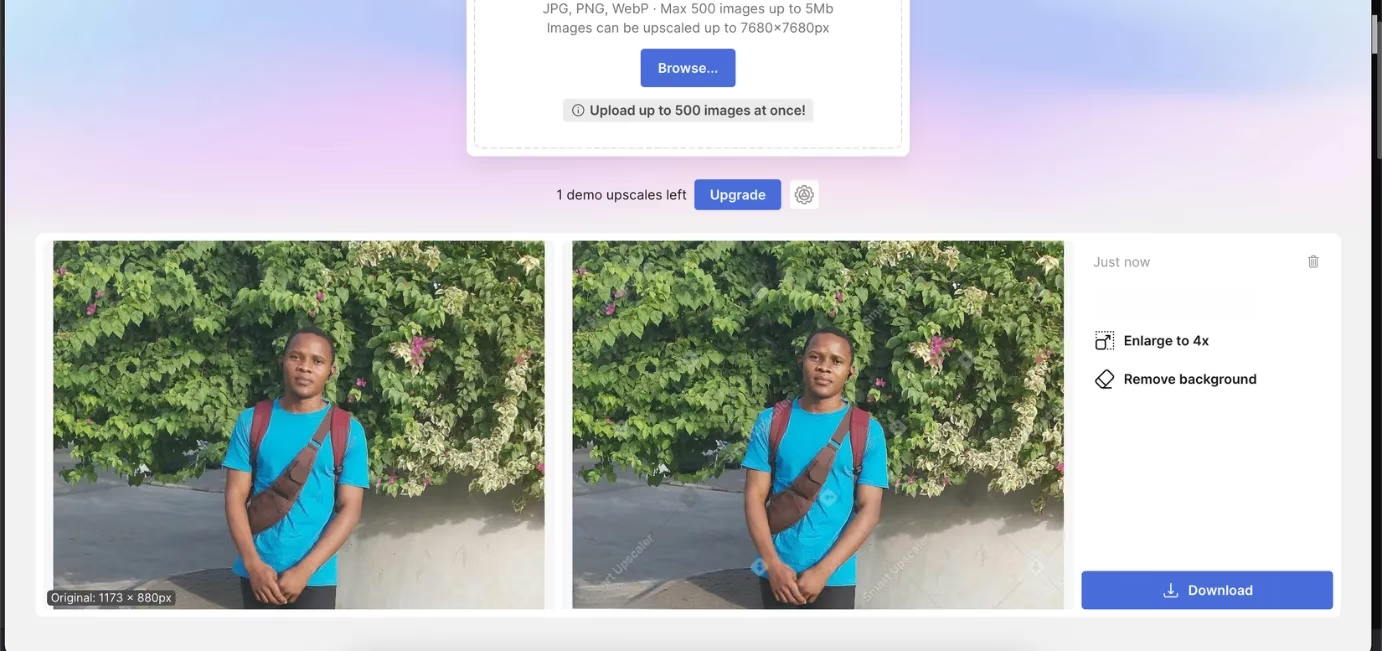
The outcome, as comparisons reveal, can be minimal. Worse, the upscaled image is defaced by an intrusive, centrally-placed watermark, a barrier rendering the tool impractical for most needs.
Img.Upscaler: Generous Credits, Middling Results
Twenty free upscales immediately elevate it above rivals offering mere crumbs. Functionality is straightforward: upload, choose 200% or 400%, and proceed. The interface whispers of yesteryear but functions. Tested on the recurring portrait, it settled firmly in the middle ground. Edges cleaned, sharpness increased at 2×, and 4× avoided catastrophic failure. Yet, the telltale flaw emerged: facial features, especially eyes and skin, acquired an unnatural, glossy smoothness—a synthetic sheen betraying the AI's heavy hand.
"This oversmoothing," observes the digital wanderer, "remains the bane of one-click enhancers, trading authentic detail for sterile technicality."
Despite this, its combination of ample free credits and passable quality earns it a place in the toolkit, particularly for batches where perfection is secondary.
Canva: The Hidden Champion (with Detours)
Nestled within its broader design ecosystem, Canva's AI upscaler emerges as the qualitative pinnacle. Free 8× upscaling delivers results of remarkable sharpness and detail, devoid of watermarks. The portrait test yielded the most natural, detailed, and lifelike enhancement of all.
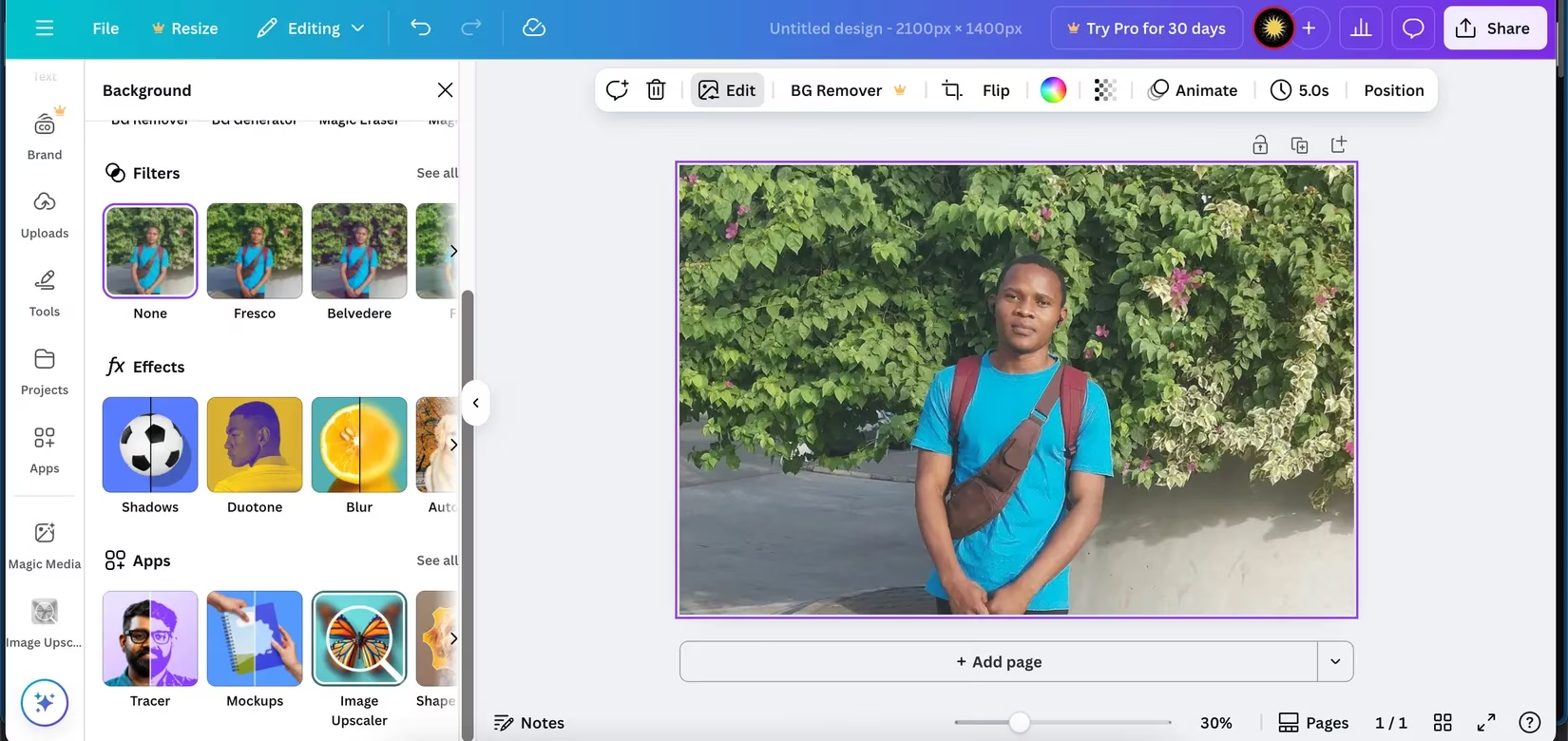
Victory, however, demands navigation. It is not a simple upload-download sprint. One must: open a Canva design, add the image, select 'Image Upscaler' from the edit menu, apply the effect, and finally, download the entire design. For existing Canva denizens, this is a minor pilgrimage. For seekers of instant gratification, it's a labyrinth too complex. Quality reigns supreme, but convenience is the sacrifice laid upon its altar.
ImgLarger: The Pragmatic Victor
Modesty defines its appearance and ambition. Yet, it offers a staggering boon: 100 free credits each month. This abundance, dwarfing the paltry offerings elsewhere, makes it profoundly practical for casual restorations or sustained projects. Usage is effortless: upscale 200% or 400% without even logging in, with swift processing.
Results mirror its pragmatic nature. The tested portrait gained sharpness, facial integrity remained, yet it leaned towards smoothing—skin softened beyond its original truth. While falling short of Canva's natural brilliance, the drop is slight. Crucially, there are no watermark traps or fractured credit systems; 100 credits mean 100 usable, unmarked downloads.
The Verdict: Harmony Over Hype
In 2025's constellation of free AI upscalers, two stars burn brightest, serving different celestial needs:
-
ImgLarger 🌟: For the seeker of balance and abundance. One hundred monthly free credits provide unparalleled freedom for regular use. While its output shows gentle smoothing, the quality remains robust and entirely usable, delivered without watermarks or complex rituals. It is the pragmatic heart's choice.
-
Canva 🏆: For the artisan demanding peak fidelity. Its 8× upscaling produces the most naturally detailed, artifact-free results, freely and without branding. But this quality demands passage through Canva's design realm—a journey too cumbersome for those desiring instantaneity.
Upscale.media and VanceAI offer respectable alternatives for specific, limited needs, while others falter under restrictive credits, intrusive watermarks, or underwhelming output. The quest for clarity, it seems, finds its most reliable answers not in fleeting perfection, but in sustainable, accessible grace.
Comments