 AIImageInsight
After trying every AI tool promising perfect background removal and replacement, the results often felt like a digital cut-and-paste disaster. 🫣 Many left images looking awkwardly pasted, with mismatched lighting and colors that screamed "fake." But the search ended with a tool that finally delivered on its promise, producing results polished enough to proudly put your name on. That tool is Canva's BG Generator, and it's become an indispensable part of the creative workflow.
For years, Canva has been democratizing design with its intuitive platform. While options like Photoleap exist for AI editing, Canva's seamless integration and user-friendly approach make it a standout choice. Even as a seasoned Photoshop user, the free version of Canva has carved out a crucial space, especially for quick, high-quality edits. The recent addition of the BG Generator and its Relight feature was a game-changer, solving the very problems other AI tools consistently get wrong.
✨ How to Use Canva's BG Generator: A Simple Guide
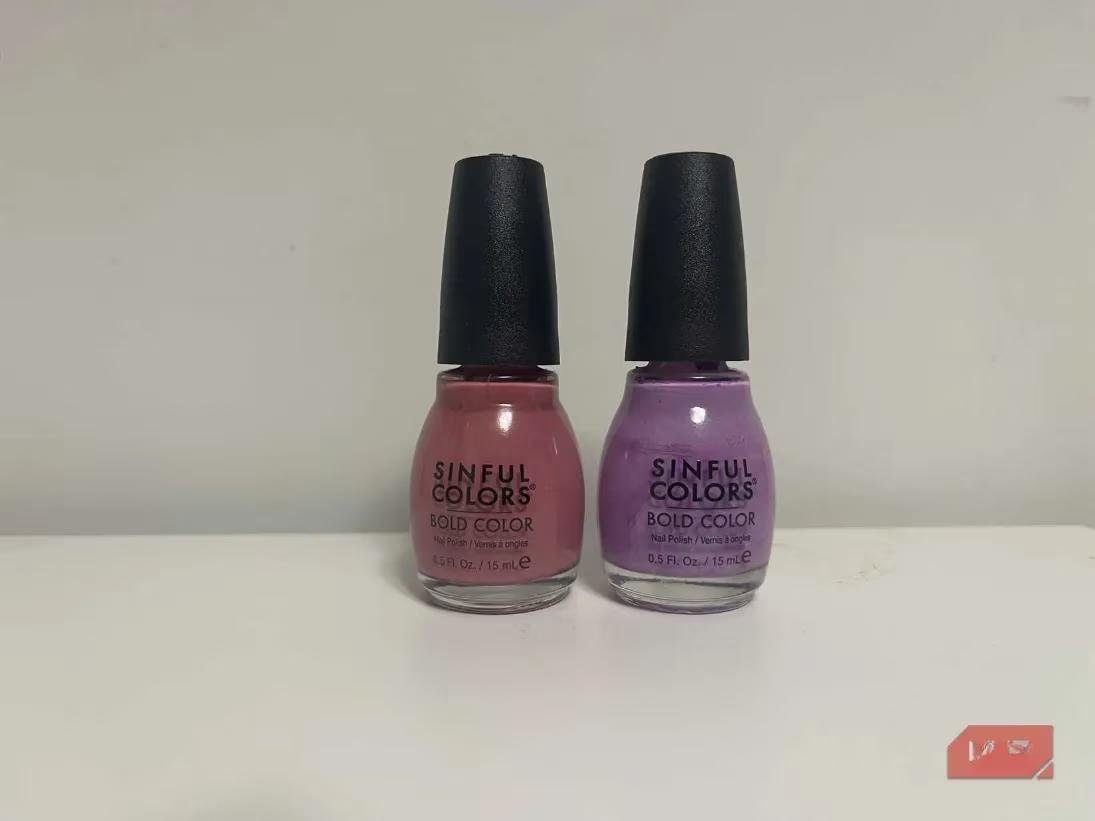
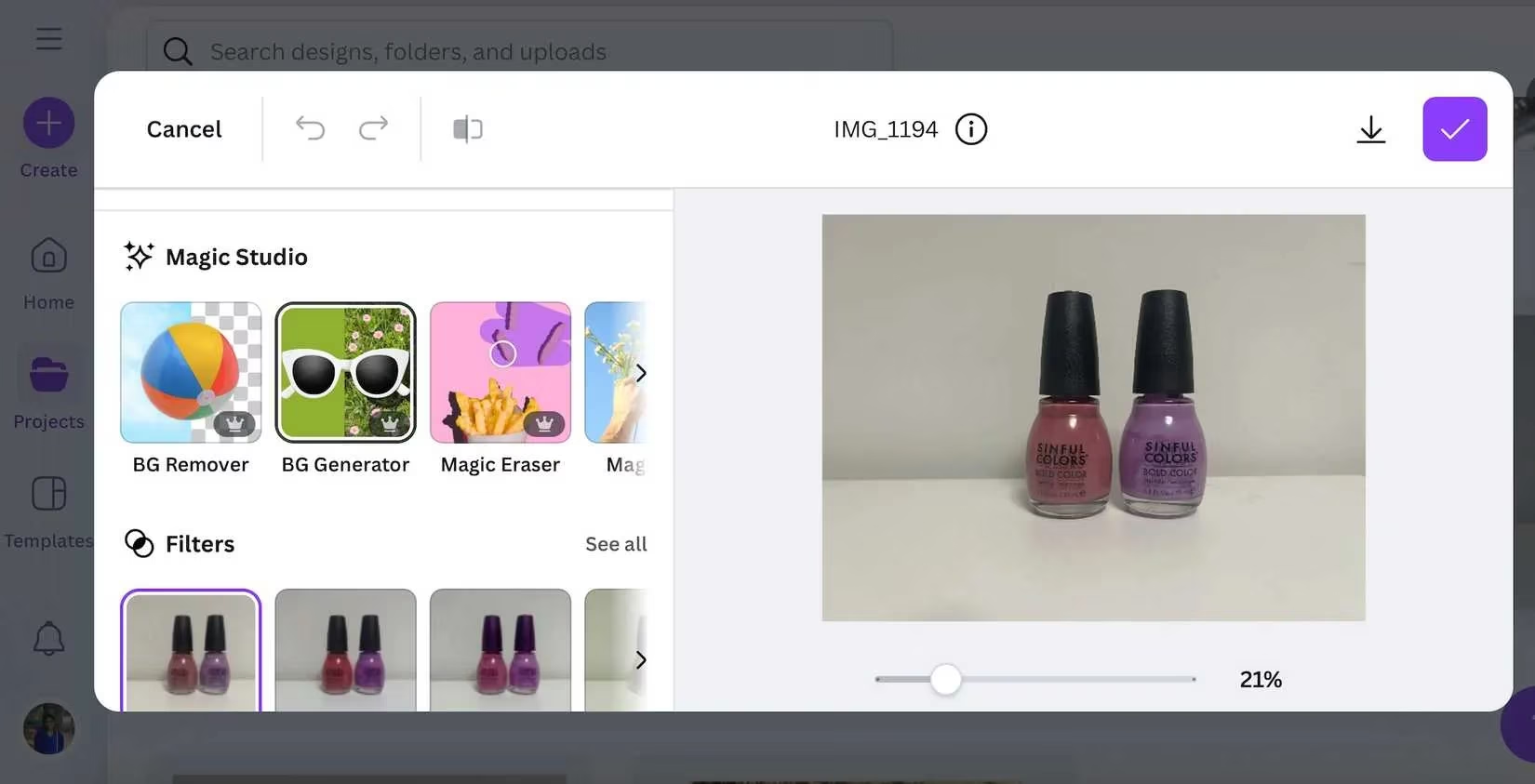
Getting started is a breeze. Upload your photo, head to the Edit section, and click on BG Generator. You'll add a text prompt describing your desired background. The key is specificity! 🎯 For example, "a minimalist marble tabletop" yields better results than just "table." However, avoid overloading your prompt with too many elements; the AI might ignore some. The tool works best with subjects on a clean, simple background (like white) for a clean cut-out.
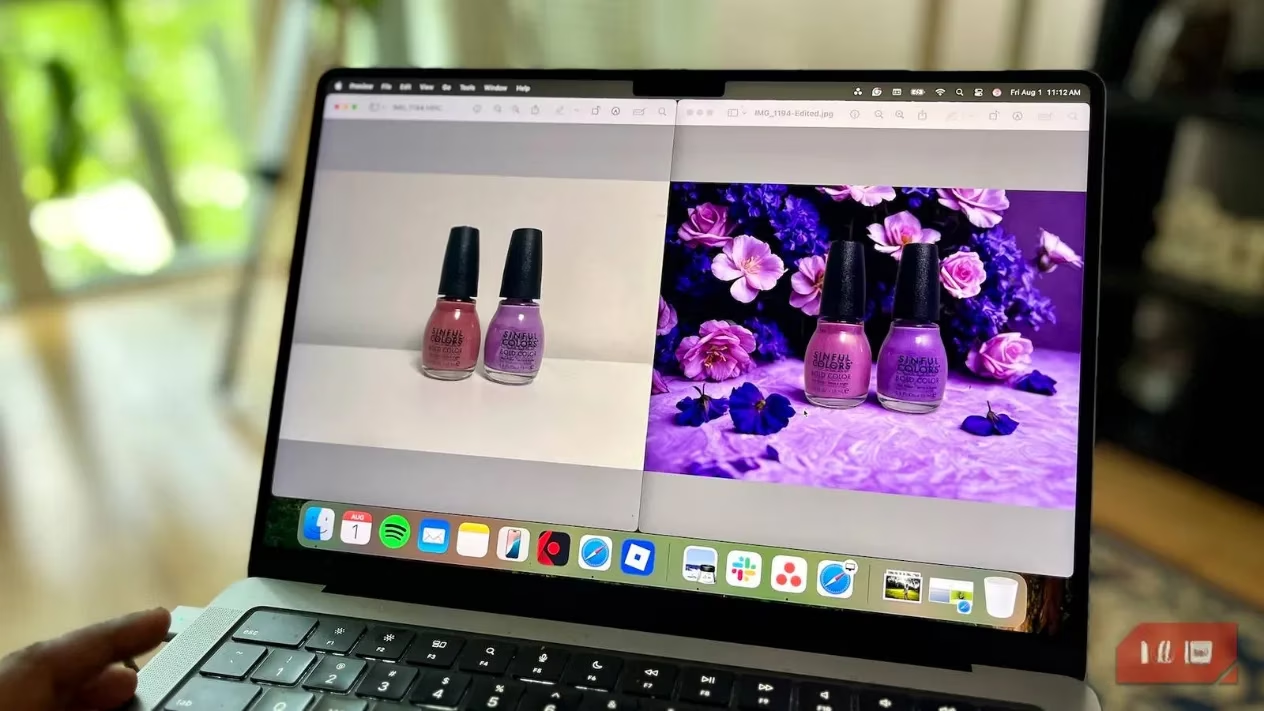
🌟 The Magic of Relight: From Flat to Fantastic
This is the feature that truly sets Canva apart. Most AI generators simply plop a subject onto a new background, creating a flat, disjointed look. Canva's Relight feature analyzes the new background's lighting and intelligently applies highlights and shadows to your subject, adding crucial depth and realism.
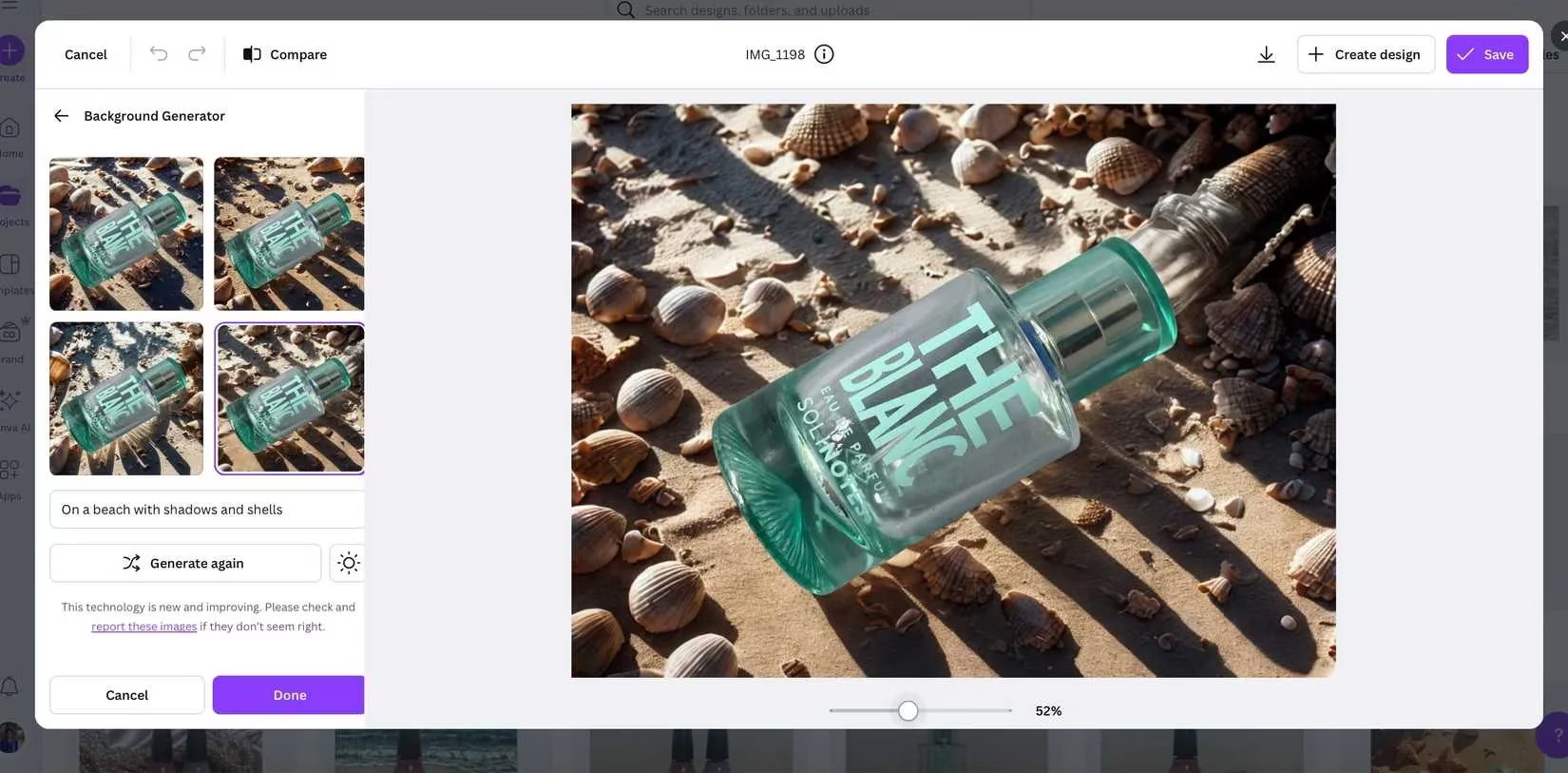
A perfect example is a perfume bottle. When placed on a sunny beach background without relight, the bottle appears too white and artificially pasted.
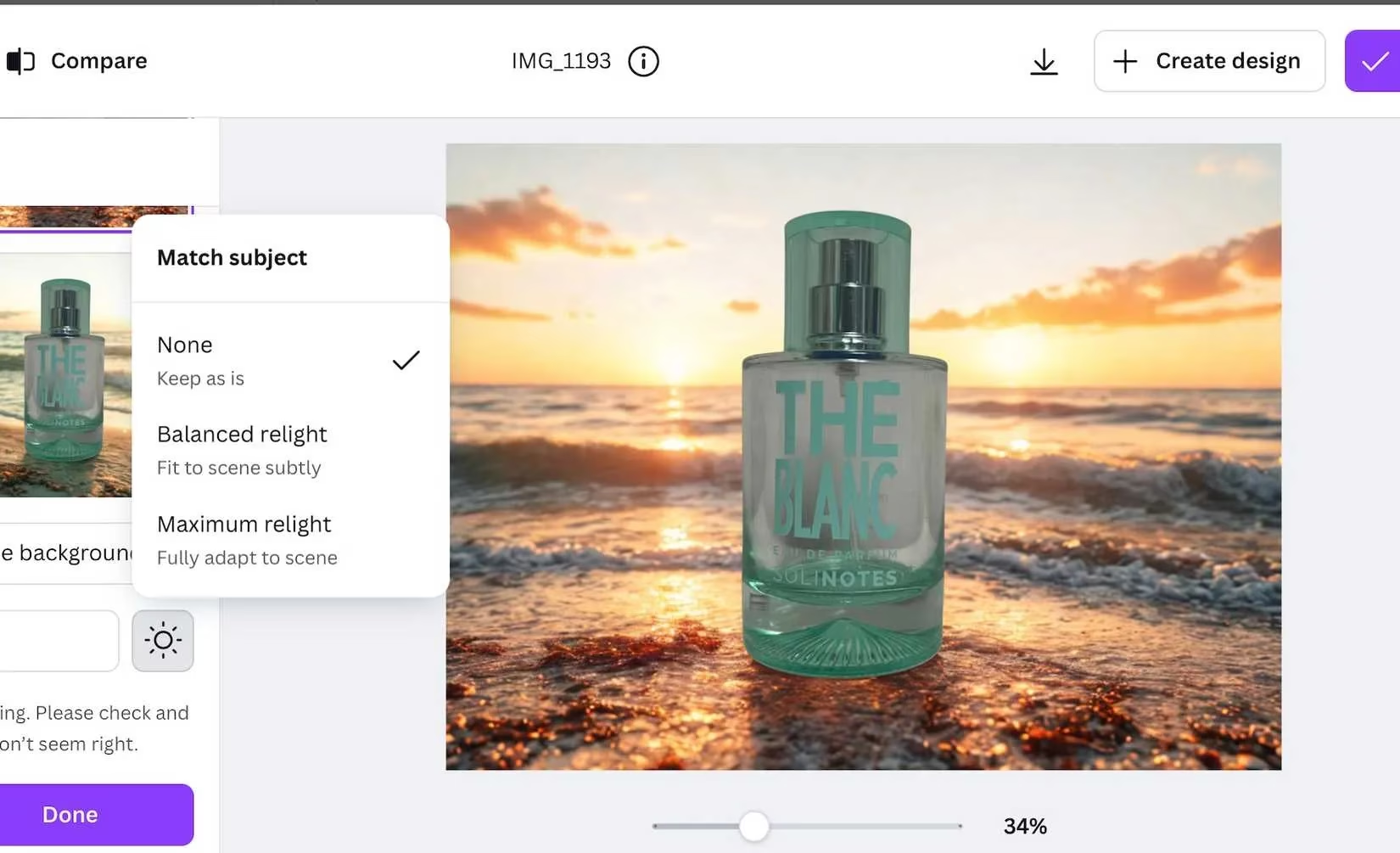
Activating Balanced Relight works magic, adding a gentle, warm tone that makes the bottle look like it's genuinely sitting in that golden sunlight.
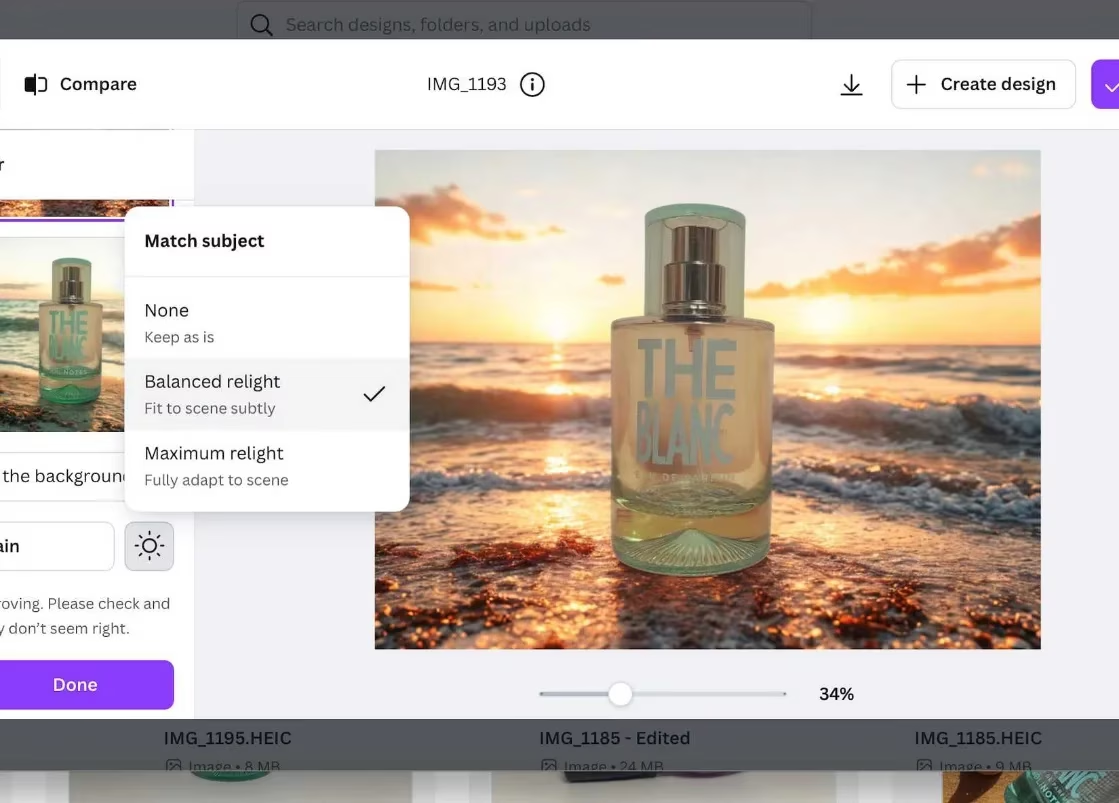
The tool offers two settings:
-
Balanced Relight: Ideal for most situations, subtly adjusting tones for natural blending.
-
Maximum Relight: Best for extreme lighting contrasts in your new background.
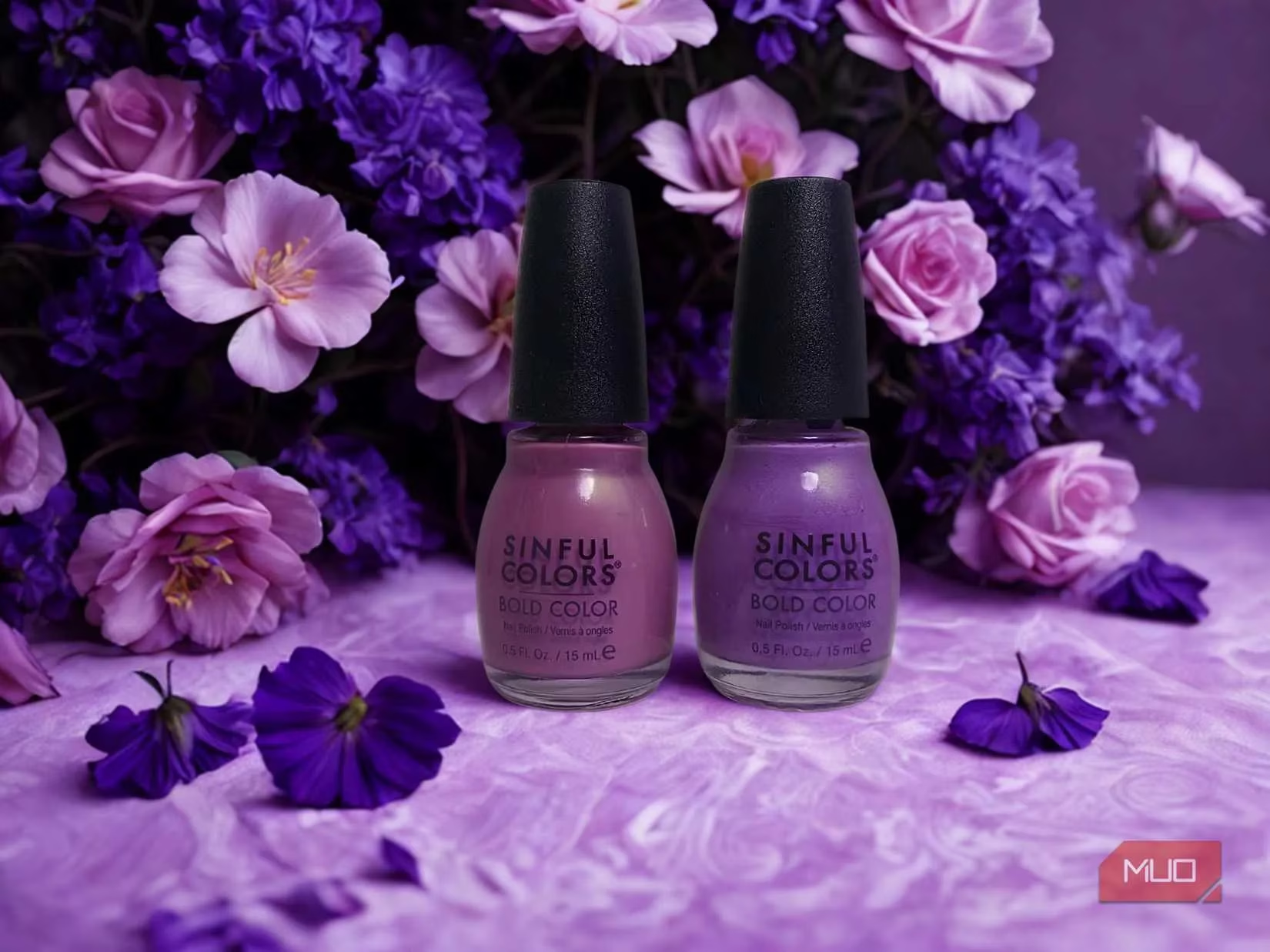
The color matching, especially for white balance, is impressively accurate—a common stumbling block for other AI tools. The relight feature also excelled with a lush rainforest background, where a subtle green tint made the subject feel organically part of the scene.
🛍️ Who is This Tool For? (Spoiler: Almost Everyone!)
Small Business Owners & Entrepreneurs: This is a dream tool. No need for expensive professional photoshoots with studio lights and props costing hundreds or thousands of dollars. 🚫 You can create stunning, varied product photos for your online store without being stuck with plain white backgrounds. It empowers you to tell a visual story.
Interior Designers & Creatives: Visualize furniture in different settings instantly. A round dining table can be placed in a modern loft or a cozy farmhouse with a click, helping clients imagine the final look.
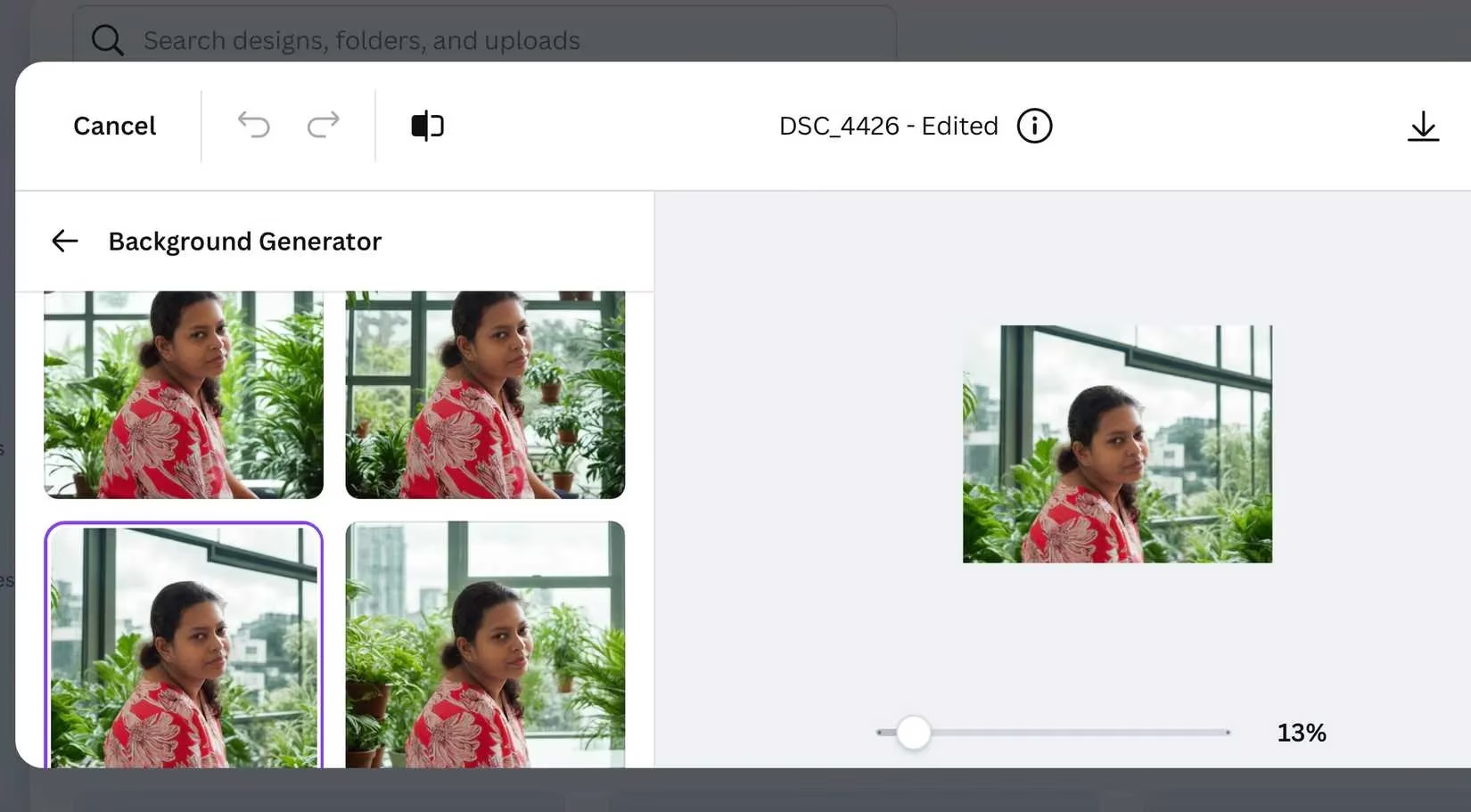
Photographers & Content Creators: Beyond products, the tool works wonders on portraits. It adeptly adjusts highlights and shadows on faces, making it perfect for creating professional corporate headshots or engaging lifestyle portraits without a studio.
⚠️ Room for Growth: The Current Limitations
No tool is perfect, and being honest about its limits helps users get the best results. Canva's BG Generator has a few areas where it stumbles.
-
Shadow Struggles: 🤔 This is the biggest challenge. Generated shadows often look unnatural—too soft, in the wrong direction, or missing entirely. There's currently no way to manually adjust shadow direction, length, or opacity, which some competitors offer.
-
Multiple Subjects & Complex Backgrounds: The tool works best with a single, clear subject. Images with multiple items, especially at different focus points (like a foreground and blurry background object), can cause blending issues. For instance, an earring in the background might not integrate seamlessly.
-
Lack of Composition Control: Once the background is generated, you can't easily reposition or resize it relative to your subject. A close-up product might dominate the scene with no way to zoom out the background for better proportion. A simple resize/move feature would give creators much more control.
-
Relight Granularity: The two-tiered (Balanced/Maximum) Relight system is great, but a slider for fine-tuning the intensity would be a welcome upgrade for perfectionists.
💡 Pro Tips for Best Results in 2026
-
Start Clean: Use photos with your subject on a plain, high-contrast background for the cleanest AI cut-out.
-
Prompt Precisely: Use descriptive, concise language. "Sunset over lavender fields" beats "pretty background."
-
Embrace Relight: Almost always use the Balanced Relight option. It's the secret sauce for believable integration.
-
Mind the Reflections: The tool can't remove existing reflections from your original photo (like a sofa reflection in a glass bottle). Shoot with that in mind.
Despite its quirks, Canva's BG Generator is a powerful, accessible tool that delivers where others fail. Its intelligent Relight feature and strong color matching solve the core problems of AI background replacement. For small businesses, creatives, and anyone looking to elevate their visual content without a massive budget or steep learning curve, this tool is a resounding yes. 👍 The potential to streamline workflows and produce professional-looking imagery is immense. If you're on the fence, the free trial is the best way to witness its magic firsthand and transform your photos from ordinary to extraordinary.
Comments