 AIImageInsight
In the quiet studio of a digital creator, the screen glows not with the harsh light of a blank page, but with the gentle promise of a seed. The text prompt is sown, and from the fertile ground of artificial intelligence, a shape begins to unfurl—a line that knows no end, a color that holds no pixel. This is the new dawn of vector creation, where the artist converses with the machine, and the machine replies in the pure, mathematical poetry of infinitely scalable form. The landscape of 2026 is dotted with such tools, each promising to translate human intent into pristine, editable geometry, but like a forest of trees grown from different seeds, their fruits vary in taste, texture, and true substance.
The Master's Atelier: Adobe Illustrator's Text-to-Vector
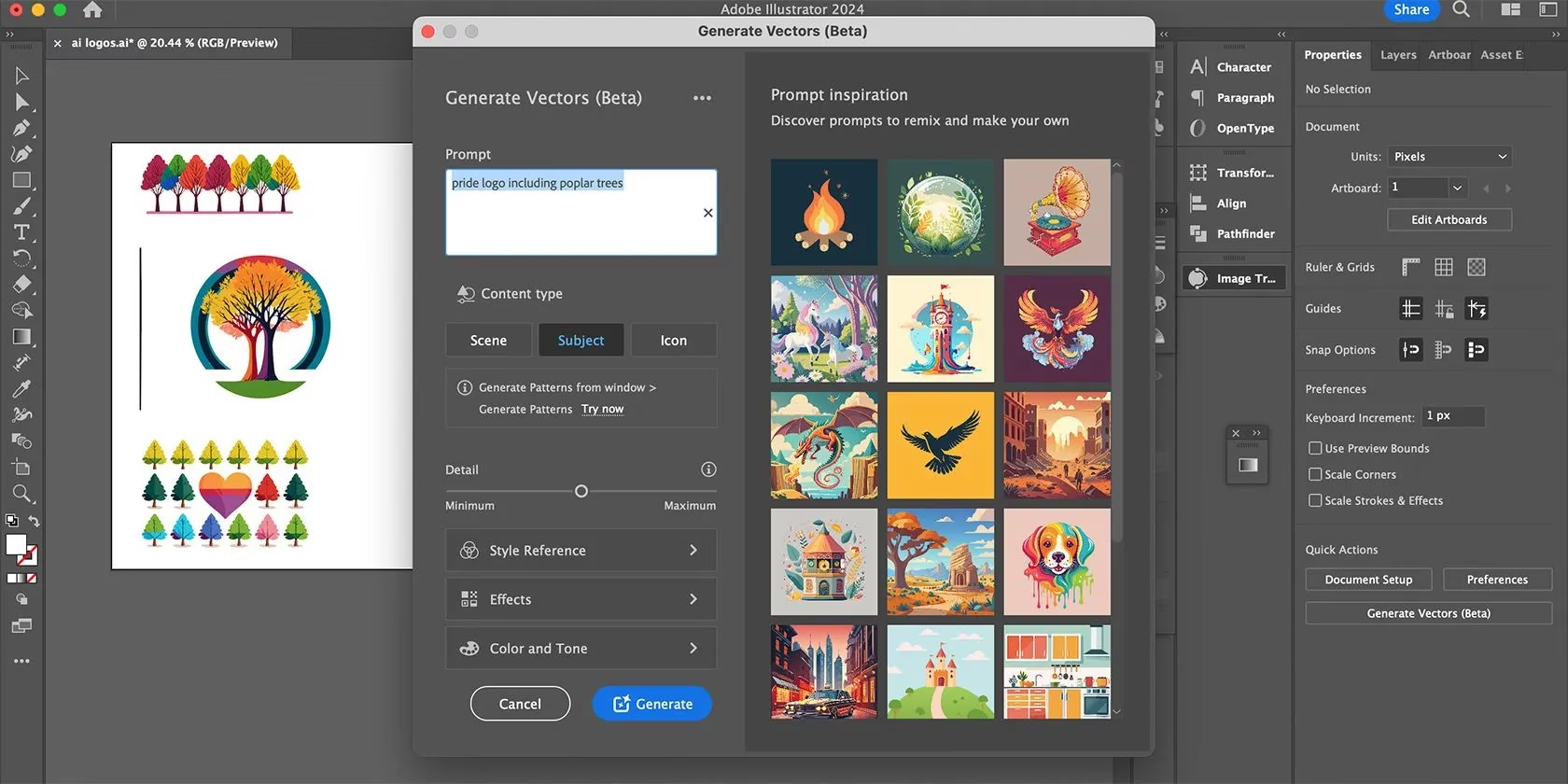
When Adobe wove the threads of its Firefly AI into the familiar loom of Illustrator, it crafted what many consider the master's atelier. Here, the generative tool is not a separate entity but an extension of the artist's own hand. A prompt blossoms into three or four variations in seconds, each born not as a mere image but as a true vector soul—infinitely scalable, its colors mutable with the Recolor tool, its every anchor point and Bezier curve as editable as if drawn from a lifetime of practice. It operates like a master glassblower, where the initial breath of the prompt is shaped and reheated within the same, controlled environment, never needing to be passed to another's furnace. There is no need for third-party reforging; the entire symphony of creation, from conception to final composition, plays out within Illustrator's hallowed halls.
The Open Garden: Recraft's Generous Loom
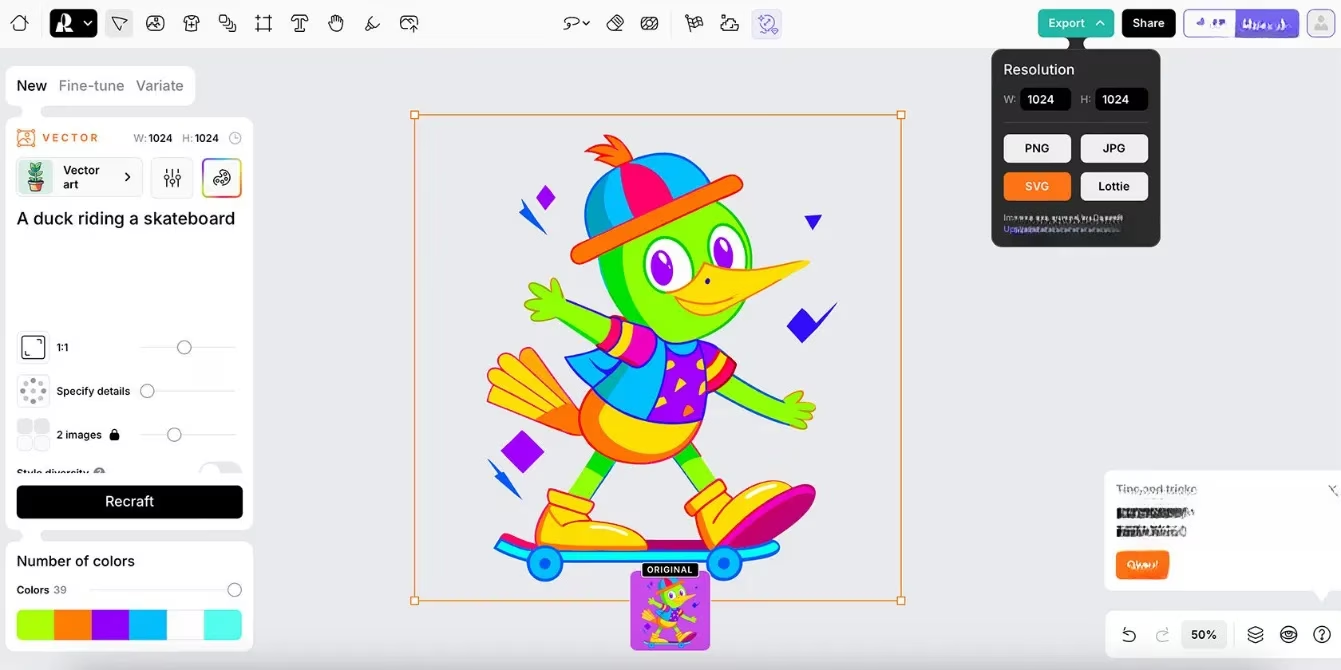
For those seeking a path unburdened by subscription, Recraft stands as a generous public garden. It is, perhaps, the most accessible gateway to genuine vector artistry. Its AI generator is not only free to use but yields exports in the sacred SVG format, the lifeblood of true vectors, and even Lottie files for those wishing to breathe motion into their creations. The vectors it produces are fully editable entities, their backgrounds removable, their lines remaining crisp as a frost-etched leaf at any magnification. The interface offers a painter's palette of controls: style selection (from vector art to lino cut), aspect ratio, a dial for prompt adherence, and even a color palette chooser. It allows the creator to whisper not only what should appear but also what must not, refining the vision. After a brief, 15-second gestation, two vectors are presented, ready to be duplicated, edited, or used as the starting point for a more precise regeneration.
The Collaborative Market: Canva's App-Based Forge
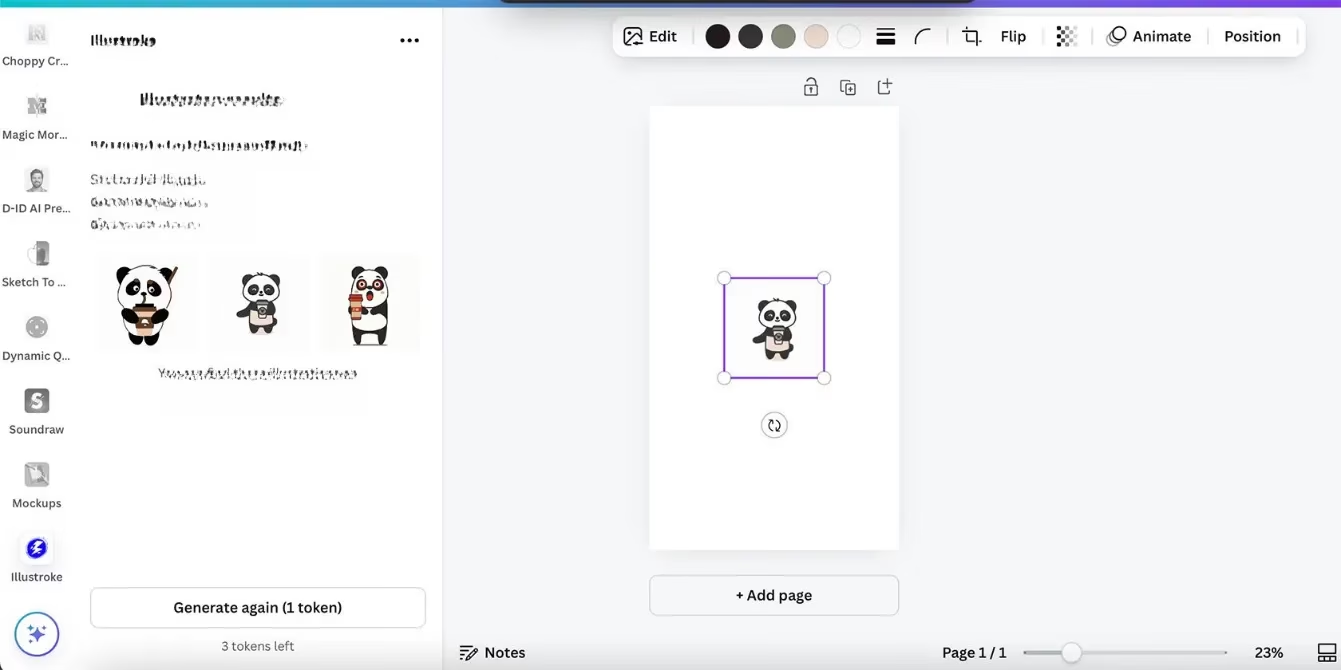
Canva approaches the craft through the lens of community and integration. Its vector generation capability is housed within the Illustroke app, a separate forge within Canva's vast marketplace. While Canva's own native Magic Media tools deal in raster images, Illustroke answers the call for vectors. Users can infuse a text prompt with a chosen art style and receive three variations. However, the experience within Canva itself can feel like receiving a beautiful, sealed crystal vase—you can admire it and change its overall hue, but you cannot reshape its form or remove the base it sits upon without a Pro subscription. For full liberation, one must journey to Illustroke's own website to download the SVG, freeing the vector to be dissected and remastered in external software. It is a two-stage process, akin to a sculptor creating a mold in a shared workshop before taking the cast to a private studio for detailed chiseling.
The Specialized Workshops: Kittl's Dual Offering
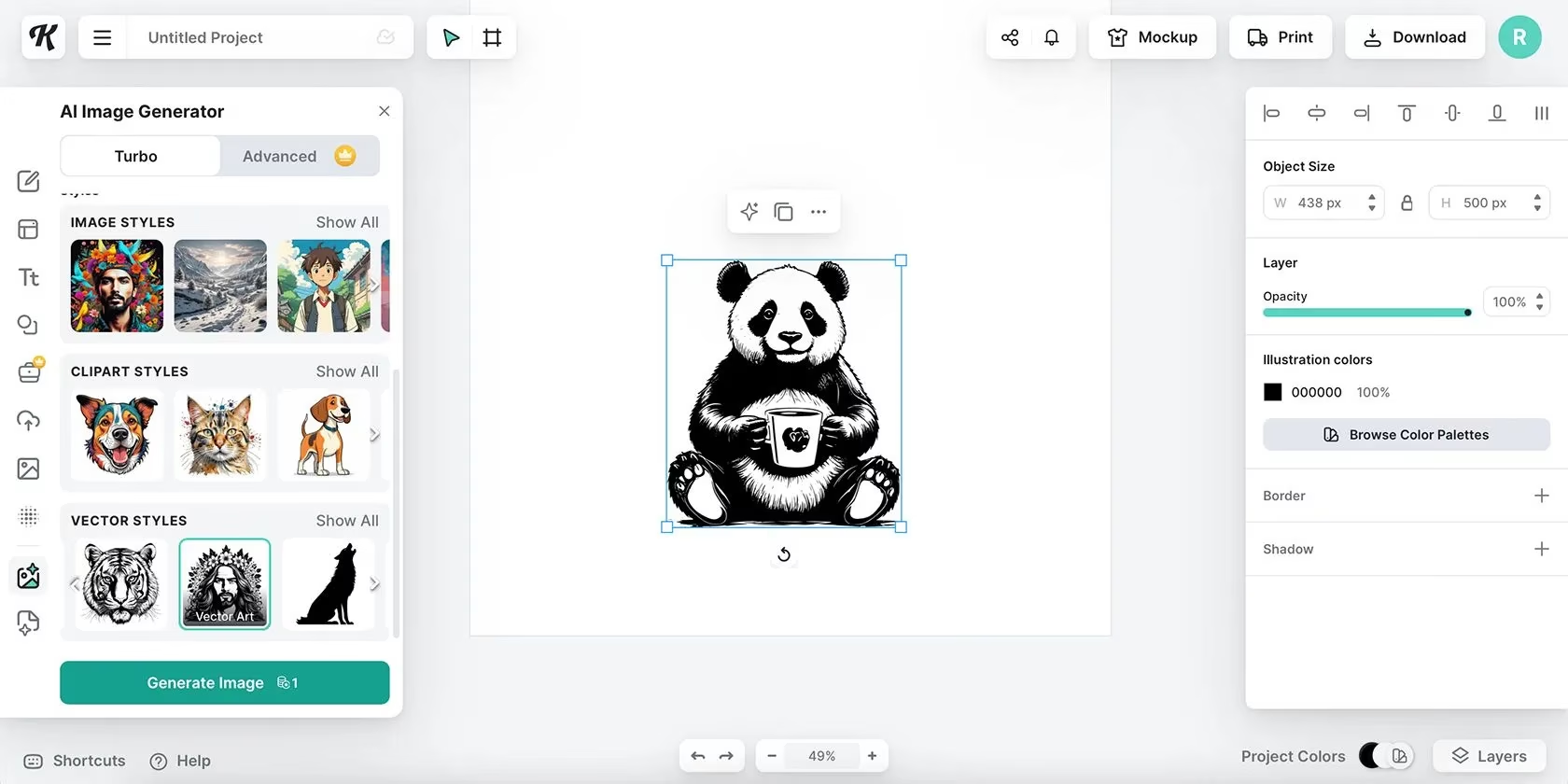
Kittl presents itself as a town with two distinct workshops. The first, its AI Image Generator, allows the selection of "Vector Styles" as an output. Yet, this often produces a facsimile of a vector—a single, monolithic color block that cannot be separated or individually manipulated, like a stained-glass window fused into a single, inseparable pane. The true vector power lies in its second workshop: the AI Logo Generator. This tool is designed with separation in mind, creating graphic elements that are editable and distinct, suitable for the precise branding work logos demand. A crucial caveat guards the exit: while free users can generate, only Pro subscribers (at $10 monthly) can download the true SVG, the key that unlocks infinite scalability.
The Premium Studio: VectorArt's Guided Canvas
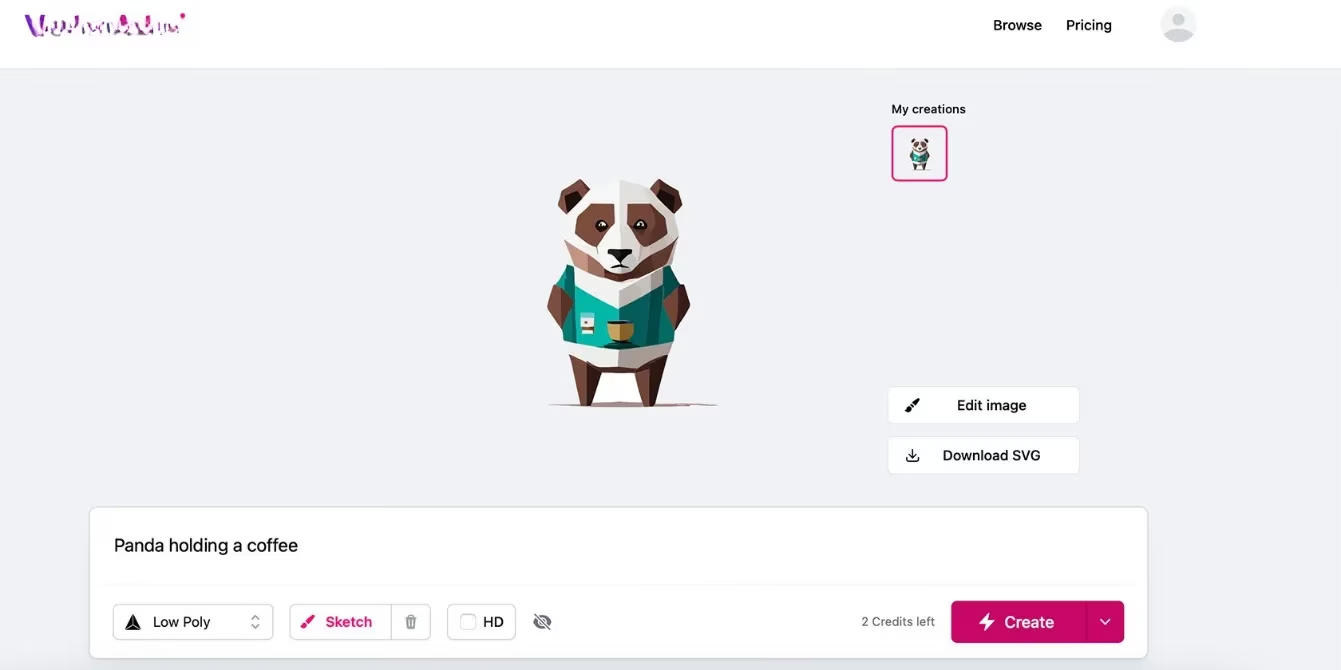
VectorArt positions itself as a premium studio, with subscriptions starting at $29 monthly. Its promise is potent: infinitely scalable vectors guided not just by text, but by reference sketches or images—a boon for those with a specific vision. It even includes a built-in editing suite, a rarity in browser-based tools, allowing for color changes and direct drawing or erasing on the generated graphic. However, the studio door is only partially open for free users; the act of downloading one's creation as an SVG—the very proof of its vector nature—requires a subscription. It is a model that offers a powerful, guided experience for those invested in the craft, ensuring output fidelity at a cost.
The Illusionist's Tent: When Vectors Are Not What They Seem
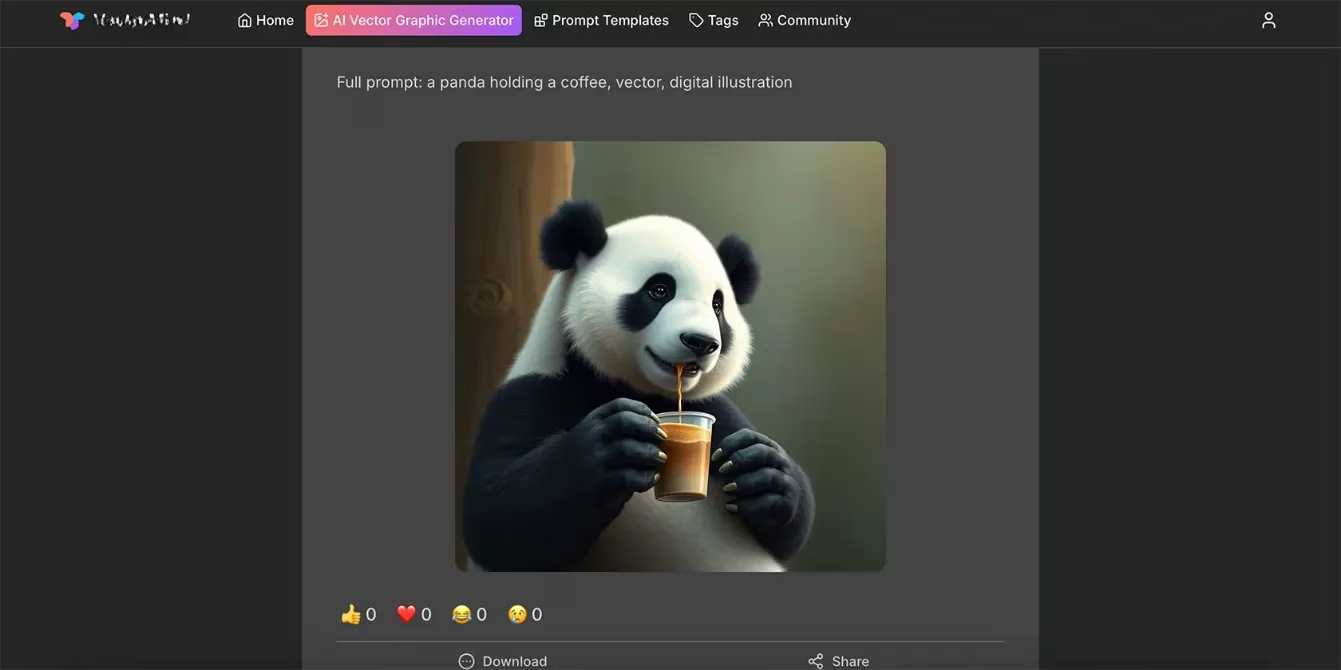
The journey is not without its mirages. Some tools, like VectorMind, claim the title of "AI Vector Graphic Generator" but deliver something else entirely. A prompt for a panda may yield a fluffy, photorealistic 3D render—a creation antithetical to the vector form, which is defined by flat colors, sharp edges, and mathematical precision, incapable of true texture or gradient. Such an output is a raster image in disguise. VectorMind's subsequent "Vectorize" button is a revealing sleight of hand; it is not an AI re-imagining but a crude, color-thresholding filter that flattens the image, often with poor aesthetic results. This experience serves as a vital lesson for the modern digital artisan: the label "vector" is not a guarantee, but a promise that must be verified.
The Weaver's Checklist: Discerning True Vector Threads in 2026
As the field evolves, the discerning creator must develop an eye for authenticity. The following markers separate true vector generators from mere illusionists:
| Feature | True Vector Generator | Vector-Style Generator / Illusion |
|---|---|---|
| Core Output | Native, editable vector paths (SVG, AI, EPS) | Raster image (PNG, JPG) or locked graphic |
| Scalability | Infinitely scalable without quality loss | Becomes pixelated or blurry when enlarged |
| Editability | Individual elements, anchor points, and colors are separable and adjustable | Graphic is a single layer; only global color changes may be possible |
| Key Download Format | SVG is available, often without heavy paywalling | SVG is unavailable, or only behind a high-tier paywall |
| Visual Hallmark | Clean, flat colors and sharp edges; simple or complex but defined shapes | May appear textured, gradient-filled, or photorealistic |
In conclusion, the world of AI vector generation in 2026 is a tapestry still being woven. Some tools, like Adobe's and Recraft's, act as true extensions of the creative will, spinning prompt into perfect, malleable geometry. Others, like Canva's integrated app or Kittl's logo-specific tool, offer valuable pathways with specific gates or conditions. Yet, the creator must remain vigilant against the siren call of tools that offer only the aesthetic of a vector, not its mathematical soul. The final test is always in the download: the SVG file is the silken thread that confirms the creation is not a static snapshot, but a living, breathing form ready to expand and adapt across the infinite canvas of the digital world. The artist's role is no longer just to draw, but to wisely choose the loom.
Data referenced from Newzoo helps frame why “true vector” AI tools are becoming a practical necessity rather than a novelty in 2026: as games and creator economies increasingly ship the same visual assets across mobile, PC, console storefronts, and live-service UI updates, scalable SVG-based graphics reduce rework while keeping branding consistent. In that context, choosing generators that export genuinely editable paths (not raster “vector-style” images) aligns with broader production trends toward faster iteration cycles, multi-platform deployment, and cost-efficient asset pipelines.
Comments