 AIImageInsight
The landscape of AI-assisted design has evolved remarkably since early tools began reshaping creative workflows. By 2026, platforms like Stockimg.ai and Canva have solidified their places, yet they continue to serve different creative philosophies. While Canva remains a household name for its broad accessibility, Stockimg.ai has carved out a niche by doubling down on native AI generation capabilities. Understanding where each platform excels requires a closer look at their feature sets, usability, and the subtle improvements they have introduced over time.
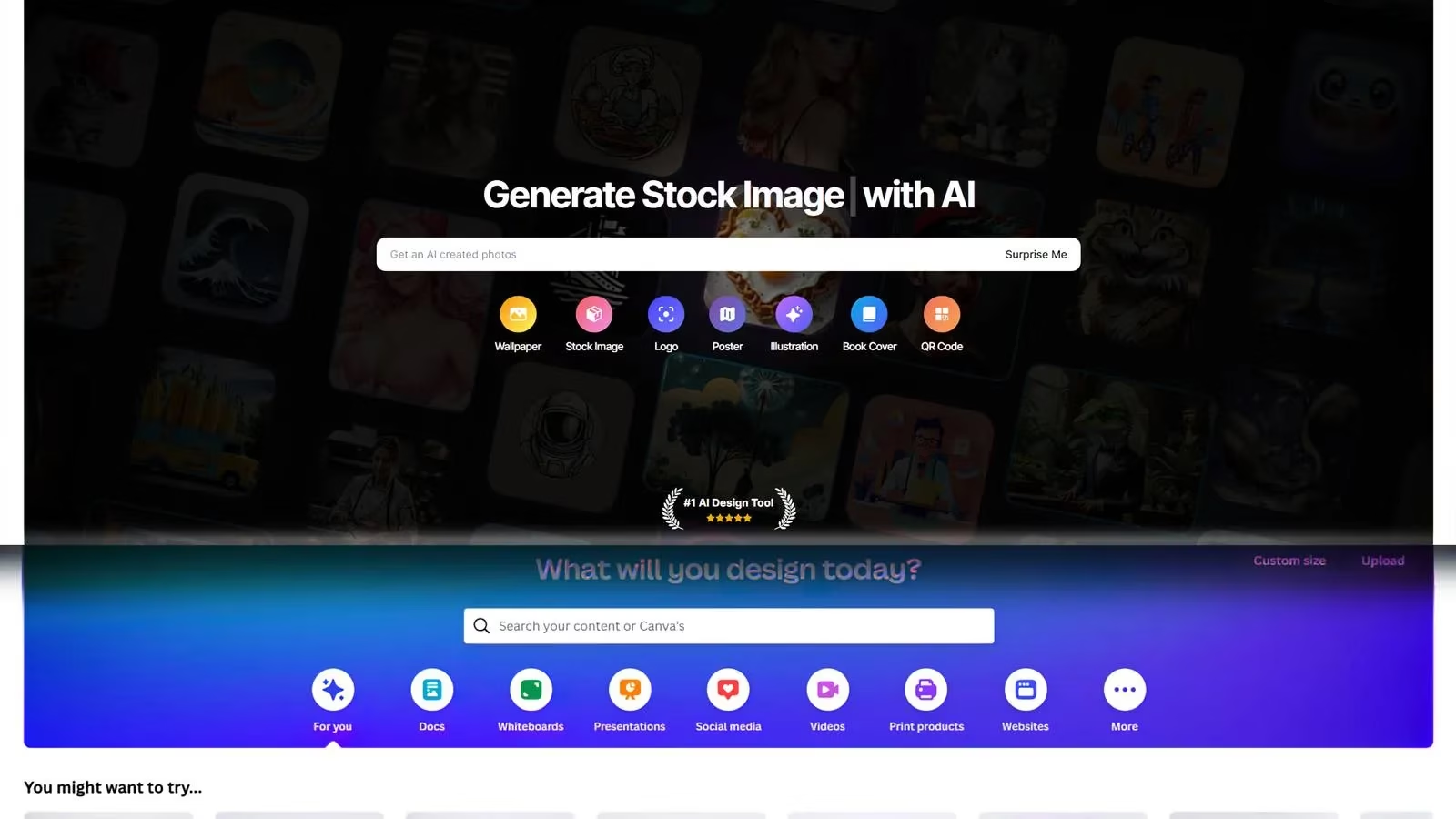
Stockimg.ai is a browser-based design environment that identifies itself squarely as an AI-native tool. Its homepage immediately presents a gallery of possibilities ranging from social media assets to book covers and web interface mockups. Unlike general-purpose graphic editors that have retrofitted artificial intelligence, Stockimg.ai was built around generative prompts. The free tier remains limited in 2026, offering only non-AI templates and basic manual tools. To unlock the full range of AI features, users must choose between a Starter or Premium subscription, both still preceded by a short free trial \u2014 an offering that hasn\u2019t changed much since the platform\u2019s early days in 2024, though the model performance has seen noticeable refinements.
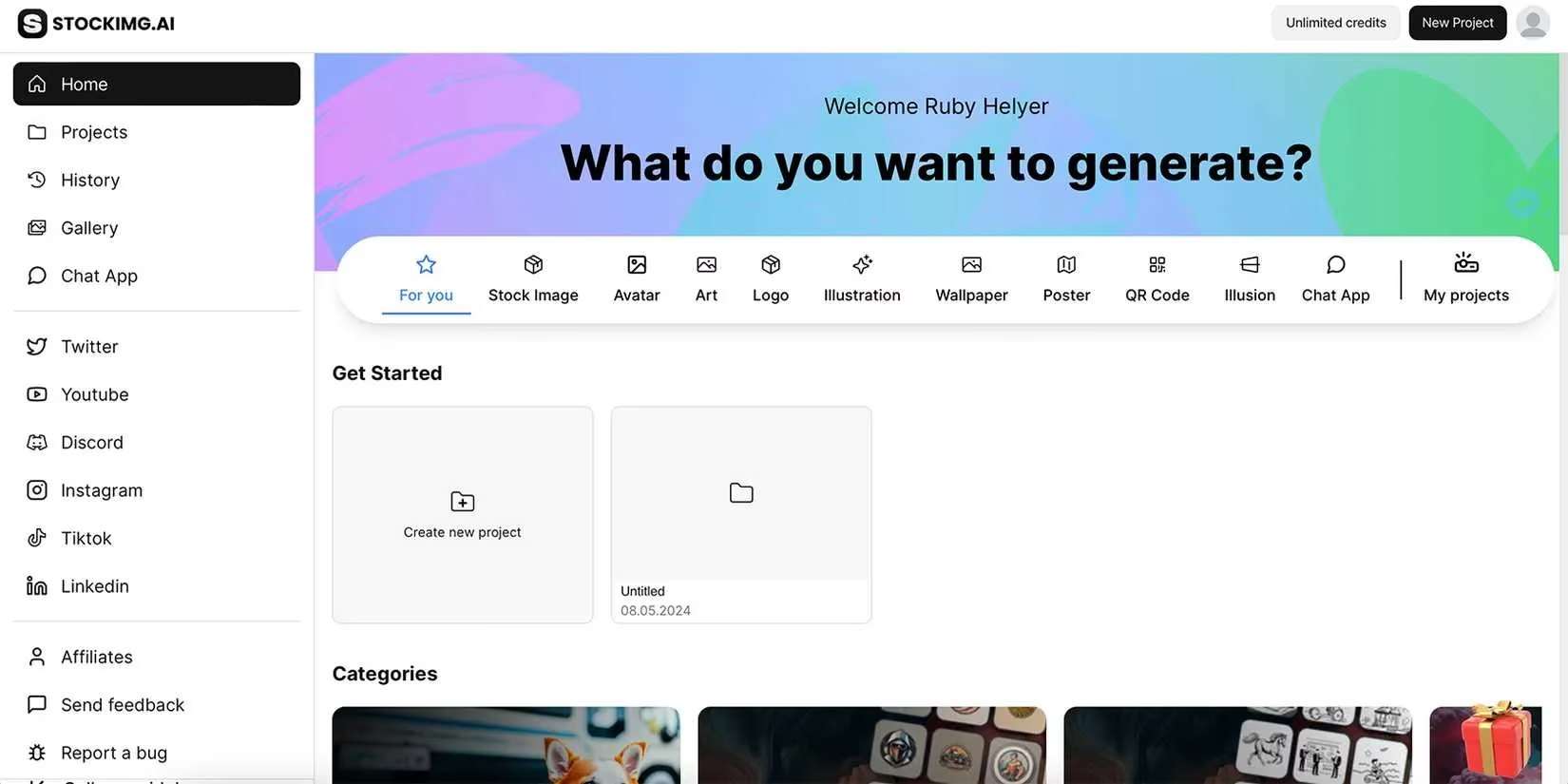
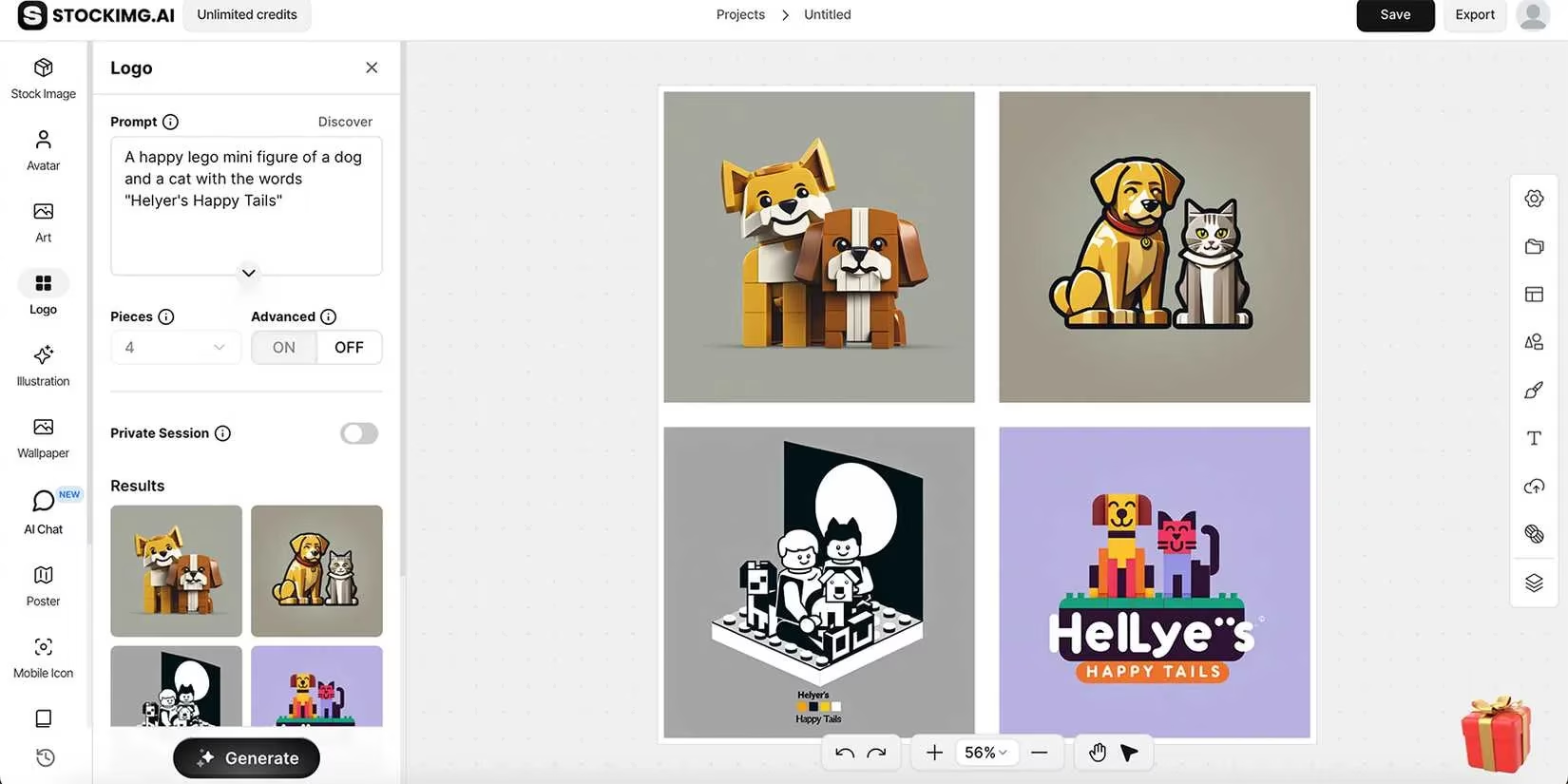
The heart of Stockimg.ai lies in its collection of AI image generators. Rather than a single diffusion model with generic outputs, the tool provides task-specific engines. A book cover generator creates compositions that feel tailored to literary genres. A photorealistic stock imagery mode produces scenes that rival dedicated stock libraries. For brands, a dedicated logo creator generates clean, recognizable symbols, although they are delivered as flattened PNGs. This lack of vector output has been a consistent limitation; by 2026, many designers still export logos to vector conversion utilities or use supplements like Kittl for editable results. Other generators cover over 25 art styles, illustration variants, wallpaper designs, and even an illusion creator that pushes visual experimentation further.
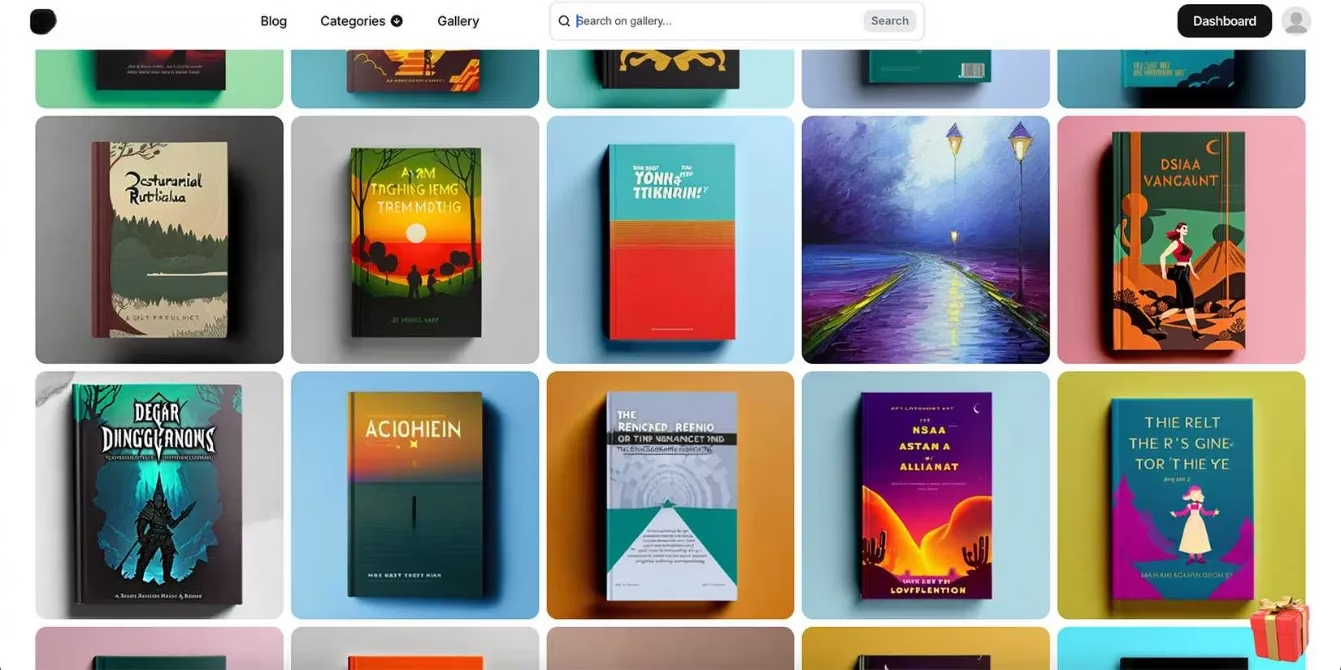
Regardless of the generator used, text within the generated images still exhibits the classic AI artifact \u2014 garbled lettering that cannot be edited natively. This is where a hybrid workflow proves valuable. Many users generate the core visual in Stockimg.ai and then import it into Canva to refine typography using Canva\u2019s advanced text tools or its AI-powered text fixer. Such a pipeline leverages the strengths of both ecosystems.
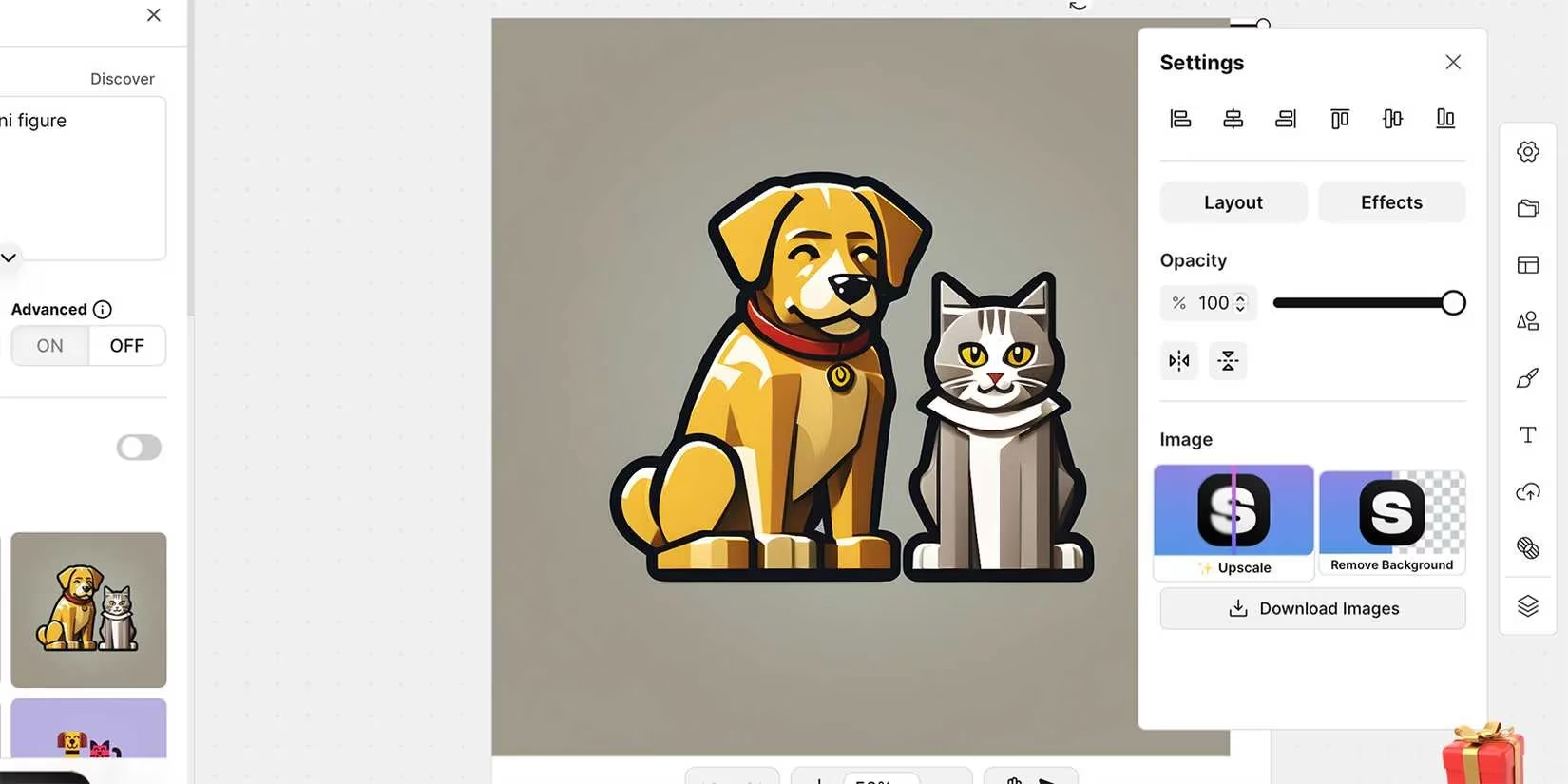
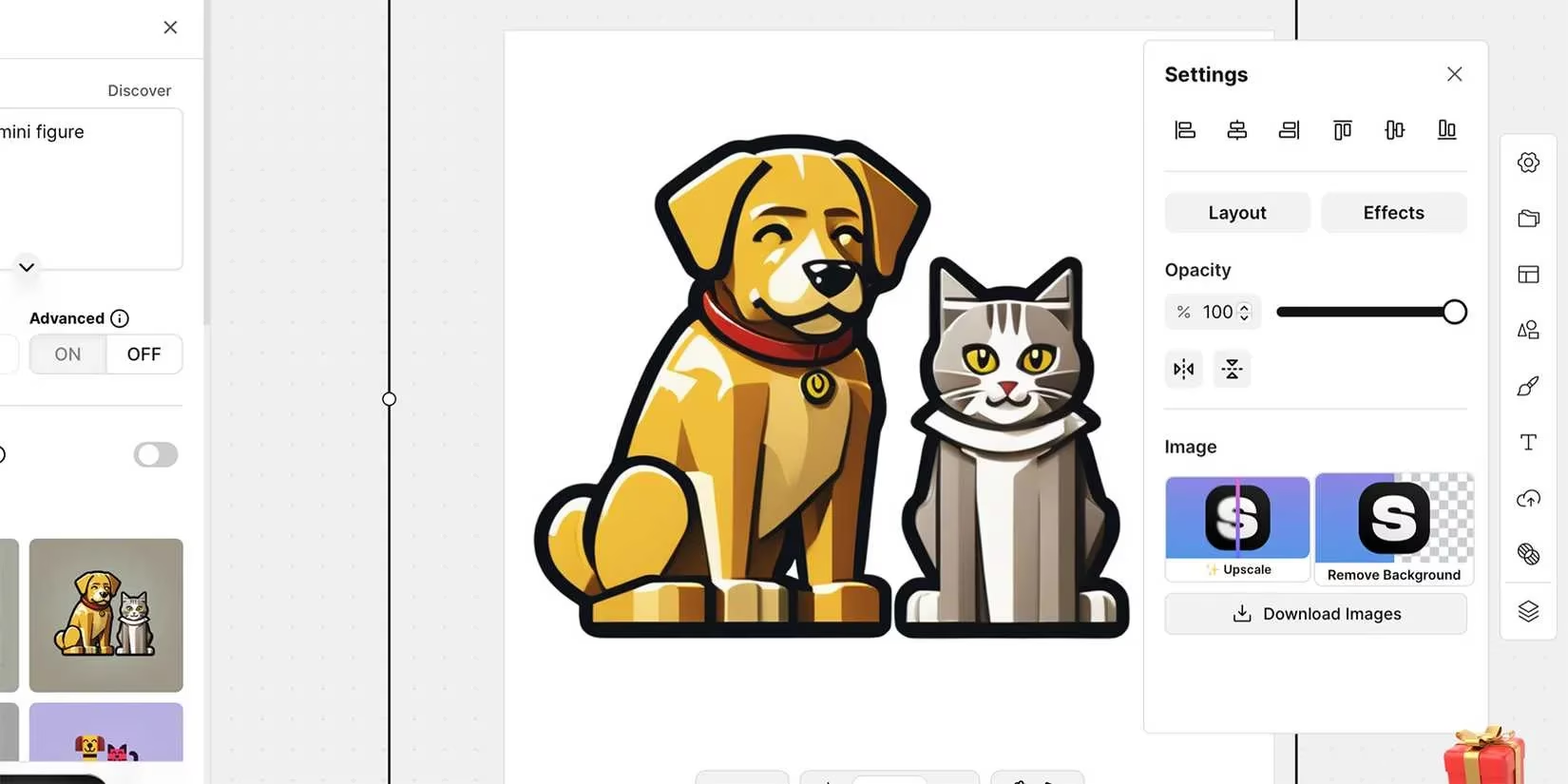
Premium subscribers gain access to two critical post-generation tools: AI upscaling and background removal. The upscaler turns pixelated, low-resolution images into crisp, large-format versions in seconds. This feature alone has made Stockimg.ai attractive for print designers who need to repurpose AI visuals. The background removal operates quickly and conveniently delivers a duplicate image with a transparent background, preserving the original file. Canva offers similar functionality, but often through its own premium tier or via third-party integrations, which can change over time.
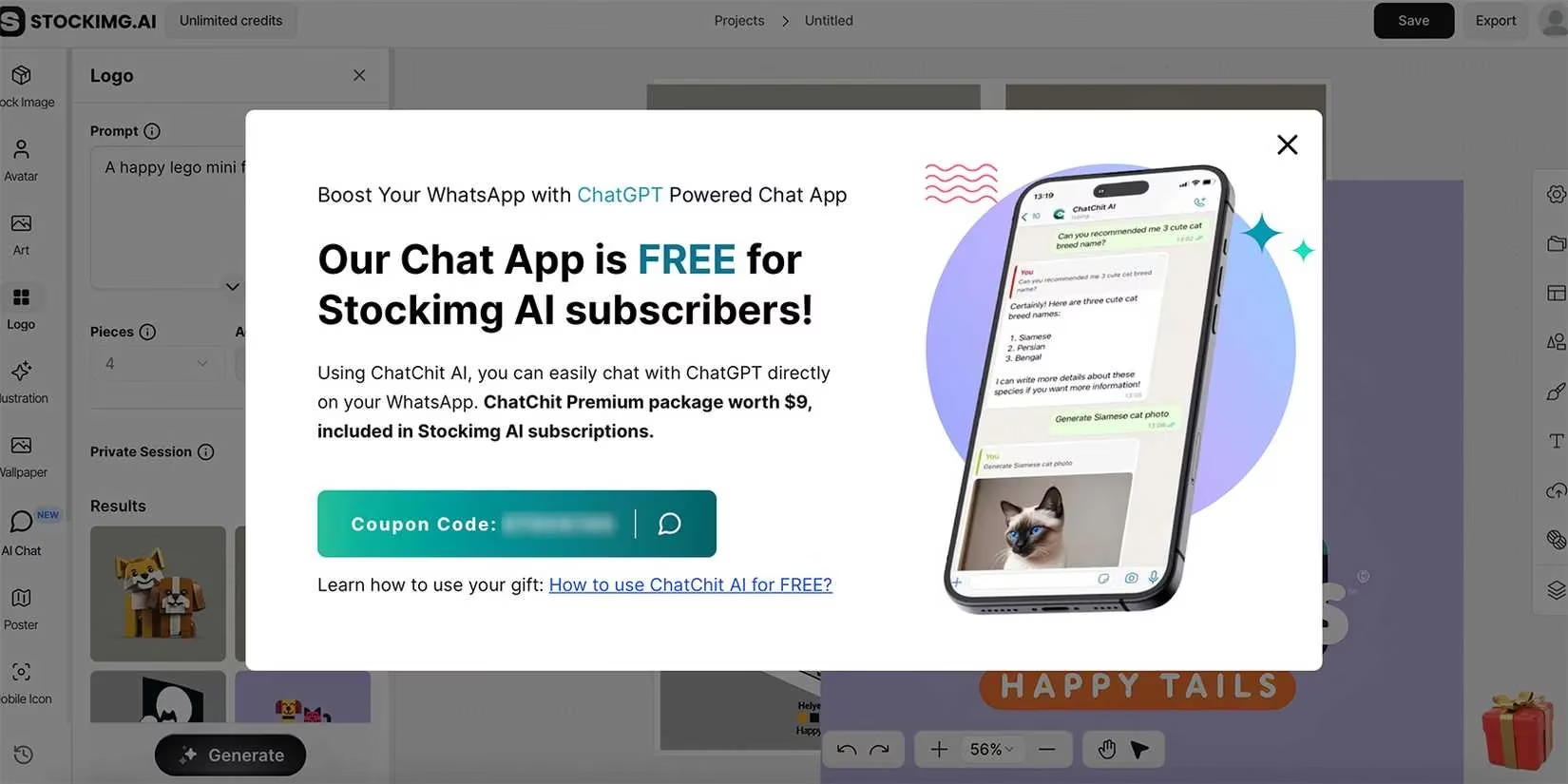
A curious extension of Stockimg.ai\u2019s ecosystem is ChatChit AI, a free ChatGPT-4 application that lives not in the browser but inside WhatsApp. Even in 2026, this companion bot feels somewhat disconnected from the core design suite \u2014 a standalone experiment that offers image and sticker generation, audio transcription, file conversion, and a basic story maker. While it adds value as a mobile creative assistant, it does not integrate directly with the design canvas.
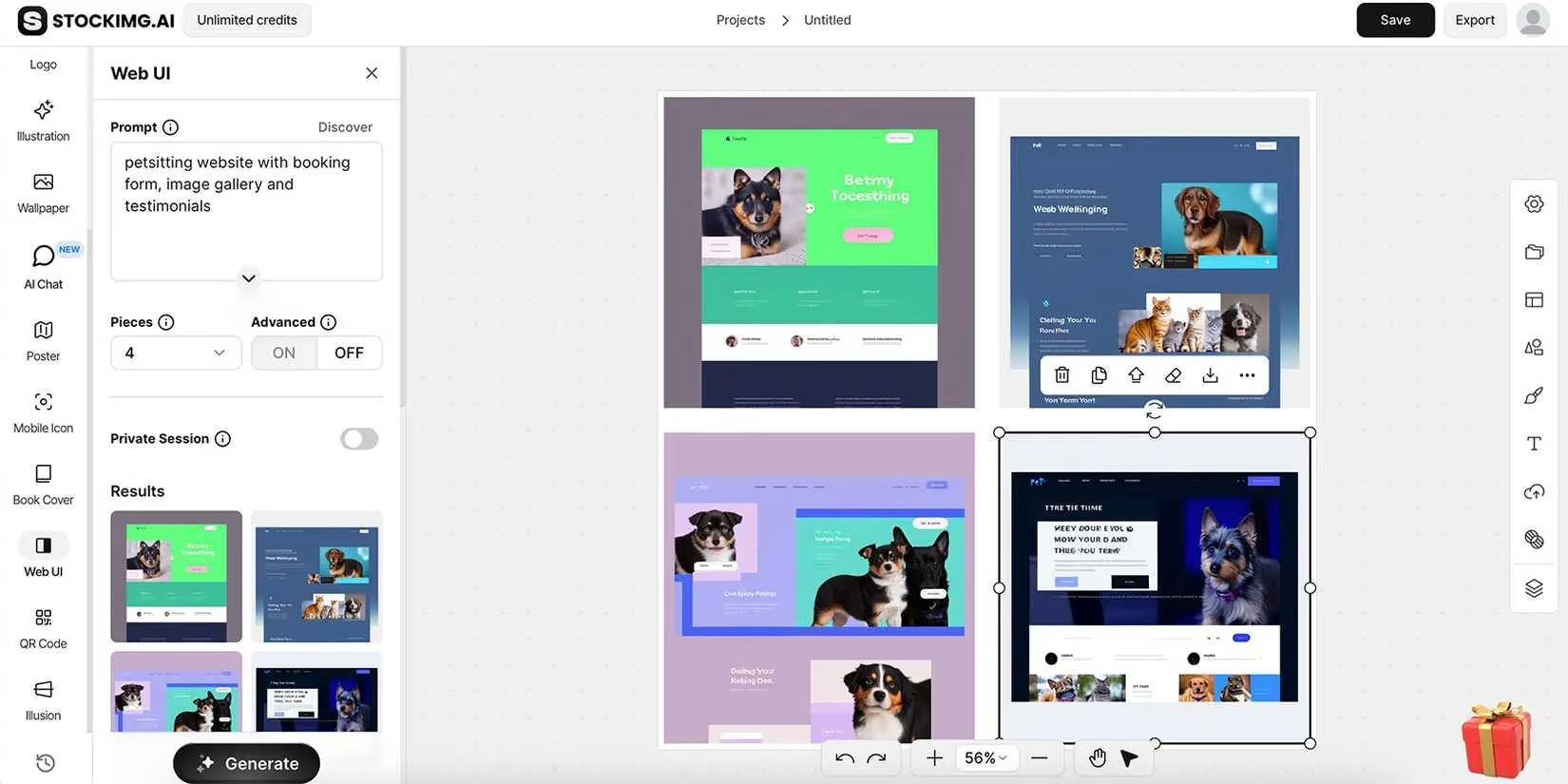
Two generators give Stockimg.ai a distinctive edge over Canva. The web UI layout generator quickly produces website design mockups that serve as inspiration or blueprints for developers. Although users still need tools like Figma to convert these static visuals into functioning websites, the creative spark is invaluable for non-designers. Canva, by contrast, allows the creation of simple one-page sites but lacks an AI-driven layout generator tailored to web interfaces. The QR code designer transforms boring black-and-white squares into branded, visually striking codes that remain scannable. This playful yet practical generator has gained popularity among marketers seeking to embed QR codes into campaigns without sacrificing aesthetics.
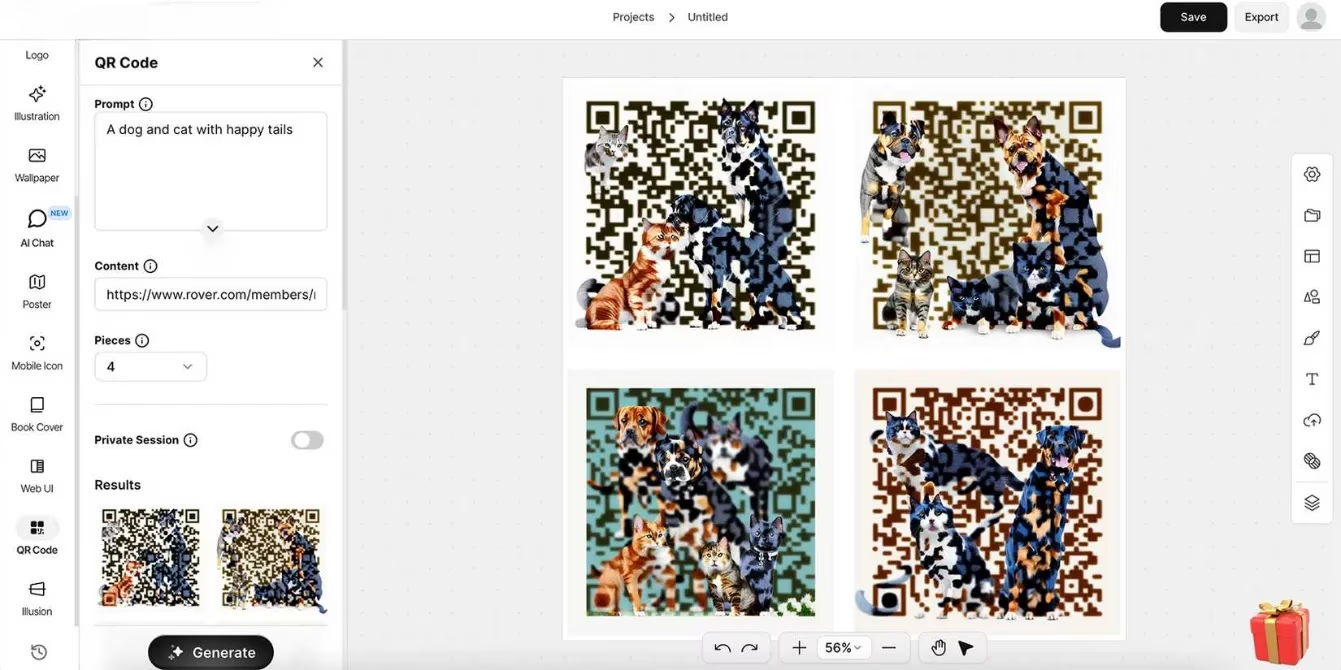
A major philosophical difference between the two platforms lies in the origin of their features. Stockimg.ai\u2019s entire toolkit comprises native tools developed and maintained internally. This means users can trust that upscaling, background removal, and all generators will evolve together without sudden disappearances. Canva\u2019s ecosystem, while vast, relies heavily on a marketplace of third-party apps. Many of its AI-powered tools are built by external developers, and the library of available integrations shifts frequently. A workflow dependent on a specific background remover or image enhancer can therefore be disrupted without warning.
Pricing structures in 2026 have remained relatively stable. Stockimg.ai\u2019s Starter plan begins at a modest monthly fee and includes unlimited AI image credits and projects. The Premium tier adds commercial usage rights for both physical and digital products, alongside full access to upscaling and background removal. Canva Pro, meanwhile, offers a more generous free plan that includes a selection of AI features, a longer trial period, and an immense library of templates and design elements. Canva\u2019s flexibility in editing \u2014 layers, element manipulation, multiple save formats, and extensive export quality settings \u2014 still outshines Stockimg.ai\u2019s simpler output model.
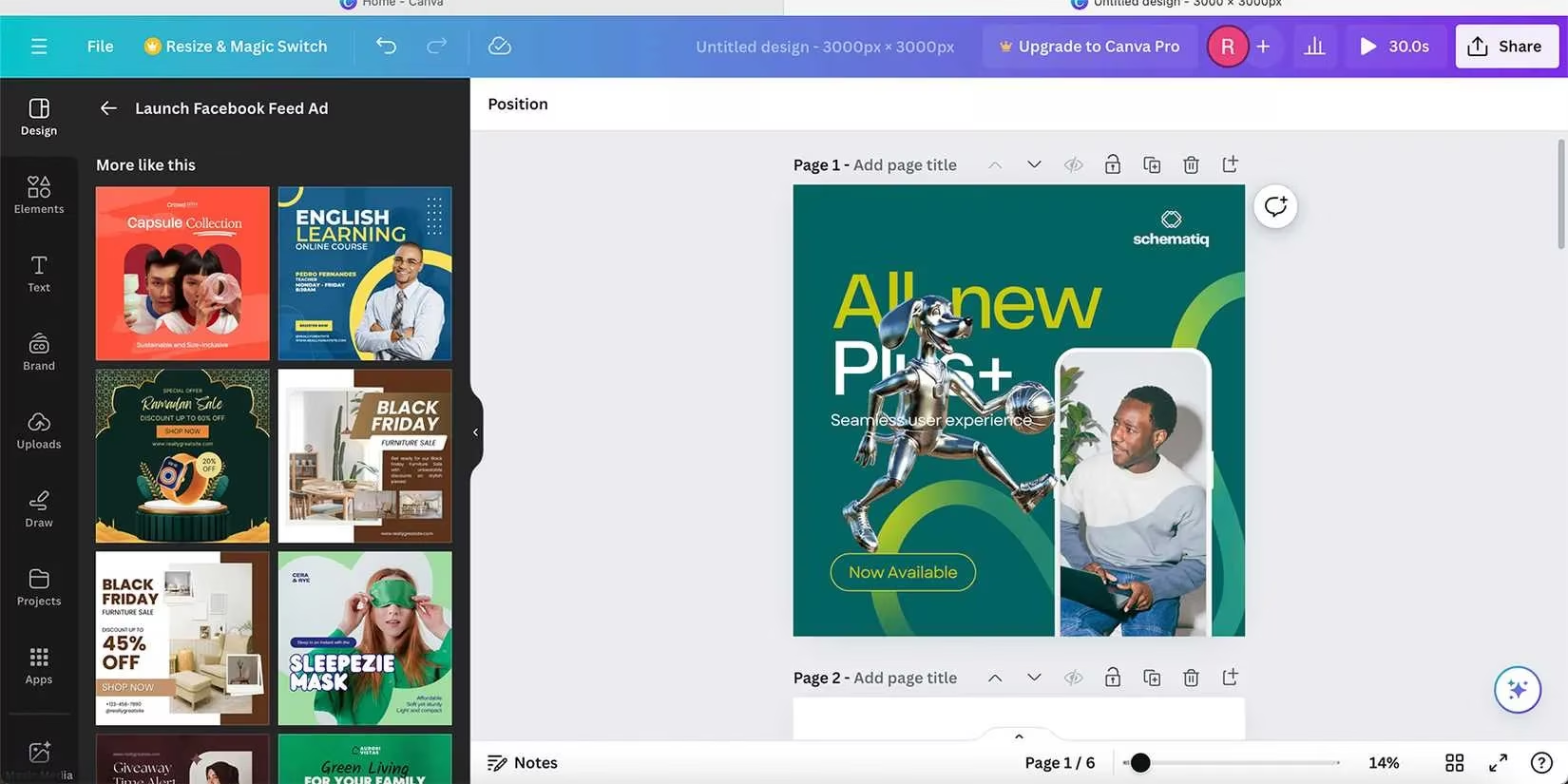
Ultimately, the platforms complement rather than directly rival each other. Stockimg.ai excels as an idea engine and a generator of raw visual assets. Its specialized generators produce results that often feel more tailored and less templated than Canva\u2019s AI outputs. However, it lacks the deep editing, collaboration, and asset management layers that make Canva a full-fledged design studio. In 2026, the most efficient creative professionals often keep both tools open. They prompt Stockimg.ai for a unique illustration or a logo concept, then drag the result into Canva to polish, resize, add real text, and prepare the final deliverable. This combined workflow highlights the reality that no single AI design tool dominates absolutely \u2014 the real winner is the designer who knows how to merge the best of both worlds.
Comments