 AIImageInsight
You know, as someone who's been taking and editing photos for years, I've seen the whole AI wave sweep through the editing world. It's everywhere now. And look, I get it—it can be a huge time-saver for some tasks. But honestly? There's something deeply satisfying about rolling up your sleeves and tweaking an image with your own two hands, pixel by pixel. It's like the difference between a mass-produced print and a hand-painted canvas. If you're like me and you prefer to be the artist, not just the supervisor, then you'll want tools that put you in the driver's seat. So, let me share with you the best photo editing apps I've found that use little to no AI, letting your vision shine through.
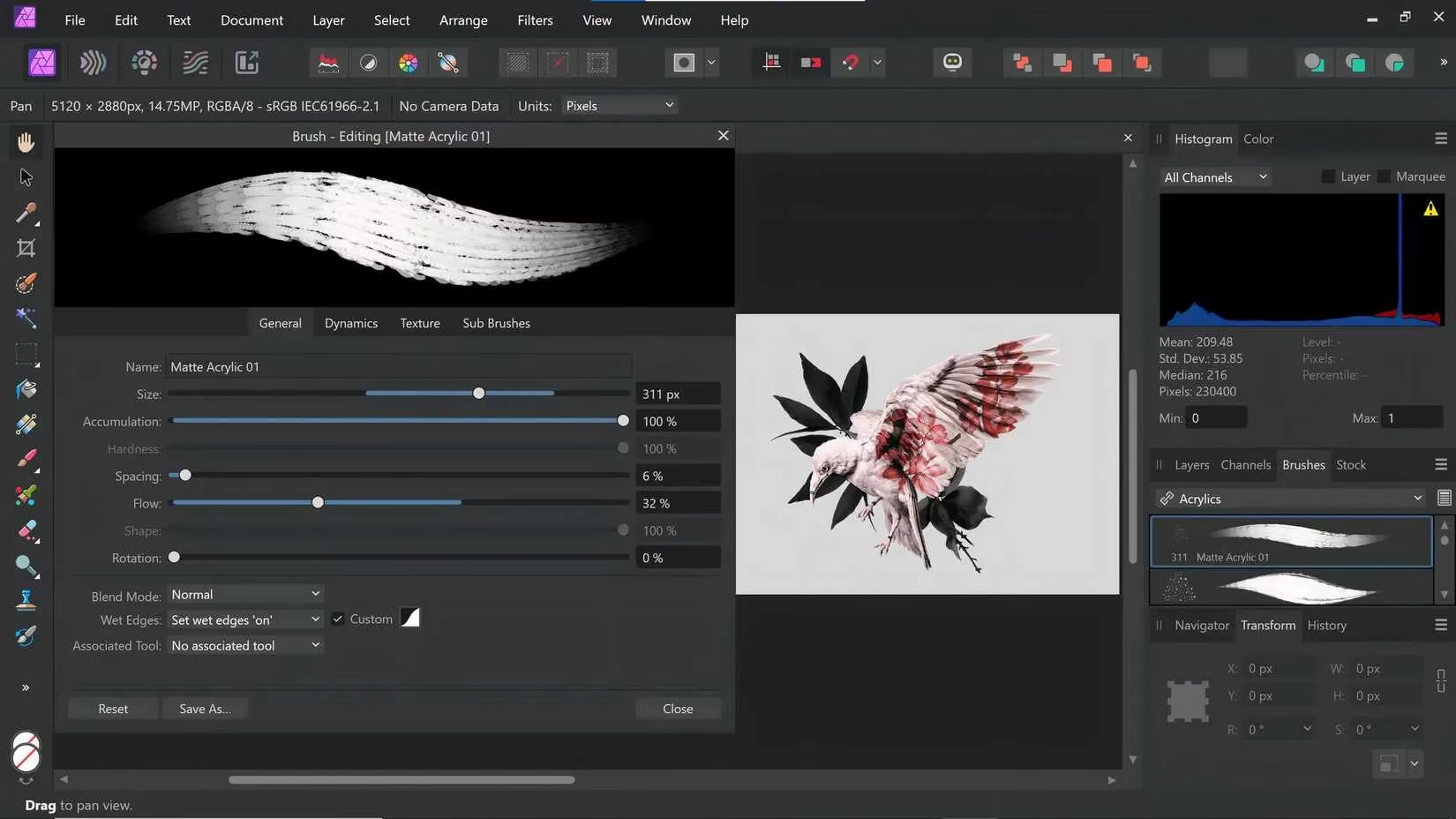
First up, let's talk about a powerhouse: Affinity Photo. This app has been a game-changer for me. It's a multi-award-winning editor that works seamlessly across macOS, Windows, and iPad. I love that I can start a project on my desktop and fine-tune it on my tablet later—it just feels so fluid. The features are top-notch, with incredible tools for skin retouching, blemish removal, and a massive library of filters and effects. But the real magic for me is in the precision. The pen and brush options are so detailed; you can really get in there and make micro-adjustments that most apps just gloss over.
The latest version, Affinity Photo 2, which is what I'm using in 2026, has a beautifully redesigned interface. It's smoother and way more intuitive than before. A massive upgrade for any photographer is the non-destructive editing of RAW files. This means you can play with your high-quality DSLR shots to your heart's content without ever touching the original file. It gives you the freedom to experiment without fear. And while it can support some AI plugins, they're completely optional. The core software is built for manual, creative control. It's a one-time purchase, which in today's subscription-heavy world, feels like a breath of fresh air.
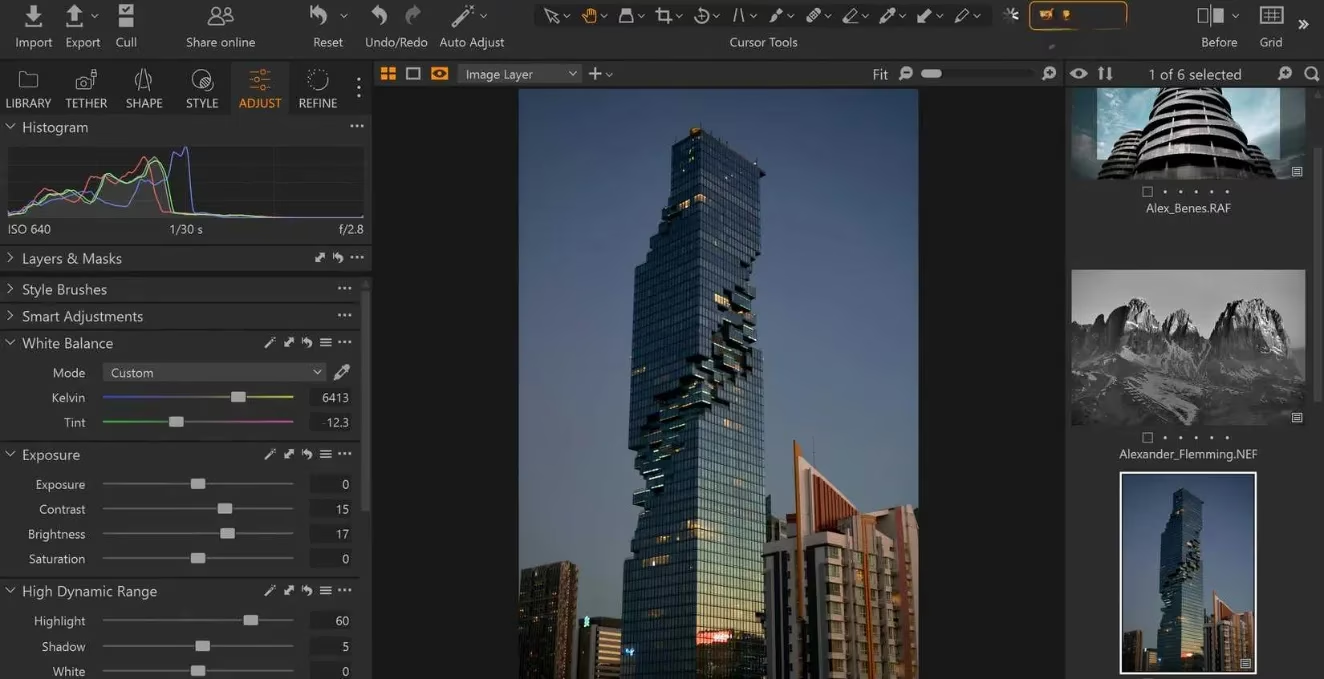
Now, if you often collaborate or need to share your work on the fly, you gotta check out Capture One. This software is a bit of a different beast. Its standout feature is the ability to shoot images directly to a desktop, iPad, or iPhone—no messy uploading or downloading. Imagine getting instant feedback from a client while you're still on set. It's a workflow dream.
It comes packed with all the professional editing tools you'd expect and a ton of preset filters. Okay, I'll be real with you—Capture One does have some AI features. But here's the cool part: you get to choose how much you use it. You can basically tell it, "Hey, handle the boring stuff like basic exposure balancing and cropping," and then you swoop in for the artistic decisions. It saves you time on the tedious parts so you can focus on what matters: the creative vision. They offer a solid 30-day free trial, so you can see if its hybrid approach works for you.
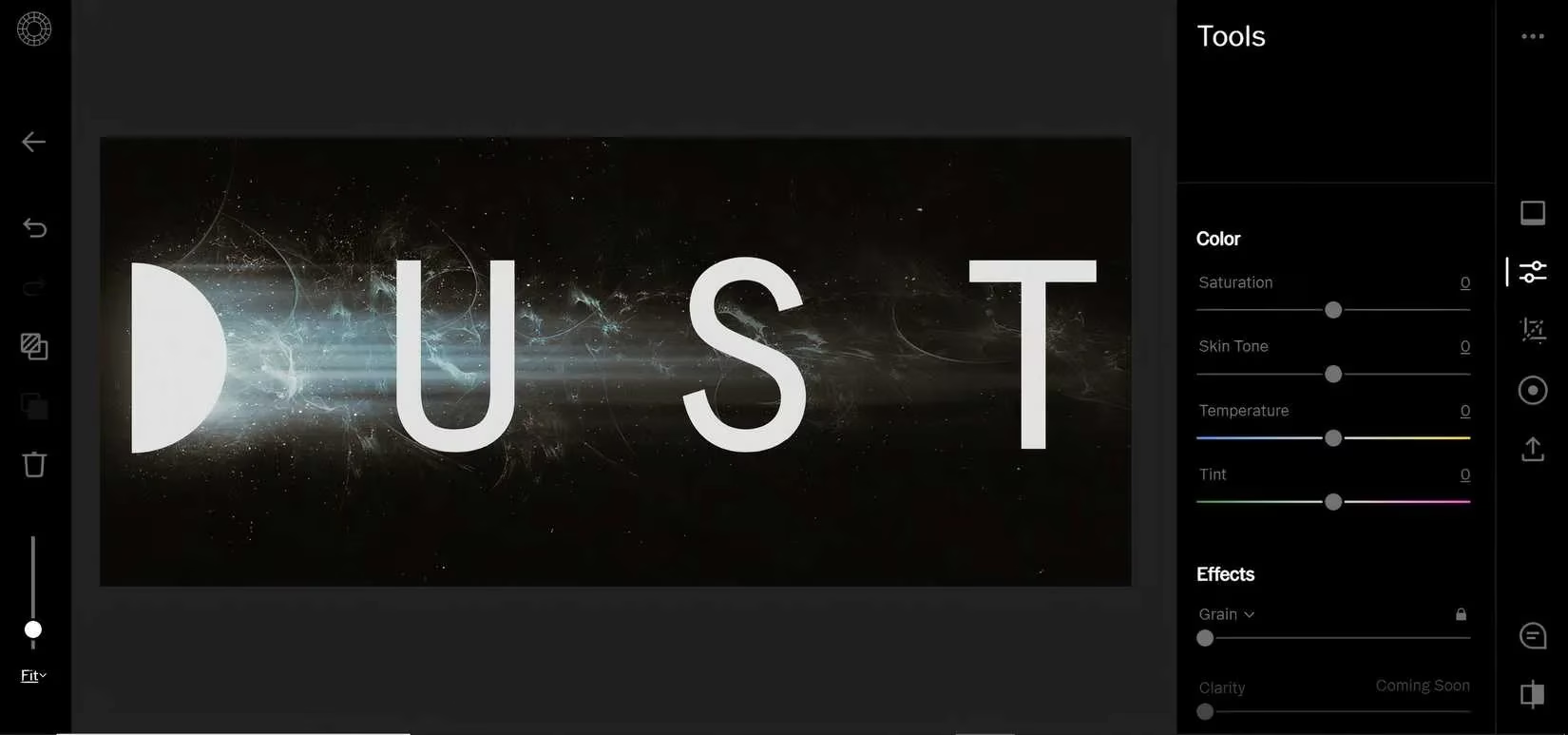
For the mobile-first creators and social sharers, VSCO has been a long-time favorite of mine. It's more than just an editor; it's a community. You can share your photos with other photographers right on the platform. There's a free version, but to unlock its full potential—over 200 gorgeous preset filters and advanced tools—a subscription is the way to go.
What makes VSCO special for manual editing? Its unique aesthetic tools. We're talking about:
-
Movie-inspired effects: Think authentic film grain, light leaks, and subtle scratches that add character.
-
Exclusive imaging effects & GIFs: Stuff you won't find on other platforms.
-
Curated galleries: You can group your collections and control exactly who sees them.
It's perfect for crafting a consistent, hands-on visual style for your Instagram or portfolio. The controls are straightforward but powerful, letting you dial in the look you want without an AI interpreting it for you.
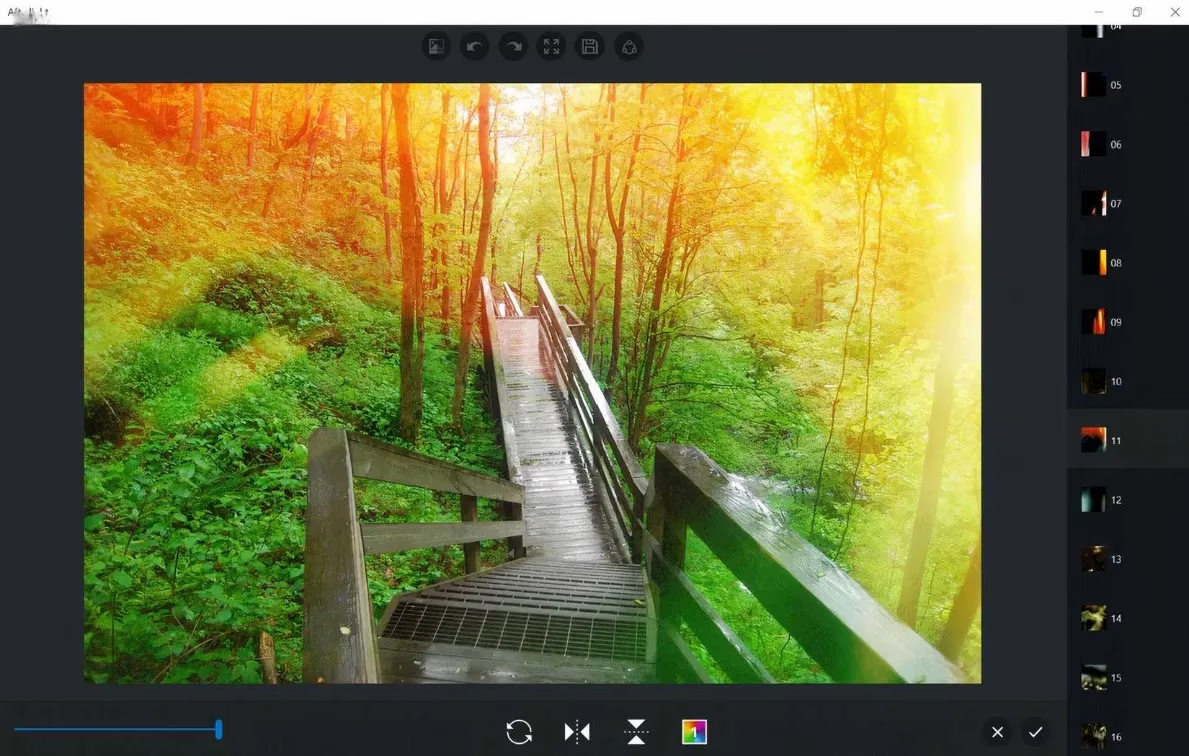
Finally, for those who want simplicity and power, especially on Apple devices (though there's a Windows version now too!), let's talk about Afterlight 2. This app is fantastic for beginners or anyone who wants a clean, no-fuss interface. The icons are large and clear, and it just makes sense from the moment you open it. Don't let the simplicity fool you, though—it supports RAW imports and exports in modern formats like HEIC.
A feature I absolutely love is the ability to adjust your phone's camera settings before you even take the shot. You can manually control white balance, exposure, shutter speed, and ISO right from the app. That's real, manual control from start to finish. Plus, the layer system for adding graphics and text is surprisingly robust, letting you create unique composites for social media. It's proof that a user-friendly app can still give you all the creative reins.
So, there you have it. My personal toolkit for keeping the artistry in photography. In 2026, AI is a powerful assistant, but for me, editing a photo is... well, it's personal. It's about the choices I make, the mood I want to convey. These apps understand that. They give you the powerful tools and then step back, letting you paint with light, shadow, and color on your own terms. Because sometimes, the best filter is your own vision. ✨
Comments