 AIImageInsight
As someone who's always snapping pictures and trying to level up my photography game, I've been on a real quest to find AI photo enhancers that actually work. I mean, the hype is everywhere, right? "One-click magic" and "professional results in seconds." But let's be real, not all that glitters is gold. So, I decided to put several of these AI enhancers through their paces using the same starting image—a landscape shot—to see which ones were worth their salt. Spoiler alert: my journey had some real highs and lows, and some tools were a total drag to use. But hey, that's the point of an experiment, isn't it? Let me walk you through my experience.
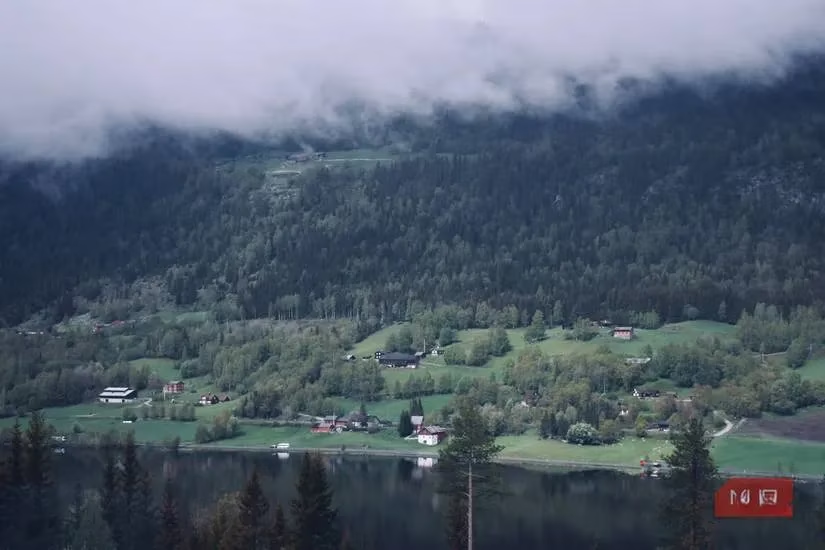
First up, I decided to give Picsart's AI enhancer a whirl. I've used Picsart for other edits before, so I was curious. I started with this base image for all my tests:
After feeding it into Picsart, here's what I got:
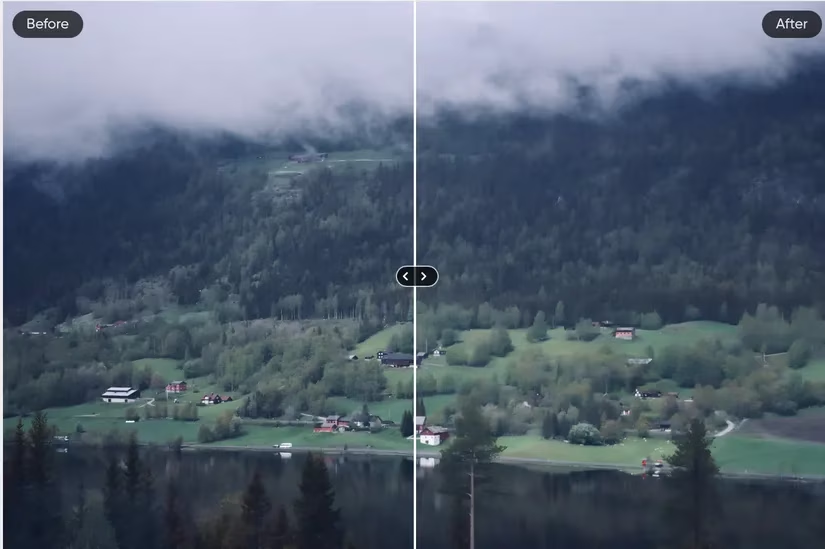
Honestly, the process itself was a bit of a nightmare. No cap, this was one of the slowest loading tools I've ever used. It actually froze on me halfway through, and I had to reload the whole thing—talk about frustrating! 🤯 As for the result, it was... okay. I feel like landscape photos are a tough nut to crack for many AI enhancers; they often end up looking a bit flat and unnatural. This was no exception. It's also worth noting that this is a premium feature, so you gotta pay to play. Not the most convincing start, tbh.
Next on my list was CutOut Pro. I've used this app before for background removal, which it does a solid job with. But I wanted to see if its one-click AI enhancer could work some magic on my landscape. Here's the outcome:
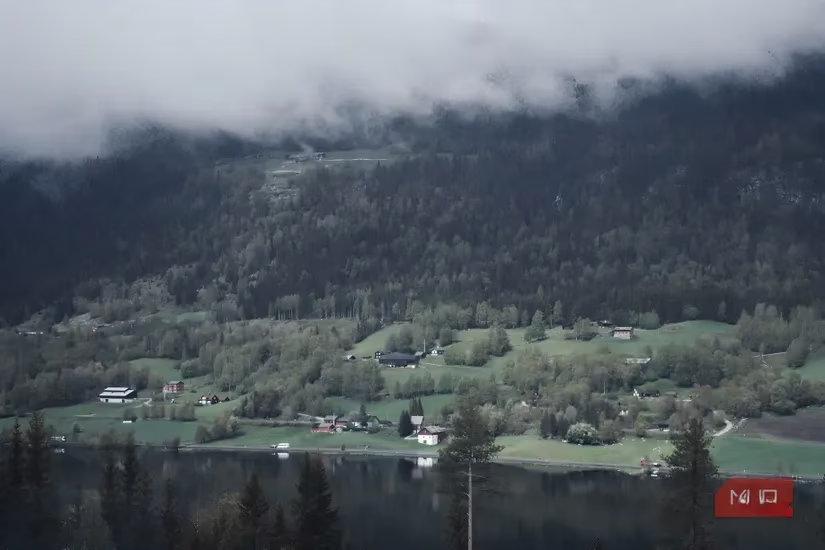
I gotta say, this was a step up from Picsart. The image looked smoother and had better overall clarity. My main gripe? It kinda screamed "AI-edited" to me. The adjustments felt a bit heavy-handed. But hey, that might just be because I knew it was AI-enhanced. If someone showed me this pic out of the blue, I might not have clocked it. I chose the 'quality' over 'fidelity' setting, so your results might vary depending on what you prioritize. It's a decent option if you're okay with a more processed look.
Now, for the real MVP of my experiment: PicWish. This easy-to-use AI image enhancer totally won me over. Even though its enhancer is technically optimized for portraits, it handled my landscape photo like a champ. Check out the final product:
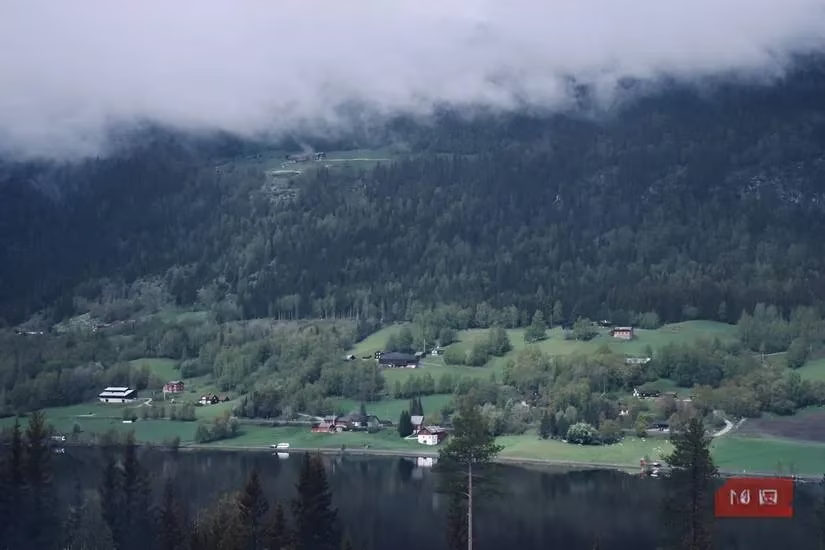
PicWish was, hands down, my favorite. The changes were subtle and tasteful—no overcooked, artificial vibe here. The app itself was a breeze to use, which is always a plus. A couple of things to note: you do need to sign up for an account, and if you want to download a high-res version, you'll need a premium plan. But honestly, the basic output is more than good enough for most social media or personal use. This tool is legit a game-changer. 🙌
Finally, I tested PixelCut. This tool has a different focus; it's more about upscaling and removing grain quickly rather than doing a full aesthetic overhaul. Here's what it did to my image:
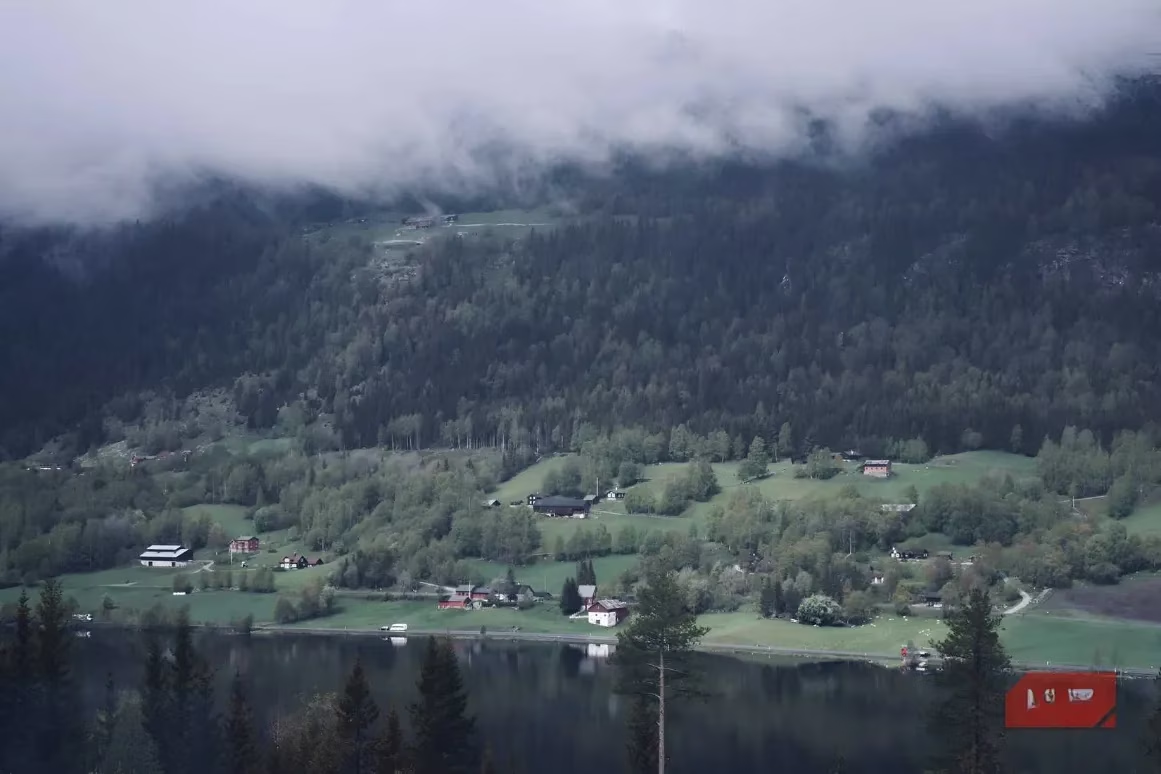
To be honest, PixelCut didn't change a huge amount, and in this case, that's not necessarily a bad thing! The image is slightly less grainy, but the core look remains intact. If your main goal is to upscale a blurry or low-res picture without altering its character, PixelCut is your go-to. It's a specialized tool that does one job and does it well.
To wrap it all up, my journey through the wild world of AI photo enhancers in 2026 taught me a few key lessons:
| Tool | Best For | My Rating (Out of 5) | Key Takeaway |
|---|---|---|---|
| Picsart | General edits within its ecosystem | ⭐⭐ | Slow, premium, results can be flat for landscapes. |
| CutOut Pro | Quick, noticeable clarity boosts | ⭐⭐⭐ | Good smoothing, but can look obviously AI-tweaked. |
| PicWish | Subtle, high-quality enhancements | ⭐⭐⭐⭐⭐ | My top pick! Natural-looking results, easy to use. |
| PixelCut | Upscaling & reducing grain | ⭐⭐⭐⭐ | Perfect if you just need to sharpen a blurry pic. |
I tried a bunch of other enhancers that didn't make the cut—some had impossible sign-up processes, others slapped unremovable watermarks all over my pics. A total buzzkill. 😒 So, if you're looking to enhance your photos in 2026, I'd suggest starting with these four. Based on my deep dive, PicWish is the clear winner for delivering polished, natural-looking results without the hassle. It's the one tool that truly felt like it had my back, helping my photos look their absolute best without trying too hard. That's what I call a win!
Comments