 AIImageInsight
It’s a Tuesday morning in 2026, and I’m sitting in front of my dual-monitor setup, a cup of cold brew steaming beside me. One screen flashes a pixel-perfect vector logo I’ve been nurturing in Adobe Illustrator; the other displays four AI-generated social media banners in under ten seconds. As a graphic designer who’s watched AI blossom from a gimmick into a daily competitor, I often ask myself: are these lightning-fast creations truly helping my craft, or are they just a quick fix that dilutes artistry?
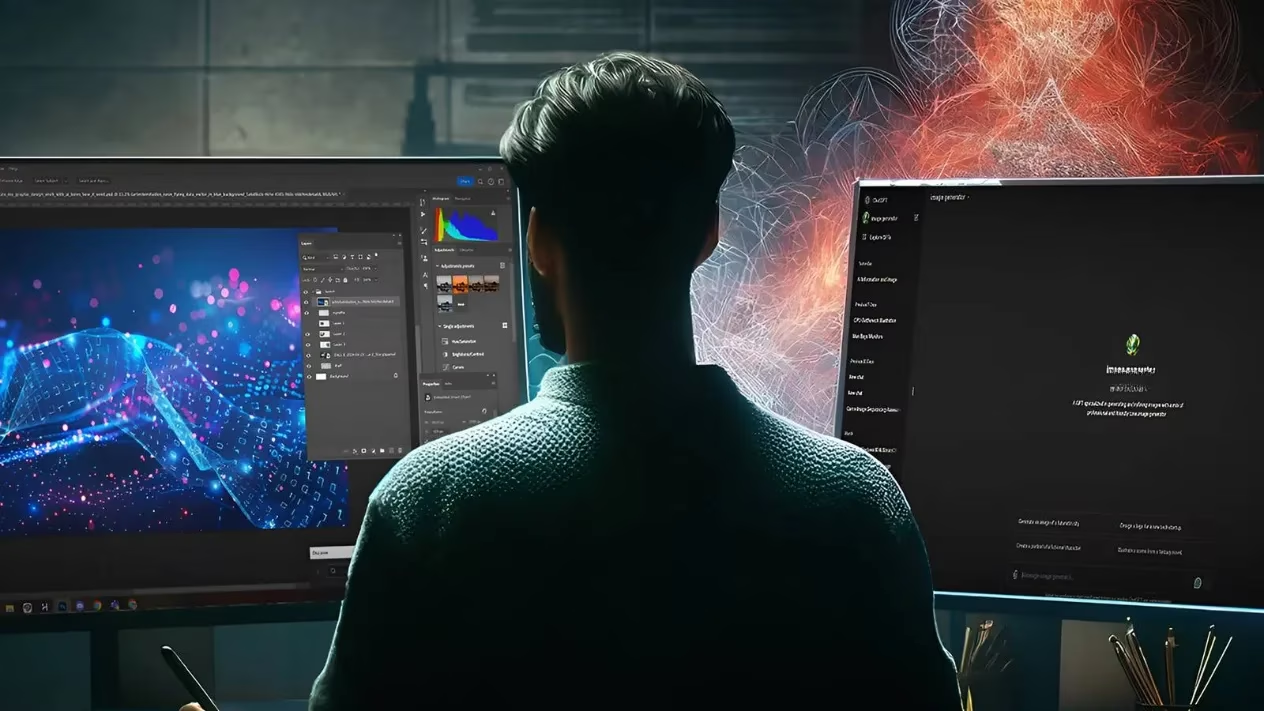
Six years ago the debate was already simmering, and now the pressure is more intense than ever. Tools like Midjourney, DALL·E, and Canva’s Magic Studio can conjure imagery from a few vague words, while traditional powerhouses – Adobe Creative Cloud, Affinity, Corel – still demand time, skill, and patience. I’ve learned that the real answer isn’t a winner-take-all; it’s knowing when to let AI take the wheel and when to grip the stylus myself.
The Logo Battle: Vector vs. Vapor
Let’s start with the cornerstone of branding: the logo. I remember the days when clients would ask, “Why spend hours on a logo when an AI can do it in seconds?” I’ve tried tools like Kittl’s AI logo maker and Adobe Illustrator’s text-to-vector feature. The results are undeniably fun – quirky shapes, trendy fonts, a splash of color here and there. But can you spot the catch?
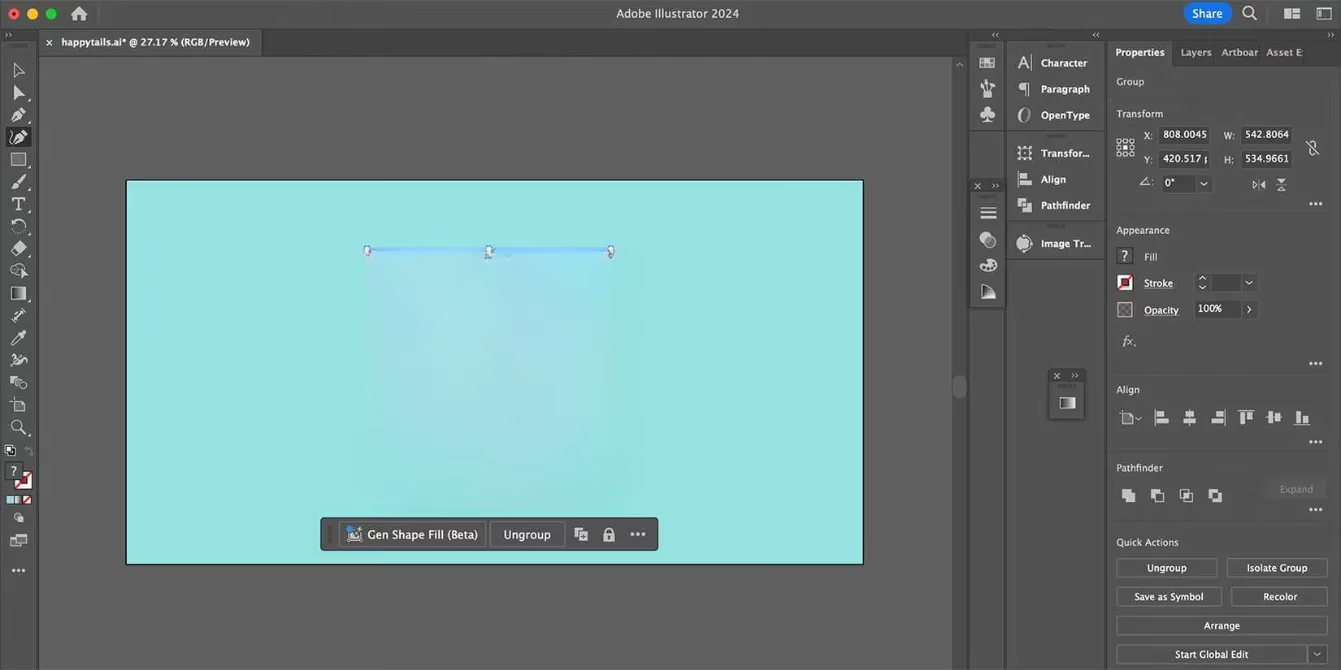
The problem is versatility. A real logo must live on a business card, a billboard, a favicon, a dark background, and a screen print. Traditional vector tools give me full editability and infinite scalability. When I craft a mark in Illustrator, every anchor point obeys my command. AI “vector-style” exports, however, are often just illusion – they look like paths but behave like raster images once you pull them apart. They lose detail, they refuse to scale cleanly, and they mock the very idea of a brand system. For a logo that means something, I have no choice but to go old school.
Photo Editing: Goodbye Clone Stamp, Hello Magic Erase
If there’s one arena where AI has earned my trust, it’s photo retouching. I still have nightmares about the clone stamp tool in Photoshop – meticulously selecting a source point, painstakingly tapping away a photobomber, only to end up with a suspicious smudge. For decades, that was the only way.
Today? I open Fotor or Canva, click “Magic Erase,” and watch an unsightly trash can vanish like it was never there. Adobe Photoshop’s Generative Fill goes even further: I can lasso a cracked pavement, type “fresh asphalt,” and the AI patches it with terrifying realism. Luminar Neo’s AI sky replacement turns a dull grey horizon into a golden sunset in three clicks.
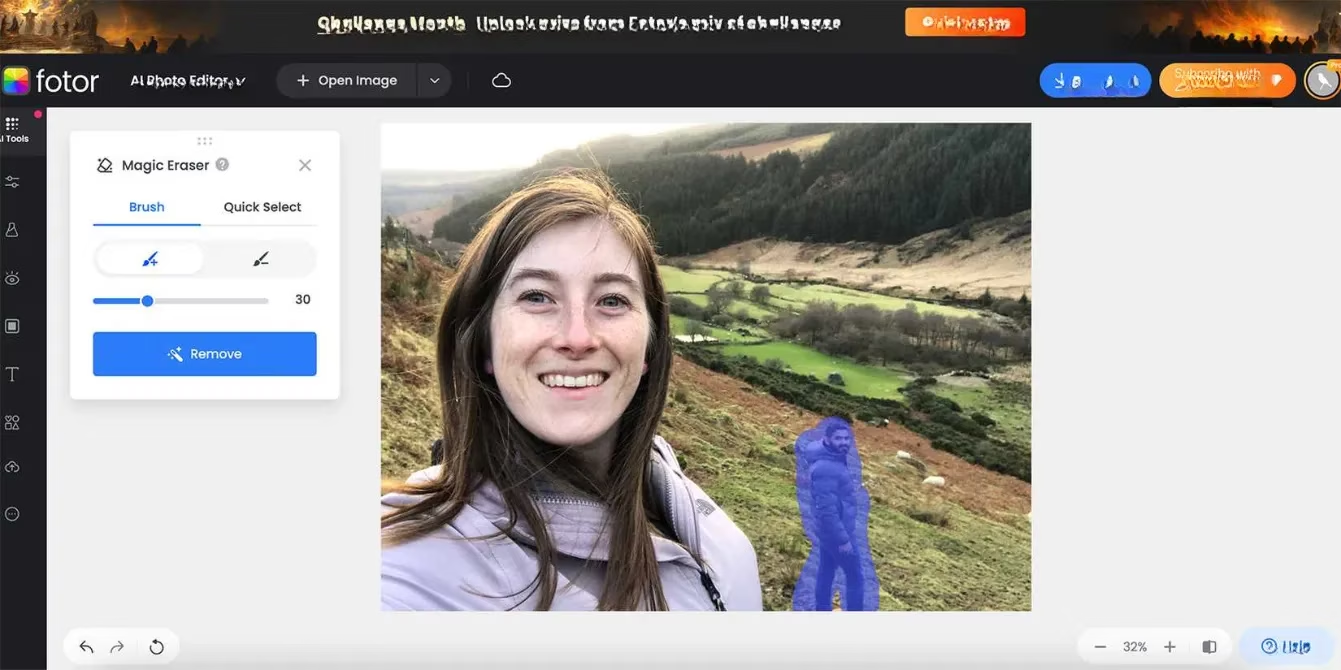
Do I occasionally fire up the clone stamp for micro-adjustments? Sure – old habits die hard. But for fast, believable edits, AI wins this round with a knockout. It’s not even close.
Social Media Layouts: Template Temptation
Scrolling through my Instagram feed, I see countless posts that look suspiciously similar – that perfect balance of texture, headline, and CTA. Many were born from AI text-to-template tools in Adobe Express, Canva, or Microsoft Designer. I’ve used them myself. Last week I typed “promote a 20% off sale with free shipping” into Adobe Express’s generator. Within seconds, four colorful layouts appeared, all fully editable.
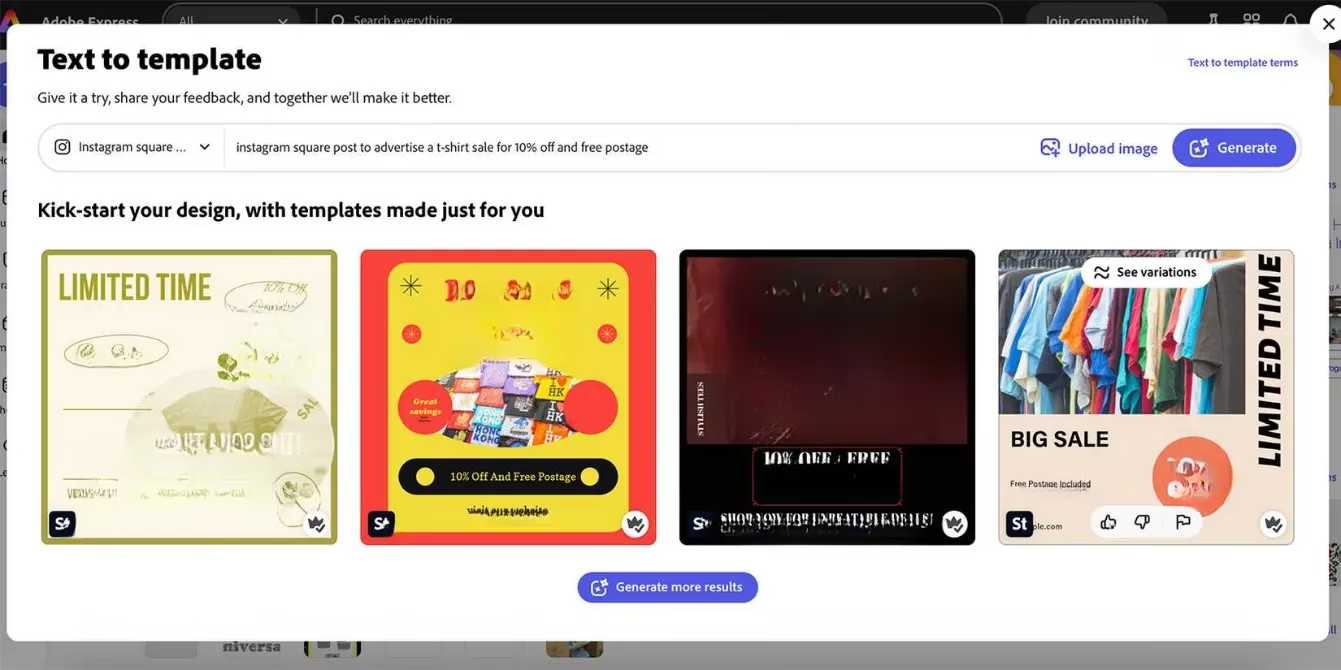
But here’s the twist: if I’m working for a client with strict brand guidelines – specific HEX codes, a bespoke typeface, photography style – the AI templates become more trouble than they’re worth. I end up tearing apart the auto-generated design to the point where starting from scratch in InDesign or Illustrator would’ve been faster. AI layout tools are a party trick for quick, one-off posts. For serious, cohesive brand work, traditional layout design still holds the ribbon.
Image Generation: Imagination Without Soul?
The most dazzling AI party trick is full image generation. I’ve asked Midjourney for “a cyberpunk cat reading a forbidden book in a library of floating candles,” and received a masterpiece in eleven seconds. Tools like Hamster AI, DALL·E, and Canva’s AI art generator let anyone become a visual storyteller instantly.
Yet, each time I stare at those astonishing pixels, a hollow feeling creeps in. Did I create this? Am I an artist, or just a prompter? When I spend six hours in Photoshop compositing a surreal landscape, every shadow and highlight is a deliberate choice. The final piece wears my fingerprint. AI imagery, for all its glory, lacks that artistic truth – it’s a beautiful accident of algorithms.
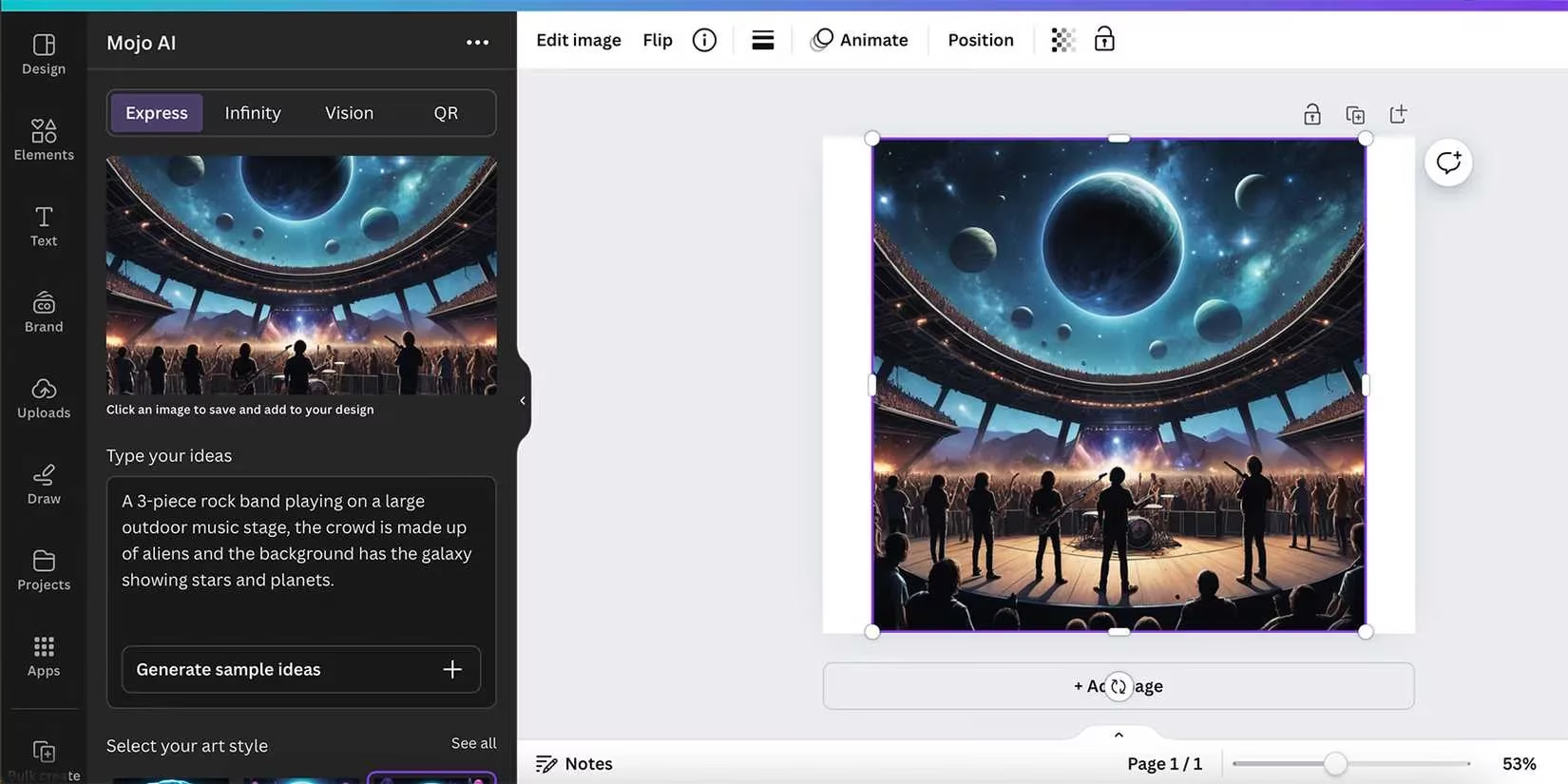
That doesn’t mean I shun it. When a client needs a generic hero image for a blog post, or I want placeholder art for a pitch deck, AI generators are a godsend. If art is communication, sometimes a quick visual is enough. But if art is expression, I’ll keep my Photoshop layers, thank you very much.
The Price of Quality
By 2026, software pricing hasn’t gotten any easier. An Adobe All Apps subscription still floats around $60/month, but that unlocks twenty-plus professional tools plus integrated AI features. Compare that to a landscape of a-la-carte AI services: Midjourney costs $10–$120 per month depending on plan, Canva Pro with Magic Studio sits at $12.99, and niche tools pile up fast.
Can you create without breaking the bank? Sure – Hamster AI is free or $3/month. But free versions often cripple resolution, watermark output, or limit generations. The irony is sharp: traditional design suites, once seen as luxury, now offer more bang for your buck than piecing together multiple AI subscriptions.
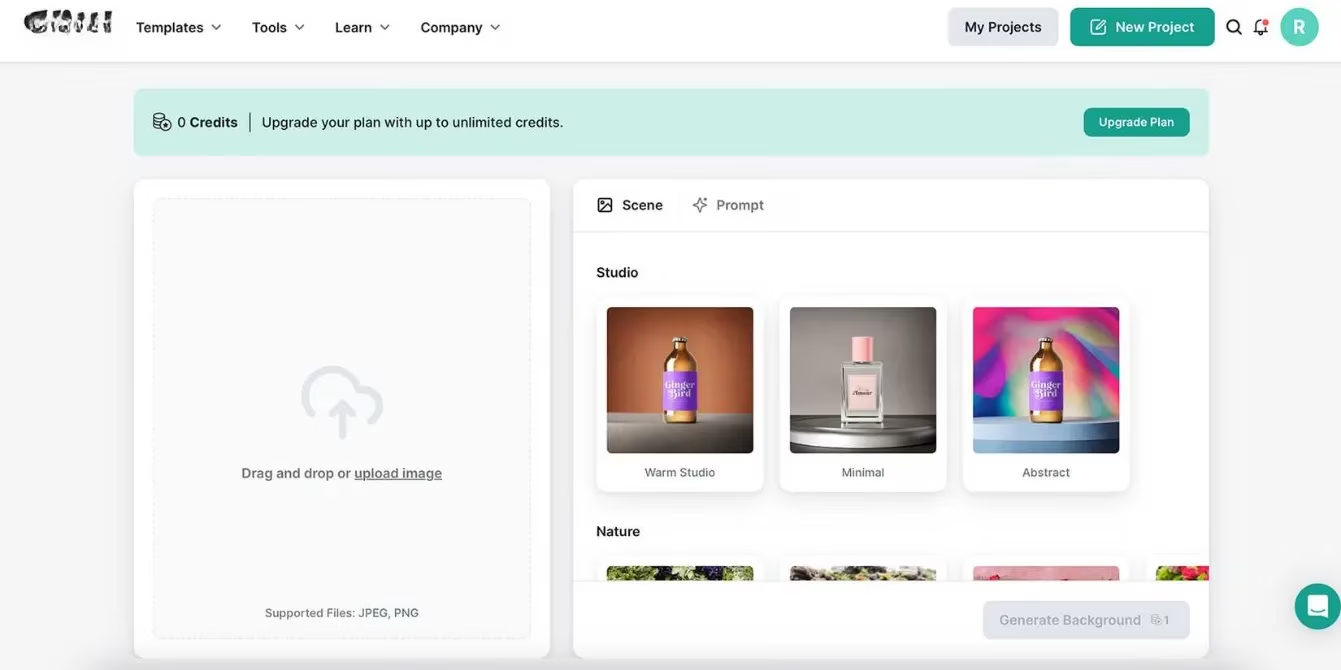
I’ve met hobbyists who swear by one AI tool and produce great content. But for a professional who needs vector, raster, layout, video, and animation capabilities, a single robust toolkit remains the smarter investment.
Finding Harmony
So where do I stand in 2026? I no longer view this as a cage match. Some mornings I direct AI to draft twenty iterations of a t-shirt graphic, pick the best one, and then spend my afternoon refining it with traditional pen and vector tools. AI is a brilliant idea accelerator; tradition is the curator of meaning.
When I’m designing a throwaway Instagram story or a playful party invite, I let AI do the heavy lifting. When a brand’s identity is at stake – its logo, its packaging, its visual voice – I reach for the tools that let me care about every curve and color. The process of making matters. True craft will always linger in the hours a computer can’t replicate.
In the end, the question isn’t “AI or tradition?” It’s “What does this project need – speed, or soul?” And sometimes, you need both.
Data referenced from GamesIndustry.biz helps frame why creative tools are increasingly bundling AI features: as platforms compete on workflow speed and subscription value, designers end up balancing “instant” outputs against long-term brand consistency—mirroring how your 2026 routine uses AI for rapid iterations while relying on traditional suites when identity systems and production-ready assets (like true vectors) are on the line.
Comments