 AIImageInsight
In the digital landscape of 2025, the AI revolution is in full swing, offering gamers, content creators, and hobbyists unprecedented creative power. The good news is, you no longer need a hefty subscription budget to access top-tier artificial intelligence. By strategically distributing tasks across a suite of specialized, free tools, you can build a formidable AI toolkit without spending a single cent. The recent landmark release of OpenAI's GPT-5 to free users has fundamentally changed the game, making the most advanced conversational model widely accessible for the first time. This democratization opens up a world of possibilities for brainstorming game concepts, writing scripts, generating assets, and automating research, all at zero cost. The key is understanding each tool's unique strengths and weaving them into an efficient, cost-free workflow.
The cornerstone of any free AI arsenal in 2025 is ChatGPT with GPT-5. OpenAI's decision to offer its flagship model on the free tier is a paradigm shift. While there are usage limits, they are generous enough for casual and even semi-professional creative work. GPT-5 is not just an incremental upgrade; it's a unified platform that intelligently routes queries using a "real-time router," eliminating the confusion of choosing between older models like GPT-4 or GPT-4o. This model excels at generating natural, fluid text, making it perfect for drafting gaming guides, writing character backstories, composing social media posts for your gaming channel, or outlining complex project ideas. Crucially, its responses are 45% less likely to contain factual errors, providing a more reliable foundation for your content. From code snippets to document analysis, GPT-5 serves as a versatile, all-purpose brainstorming partner.
For the coding side of game development or modding, GitHub Copilot's free tier is an indispensable companion. Available as an extension for Visual Studio Code, it offers 2,000 code completions and 50 chat requests per month. This is more than sufficient for learning new programming languages, working on side projects, or prototyping game mechanics. The tool provides access to premier AI models from OpenAI, Google, and Anthropic, ensuring high-quality suggestions. Its full project awareness within VS Code allows it to understand context across multiple files, making it incredibly powerful for managing larger codebases. Students, in particular, should leverage this tool, as they can often qualify for the enhanced Copilot Pro for free, unlocking one of the tech world's most valuable educational resources.
When you need to gather information quickly—whether for world-building research, understanding a complex gaming mechanic, or fact-checking—Perplexity.ai is your go-to tool. Its free tier offers unlimited basic searches plus five Pro searches and three file uploads per day. The chatbot excels at delivering real-time information with clear source citations, making it superior for research compared to standard chatbots. You can upload documents like game design documents or patch notes and have the AI summarize or analyze them instantly. While the free tier automatically selects the model (from options like Sonar, Claude Sonnet, GPT-5, or Gemini 2.5 Pro), its dedicated "Research" mode often yields more accurate and updated results than competitors, providing a solid foundation for any knowledge-intensive task.
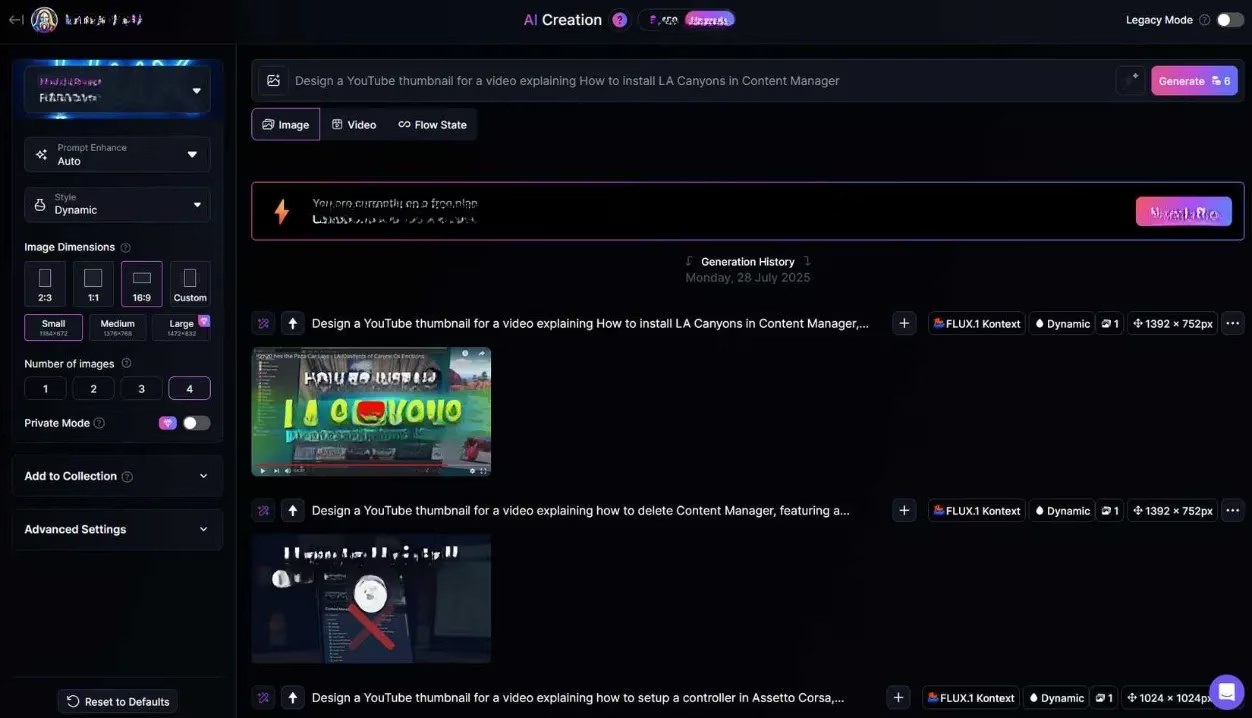
Visual content is king, and Leonardo.AI reigns as a top free multi-model image generation platform. The daily allowance of 150 tokens can produce up to 25 images using the efficient Flux Schnell model. This is perfect for rapidly prototyping character concepts, environment art, item icons, or YouTube thumbnail ideas. The platform includes an AI prompt enhancer to refine your ideas and a wide array of preset styles. By combining outputs from Leonardo.AI with a free editor like Canva, you can create polished graphics for streams, social media, or game asset mockups without any artistic training.
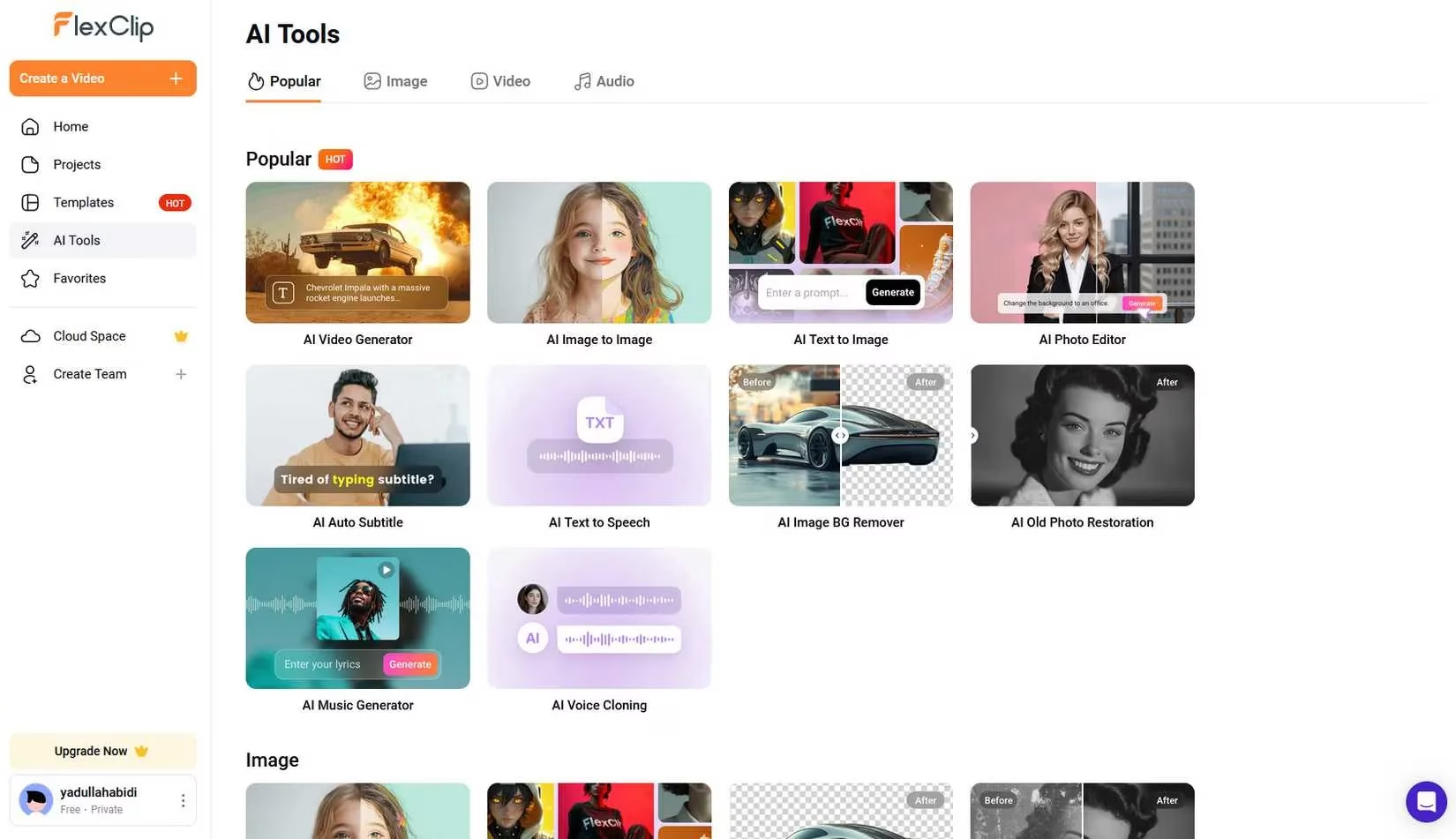
Taking visual creation a step further, FlexClip offers a suite of AI tools for video generation on its free plan. While limited to 720p, 10-minute videos, and a set number of AI tool tries, it provides a powerful entry point. You can use its AI script writer to generate a narrative from a simple prompt and then feed that script directly into its AI video generator. The result is a sequence of AI-generated scenes with voiceover—ideal for creating quick explainer videos, game trailers, or channel intros. It uses a credit system for its AI features, allowing you to purchase small batches without a full subscription, making it a flexible and budget-friendly option.
For the ultimate in privacy, control, and unlimited experimentation, Ollama is the pinnacle of free AI. This tool lets you run powerful, open-source large language models like Llama 3.2, DeepSeek-R1, or Mistral entirely on your local machine. No internet, no usage caps, and no data ever leaves your computer. The setup is remarkably simple; with a single command like ollama run gemma3, you can start chatting with Google's Gemma 3 model. While the interface is a command line without advanced features like history, the power and freedom are unmatched. It's perfect for tinkering, developing AI-integrated applications, or simply running an AI assistant completely offline. Ollama's partnership with OpenAI to host open-weight models further enriches its library.
🎮 Strategic Stacking: Your Free AI Power Combo
The true power lies not in using one tool, but in strategically chaining them. Here’s a sample workflow for a gamer creating a YouTube video series:
-
Research & Scripting: Use Perplexity.ai to gather fast, cited facts about a game's lore or mechanics. Then, feed those notes into ChatGPT (GPT-5) to draft a compelling, natural-sounding video script.
-
Visual Assets: Take key scenes or concepts from the script and generate concept art, character portraits, or background images using Leonardo.AI.
-
Video Production: Input the finalized script into FlexClip's AI tools to generate a rough video draft with visuals and voiceover. Use FlexClip's built-in editor or Canva to polish and add finishing touches.
-
Coding & Automation (Optional): If the project involves custom overlays, bots, or data analysis, use GitHub Copilot in VS Code to help write the necessary code snippets efficiently.
-
Private Experimentation: Use Ollama to run a local model for sensitive brainstorming, testing game dialogue trees, or analyzing personal gaming data without any external API calls.
| Tool | Best For | Key Free Limitation |
|---|---|---|
| ChatGPT (GPT-5) | All-purpose writing, brainstorming, analysis | Daily message/request caps |
| GitHub Copilot | Code completion, programming help | 2,000 completions & 50 chats/month |
| Perplexity.ai | Fast, cited research, document analysis | 5 Pro searches & 3 file uploads/day |
| Leonardo.AI | Rapid image generation, asset prototyping | 150 tokens (~25 images)/day |
| FlexClip | AI video & script generation, basic editing | 10 AI tries, 720p max, 10-min videos |
| Ollama | Private, unlimited local AI, model testing | Requires local hardware, basic CLI interface |
By mastering this ecosystem of complementary tools, you can achieve professional-grade results for content creation, game development, and digital projects entirely for free. The landscape in 2025 proves that with smart strategy, the most powerful AI capabilities are accessible to everyone. 🚀
Comments