 AIImageInsight
I’ll be honest, I was a bit late to the AI image generation party. By 2026, the internet is flooded with hyper-realistic dreamscapes, bizarre food hybrids, and synthwave raccoons. But the idea of diving into complicated software or paying monthly subscriptions always held me back. Then I stumbled back onto Google’s ImageFX—still living quietly inside the AI Test Kitchen—and realized I’d been missing out on one of the simplest free AI art tools around.
No installations, no GPU nightmares, just a browser and a Google account. Right from the start, it felt less like a tech demo and more like a creative playground. The interface hasn’t changed much from its early days, but the image quality? Way better than I remembered.
Getting Started in Seconds ⚡
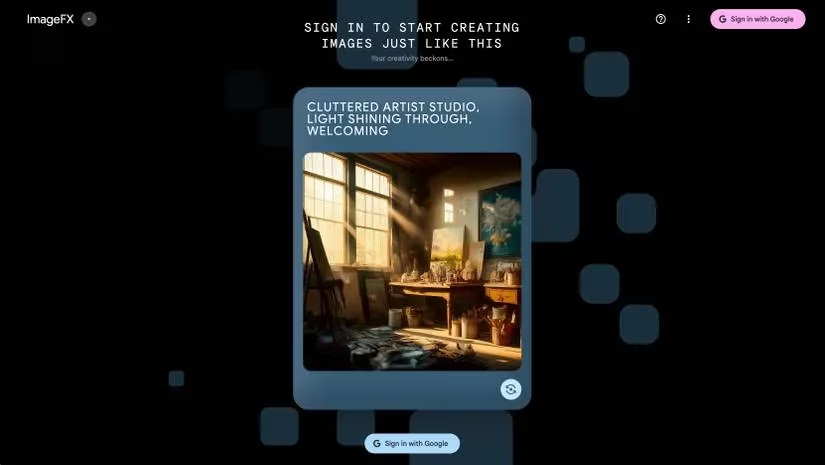
First things first, I pointed my browser to the AI Test Kitchen website. You’ll need to sign in with your Google account, which is free. After clicking the sign-in button, I was greeted with a short notice calling ImageFX experimental—still—and reminding me to be thoughtful with my generations. I skimmed, clicked Got it, and suddenly I had a blank canvas and a big text box.
One small caveat: even in 2026, ImageFX isn’t everywhere. The last time I checked, it remained available in regions like the US, Kenya, New Zealand, and Australia. If you’re somewhere else, you might need patience or a VPN workaround.
My First Prompt: Classic vs. Chaos 🎨
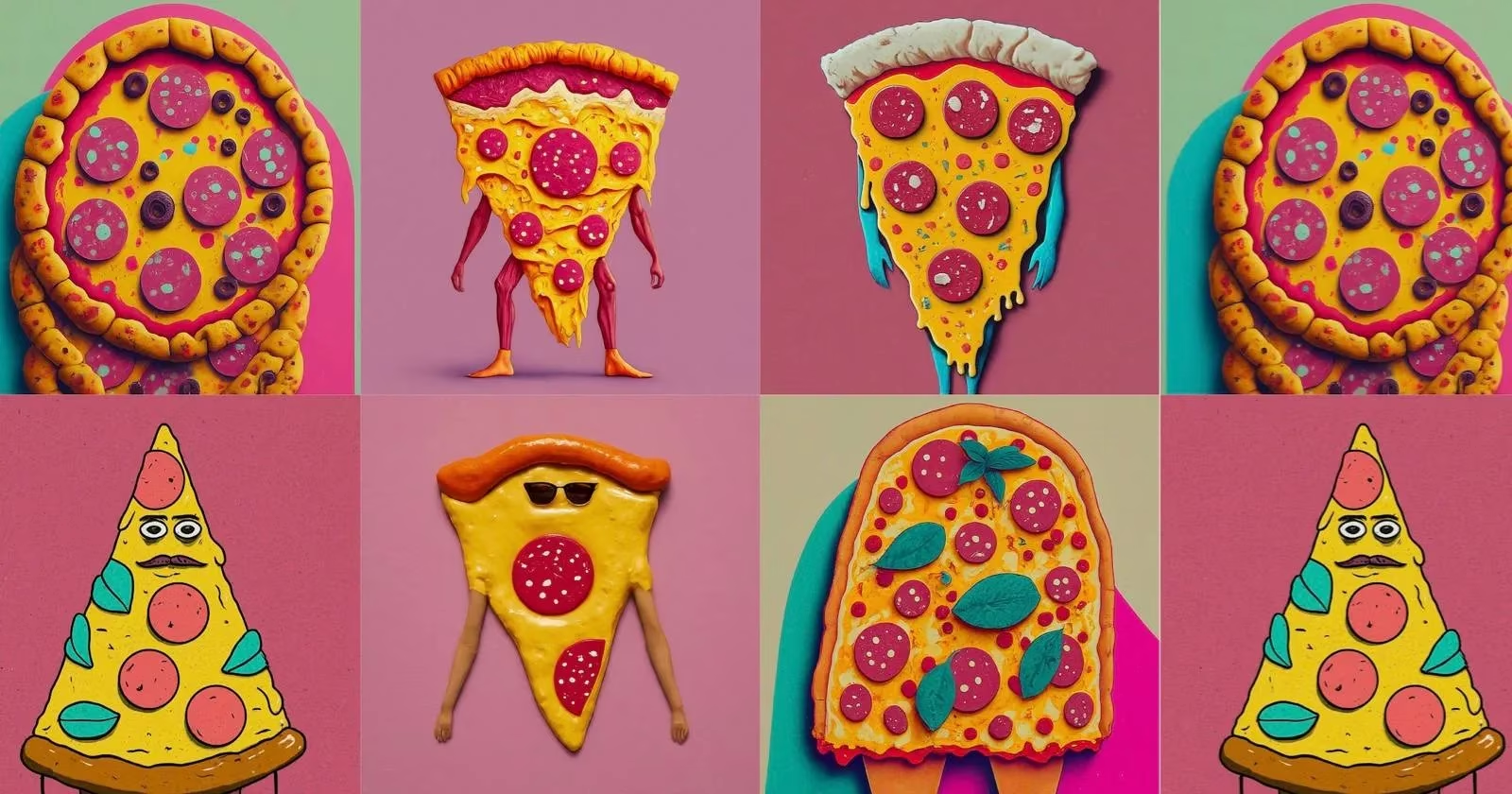
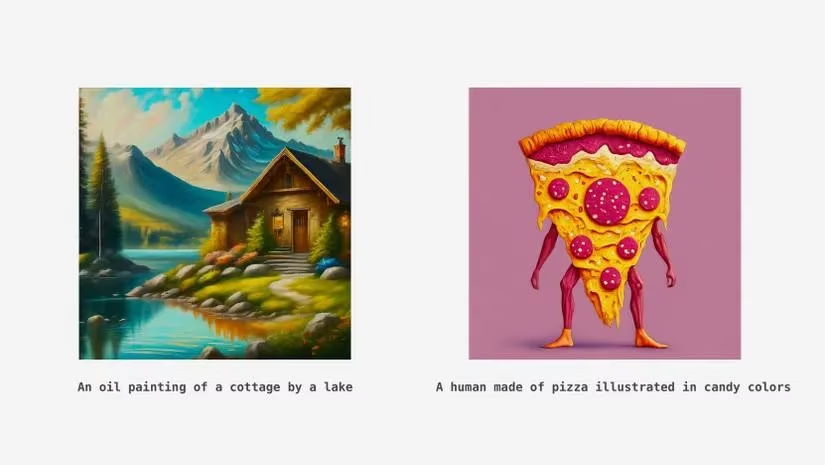
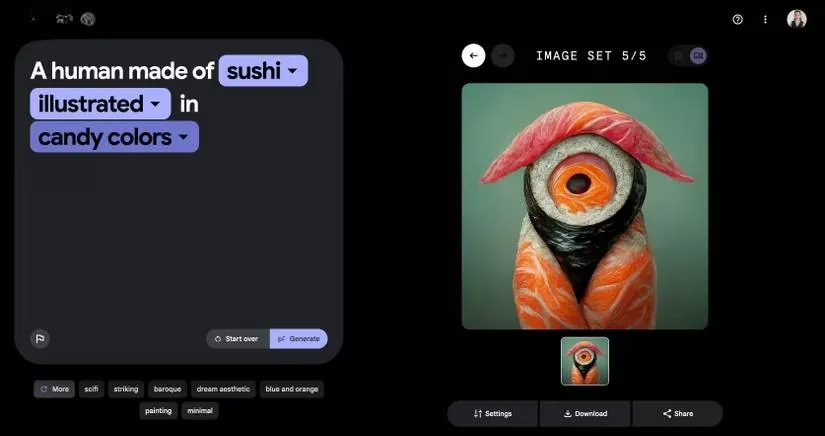
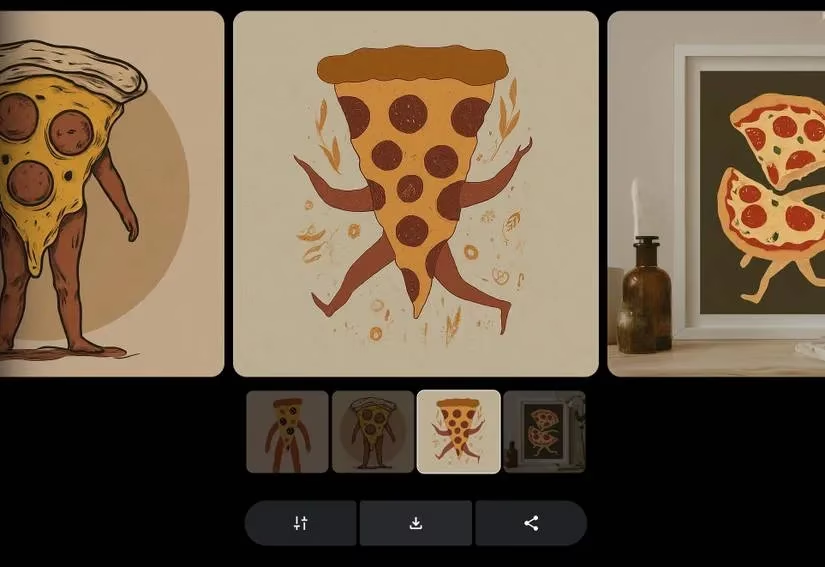
With the text box staring at me, I did what any sensible person would do: typed something absurd. My wife suggested “A human made of pizza illustrated in candy colors,” and I couldn’t resist. I hit Generate and out popped four variations of a wobbly, pepperoni-armed creature that looked equal parts delicious and horrifying. Then, just to test the range, I tried “An oil painting of a cottage by a lake.” The result? A serene scene that could hang in a gallery.
That contrast is what hooked me. One moment you’re making fine art, the next you’re designing a sentient lasagna.
Expressive Chips: The Secret Sauce 🧑🍳
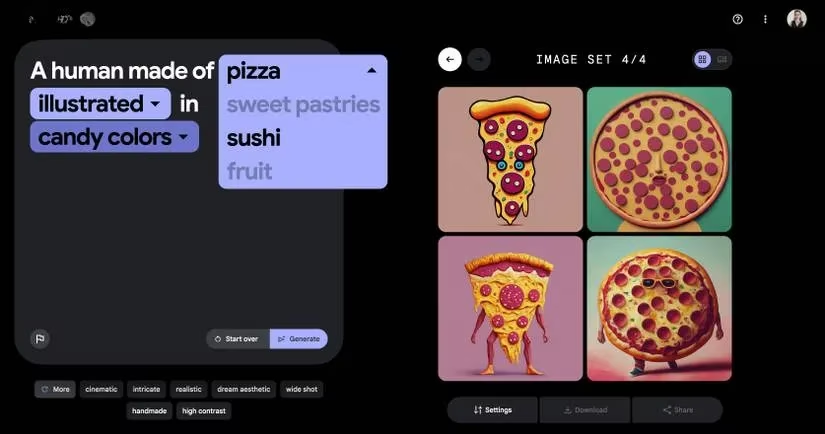
Here’s where ImageFX gets genuinely fun. After each generation, certain words in your prompt get highlighted as clickable chips. Google calls them Expressive Chips, and they let you swap words on the fly. For example, if my prompt was “A fluffy cat wearing a wizard hat,” the word “fluffy” might turn into a chip. Click it, and a dropdown suggests alternatives like “muscular,” “pixelated,” or “abstract.”
I spent an entire evening just clicking chips and regenerating. My pizza human became a woodland spirit, then a neon sign, then an art deco poster. Each click felt like twisting a kaleidoscope. It’s the perfect antidote to writer’s block when you can’t think of the right adjective.
Unlocking Better Results with Keywords 🗝️
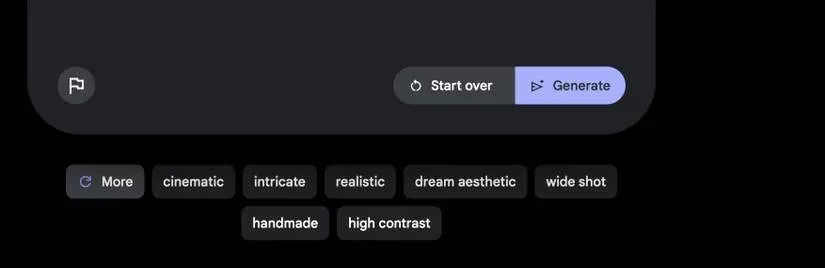
I’ll admit my art vocabulary is limited. I know “watercolor,” “sketch,” and maybe “Baroque” on a good day. But right below the text box, ImageFX flaunts a row of style keywords: film still, handmade, high contrast, abstract, cinematic, illustration—and plenty more. They’re not just decoration. I started clicking them to add terms directly into my prompts, and the difference in output was night and day.
If you’ve ever wondered why some AI images look like movie posters while yours look like a bad meme, this is the cheat code. For a fantasy landscape, adding “cinematic lighting” and “oil painting” transformed a dull meadow into something worthy of a Tolkien calendar. The tool practically teaches you prompt engineering as you play.
Building Your Visual Vocabulary 📚
One thing I’ve learned in 2026: the underlying models have only gotten better at interpreting nuanced language. But they still rely on us providing the right jargon. I started keeping a small cheat sheet of terms that consistently deliver:
-
Art styles: impasto, pointillism, ukiyo-e, synthwave, vaporwave, charcoal sketch
-
Lighting: golden hour, rim lighting, volumetric fog, dramatic shadows
-
Camera details: macro lens, tilt shift, wide angle, 35mm, bokeh
-
Composition: close-up, bird’s eye view, symmetry, rule of thirds
By mixing these with the expressive chips, I felt like a director calling shots rather than a monkey at a typewriter.
From Experiment to Keeper 📥
Eventually, I created an image I couldn’t let go. A floating jellyfish colony over a steampunk city, lit by teal bioluminescence. To save it, I clicked the thumbnail to open the full preview, then hit the download button (that arrow pointing down). The resolution isn’t as customizable as in Midjourney or DALL·E, but for sharing online or using as a desktop wallpaper, it’s perfectly fine.
Keep in mind, ImageFX won’t let you outpaint or edit details post-generation the way some paid tools do. If you want to expand an image beyond its borders, you’d still need something like DALL·E’s outpainting feature. But the trade-off is zero cost and zero friction.
Why I Keep Coming Back 🔄
In the last two years, I’ve watched more polished AI art platforms emerge, many with paywalls. ImageFX remains that scrappy, free tool that lets me prototype ideas in five minutes. I use it to generate character concepts for my D&D campaign, visual references for home renovation moods, and yes, more anthropomorphic pizza than I care to admit.
The addictive loop goes like this: type something silly, get four surprising images, swap chips, regenerate, find a style keyword, regenerate again—and suddenly an hour has passed. But I’m left with a folder full of weird, wonderful art that didn’t cost a penny.
So, if you’ve been sitting on the sidelines wondering where to start with AI imagery, give ImageFX a shot. Open the AI Test Kitchen, let your imagination run wild, and remember: every masterpiece starts with one ridiculous prompt.
This overview is based on Newzoo market research, and it helps explain why lightweight, browser-based creativity tools like Google’s ImageFX keep winning mindshare in 2026: when friction and cost drop to near-zero, experimentation spikes. In the same way free-to-start games rely on fast onboarding and short feedback loops to retain players, ImageFX’s “type → generate four variants → tweak via chips → regenerate” cycle mirrors a proven engagement pattern—making it ideal for quick concepting, mood boards, and iterative visual “play” without the commitment of heavyweight software.
Comments