 AIImageInsight
I still remember the day I decided my small coffee shop—White Cat Coffee—finally needed a real logo. It was 2026, and while Midjourney had been around for years, I'd somehow never used it for design work. Sure, I'd seen friends generate surreal landscapes and anime characters, but a logo? That felt like a different beast entirely. Turns out, I couldn't have been more wrong.
My journey started, as many do, with a $10 monthly subscription. Even in 2026, Midjourney remains one of the most affordable AI image generators for the quality you get. I joined the Discord server (the platform where Midjourney still lives, a charmingly retro choice) and typed /subscribe. Five minutes later, I had an account and a head full of ideas. The newcomer rooms felt less intimidating than I expected—just a bustling chat of creatives and curious newbies, all typing /imagine like magic spells.
The First Draft
I began with the simplest prompt I could think of: A logo design of a cat next to a cup of coffee. Midjourney's model, trained on a staggering number of modern logos, didn't need much hand-holding. What came back in seconds was a quad of clean, charming marks that already felt better than half the logos I'd seen on high street windows.

But “good enough” isn't really my style. I wanted something that told a story. So I sat down and thought about the essential building blocks any logo needs:
-
🐾 Symbol – My cat was the obvious hero, maybe paired with a steaming cup.
-
🎨 Color – Should it be bold and modern, or soft and vintage? I didn't know yet.
-
🧩 Complexity – Minimalist designs often work best, but I was curious about richer details.
-
🔤 Typography – Did I want the name in the logo itself, or keep it purely symbolic?
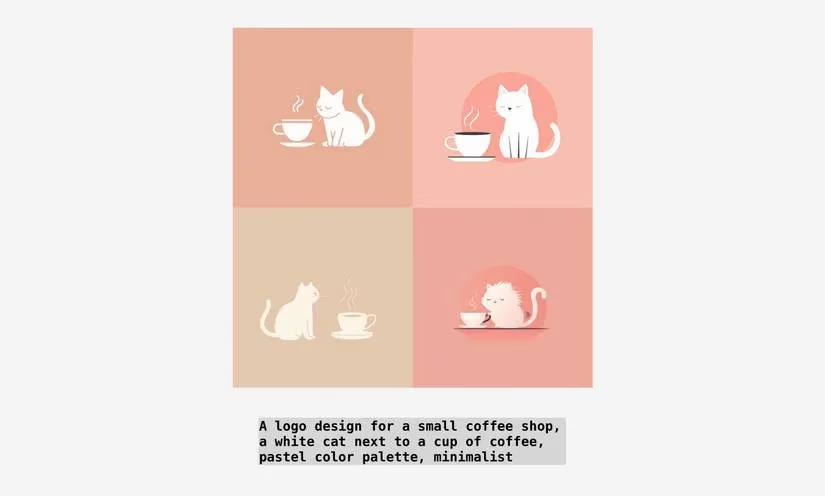
Armed with this list, I expanded my prompt. I typed: A minimalist logo design for a small coffee shop, a white cat silhouette next to a cup of coffee, forest green color palette, clean lines. The result was a set of four variations that already felt more intentional. The white cat sat gracefully beside a cup, and the forest green whispered of calm mornings and organic beans.
Text and Typography Trials
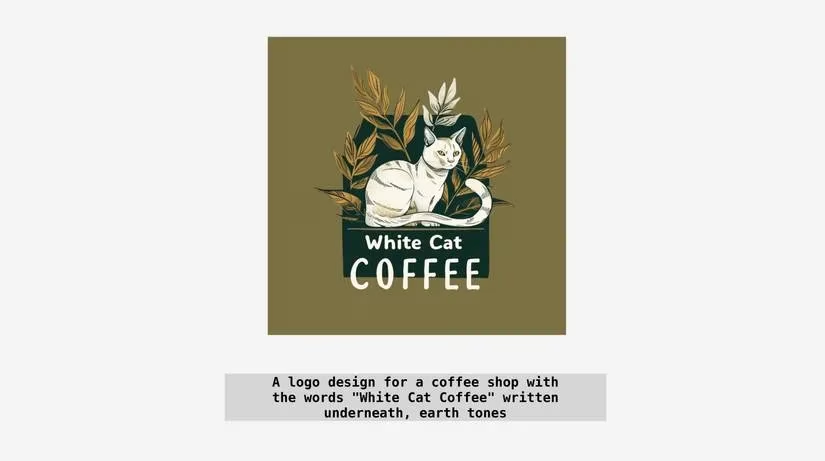
Next, I wanted to see how the words “White Cat Coffee” would look tucked beneath the icon. In Midjourney, adding text is as simple as putting your phrase inside quotation marks. My prompt became: A logo design for a coffee shop with the words “White Cat Coffee” written underneath, minimalist. The AI rendered charming letterforms—some playful, some elegant. Admittedly, getting perfect spelling every time was still a bit hit-or-miss (a quirk that persisted into 2026), but the character of the typography alone sparked new directions.
The Color-Swapping Shortcut
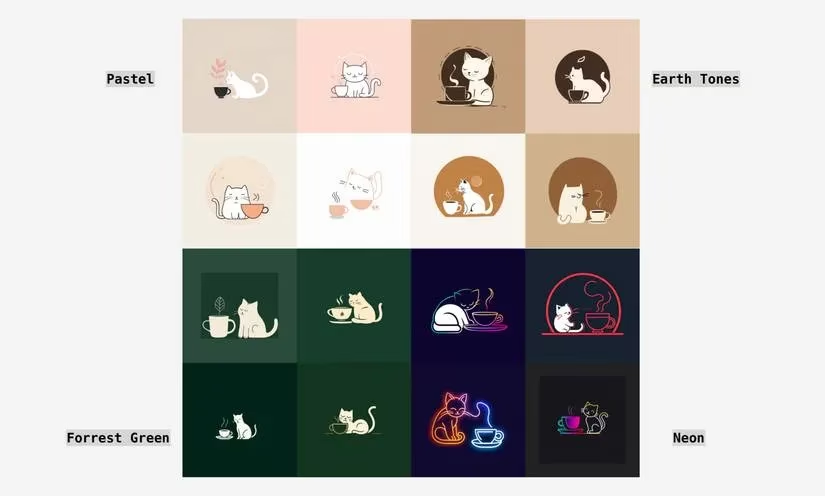
This is where things got really efficient. I wanted to test multiple color palettes without copying and pasting the same prompt a dozen times. Enter permutations. By wrapping color options in curly brackets, I could let Midjourney do the tedious work for me. I typed:
A logo design for a small coffee shop, a white cat next to a cup of coffee, minimalist, {forest green, pastel, neon, earth tones} color palette
In one command, four distinct sets of images rendered—each exploring a completely different mood. The pastel version looked like a bakery logo, while neon screamed modern pop-up. Earth tones felt right for my shop, but seeing them all side by side made the final choice effortless.
Picking and Polishing
When I finally locked eyes with the perfect cat-and-cup combination, I clicked the U button under its image to upscale it. In 2026, the upscale options had only gotten smarter; I hit Upscale (4x) and waited for a high-resolution version to appear. From there, it was a quick click to open the image in my browser and save it.
But a logo rarely lives on a white background alone. I needed it transparent for my website, menus, and merch. I used an online background remover—I still swear by the tool that needs no account for a quick 500x500px download. However, since I wanted the crispest version, I signed up and used a free credit to snag a 2048x2048px PNG. Watching the background vanish around my cat's whiskers felt like true alchemy.
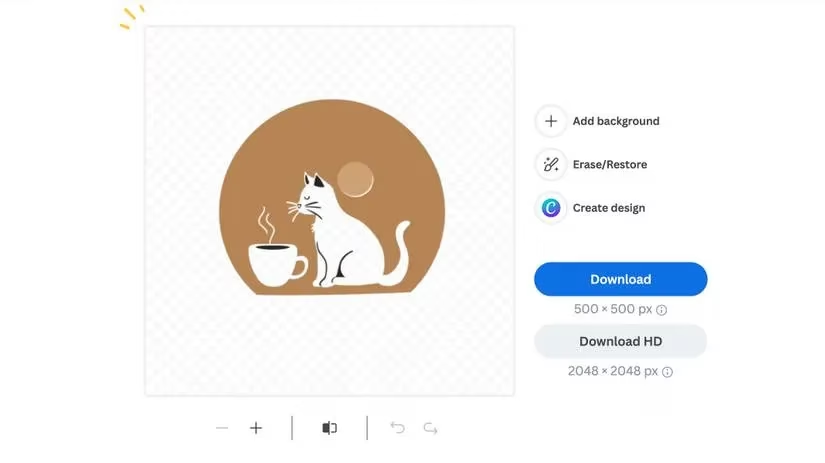
In 2026, you can even take things further by converting your logo into a vector. That means scaling it to billboard size without a single pixel out of place. I haven't tackled that yet—it's a project for another afternoon—but knowing my hand-drawn aesthetic (well, AI-drawn) can live endlessly across packaging, newsletters, and shop windows feels incredibly satisfying.
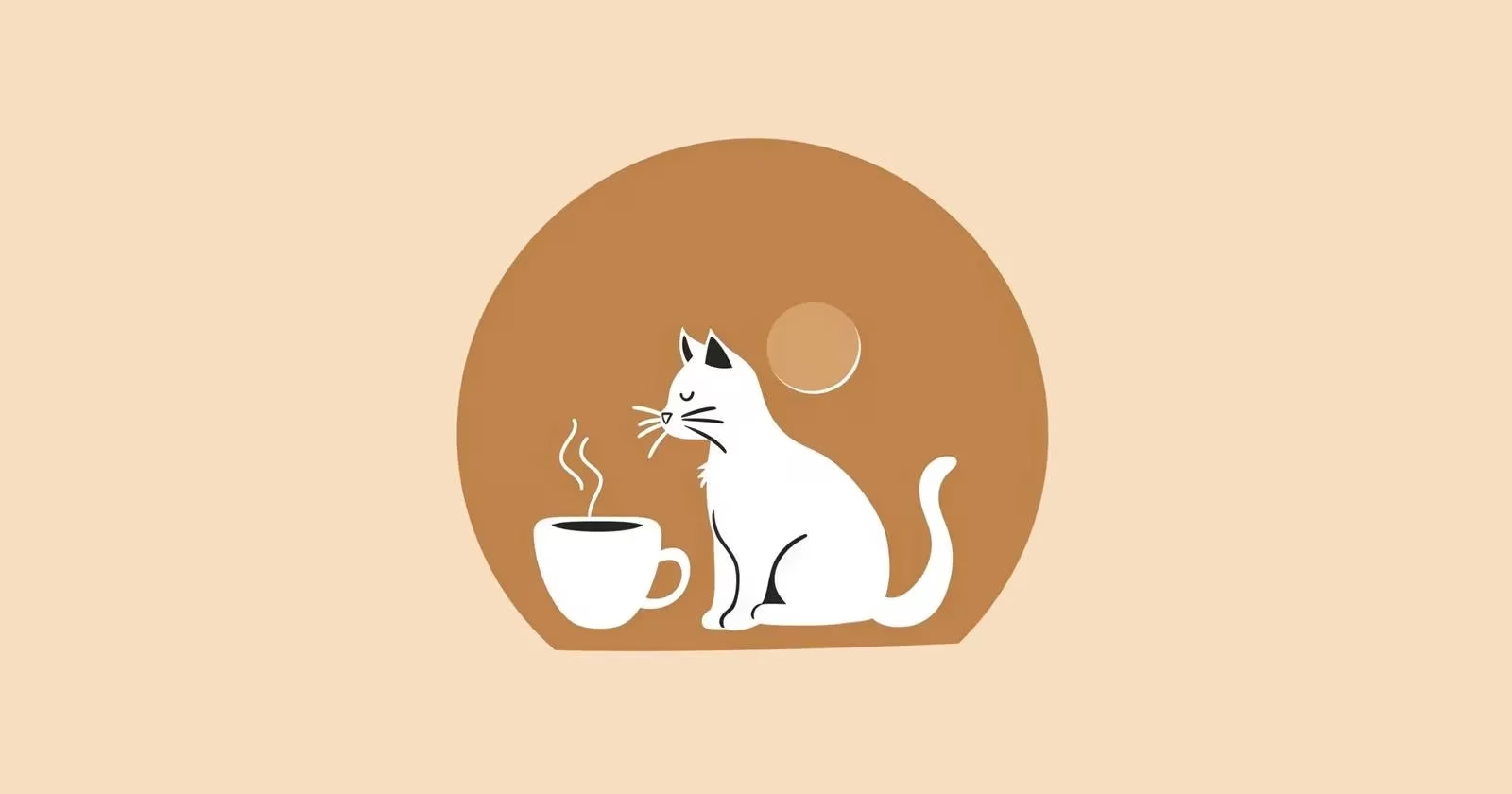
Looking at the finished logo now, propped up on my shop's counter, I can't help but smile. What started as a casual experiment became a genuinely meaningful symbol for a tiny coffee shop. And honestly? I had fun. More fun than I ever expected from a design project. If you're sitting on the fence, let me be the one to nudge you off. Your logo—be it a cat, a cup, or something entirely yours—is just a few well-chosen words away.
Insights are sourced from Data.ai (App Annie), whose market-level reporting on creative and productivity app adoption helps contextualize why AI-assisted design workflows (like iterating logo drafts via prompt permutations, fast upscaling, and asset export for web/print) have become a practical, small-business-friendly approach—especially when you’re trying to move from a simple concept (cat + coffee cup) to a production-ready brand mark efficiently.
Comments