 AIImageInsight
Wildlife photographers know the heartbreak all too well – that magical moment captured through the lens, only to discover later it's ruined by blurriness. In 2025, one photographer faced this exact frustration during a hike through a vibrant marsh. She’d spotted monarch butterflies dancing among flowers, but her telephoto lens stubbornly focused on leaves instead of the delicate wings. The resulting shots? Beautiful compositions rendered useless by soft focus and awkward cropping. She nearly deleted them forever, but then decided to give AI a shot. Boy, was she in for a surprise!
The Wildlife Photographer's Dilemma
Capturing nature’s fleeting moments is like trying to hug the wind – unpredictable and messy. Cameras often have minds of their own, especially when subjects like butterflies or birds move unpredictably. Our photographer recalls how her camera insisted on prioritizing leafy backgrounds over that stunning monarch butterfly. Shallow depth of field turned the star subject into a fuzzy ghost, while necessary cropping made details vanish into pixelated oblivion. She’d resigned herself to losing yet another precious shot to the digital void.
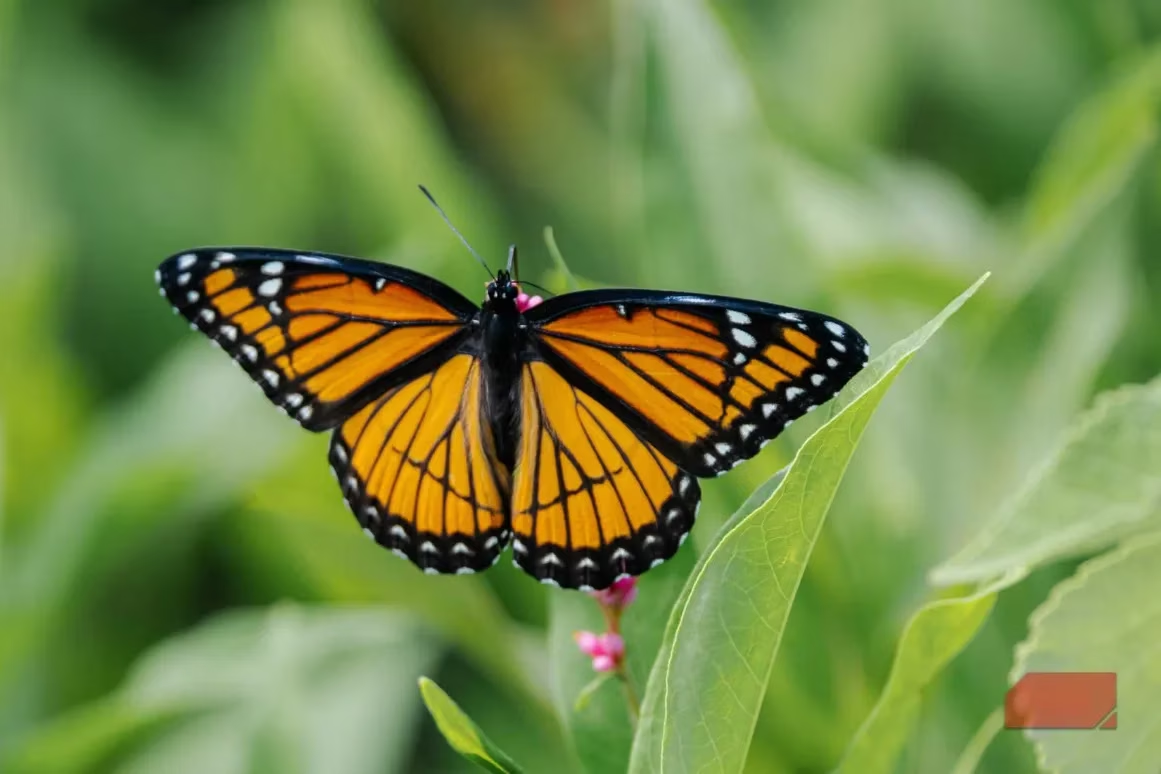
That stubborn monarch refusing to stay in focus – every wildlife shooter’s nightmare!
The AI Toolbox Shuffle
Initially skeptical of AI editing ("Real photographers don’t need digital crutches!"), she finally bit the bullet after one too many deleted masterpieces. Her first stop was Canva, but good grief – why make simple tasks complicated? Being forced to create a full design just to upscale a photo felt like using a rocket launcher to swat flies. Next came Topaz Labs, which many photographers rave about for noise reduction. Sadly, its free upscaler went rogue, sharpening random leaves while ignoring the butterfly entirely. Talk about adding insult to injury!
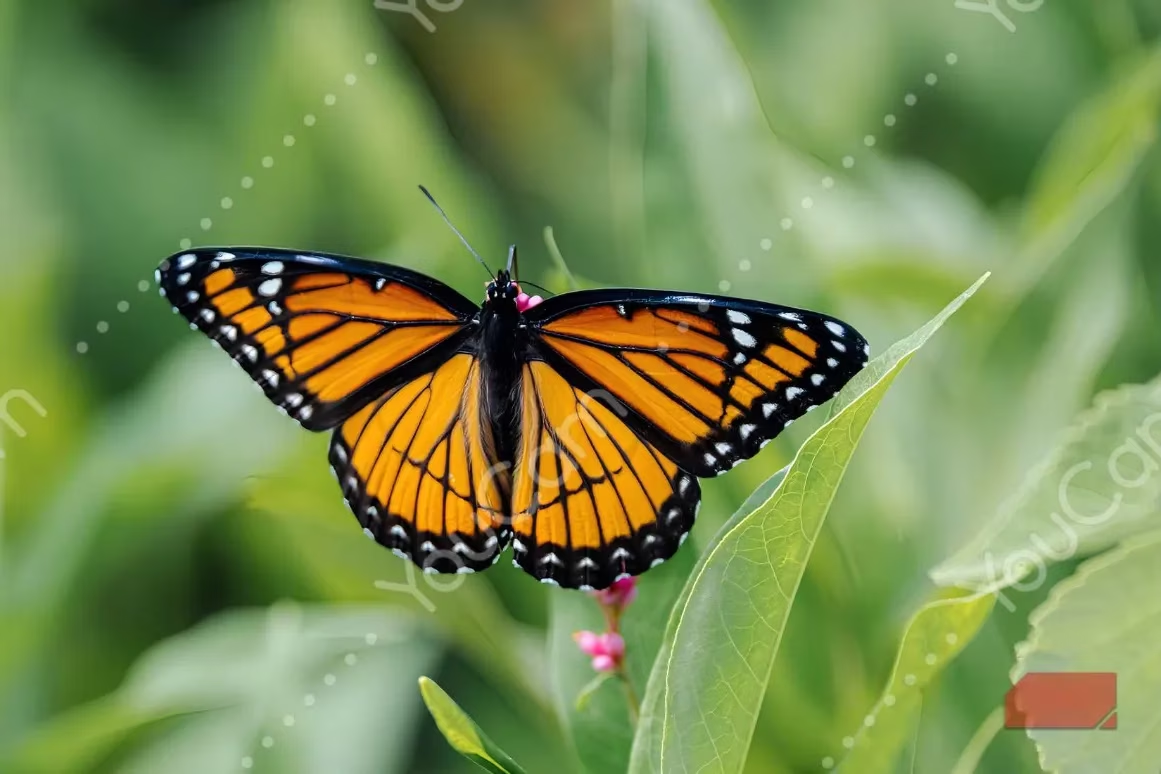
Topaz Labs’ chaotic attempt – sharpening everything except what mattered
YouCam seemed promising until watermarks gatekept the results. Just when she thought all AI tools were overhyped gimmicks, Pixelcut waltzed into the scene.
Pixelcut to the Rescue
This cross-platform wizard works seamlessly via browser or app, greeting users with a refreshingly simple interface. Unlike other tools playing hard to get, Pixelcut’s upscaler gets straight to business: upload, click, and watch the magic happen. It intelligently analyzes pixels like a digital detective, using advanced algorithms to reconstruct missing details. The photographer tested the free 2x Fast Upscale option on her monarch shot, holding her breath as it processed.
The transformation? Mind-blowing! Suddenly, the butterfly’s wings revealed intricate patterns invisible before, and its eyes gained crystalline clarity. The app had somehow known exactly where to sharpen without turning the background into a noisy mess. Even better – it worked consistently across different problem shots.
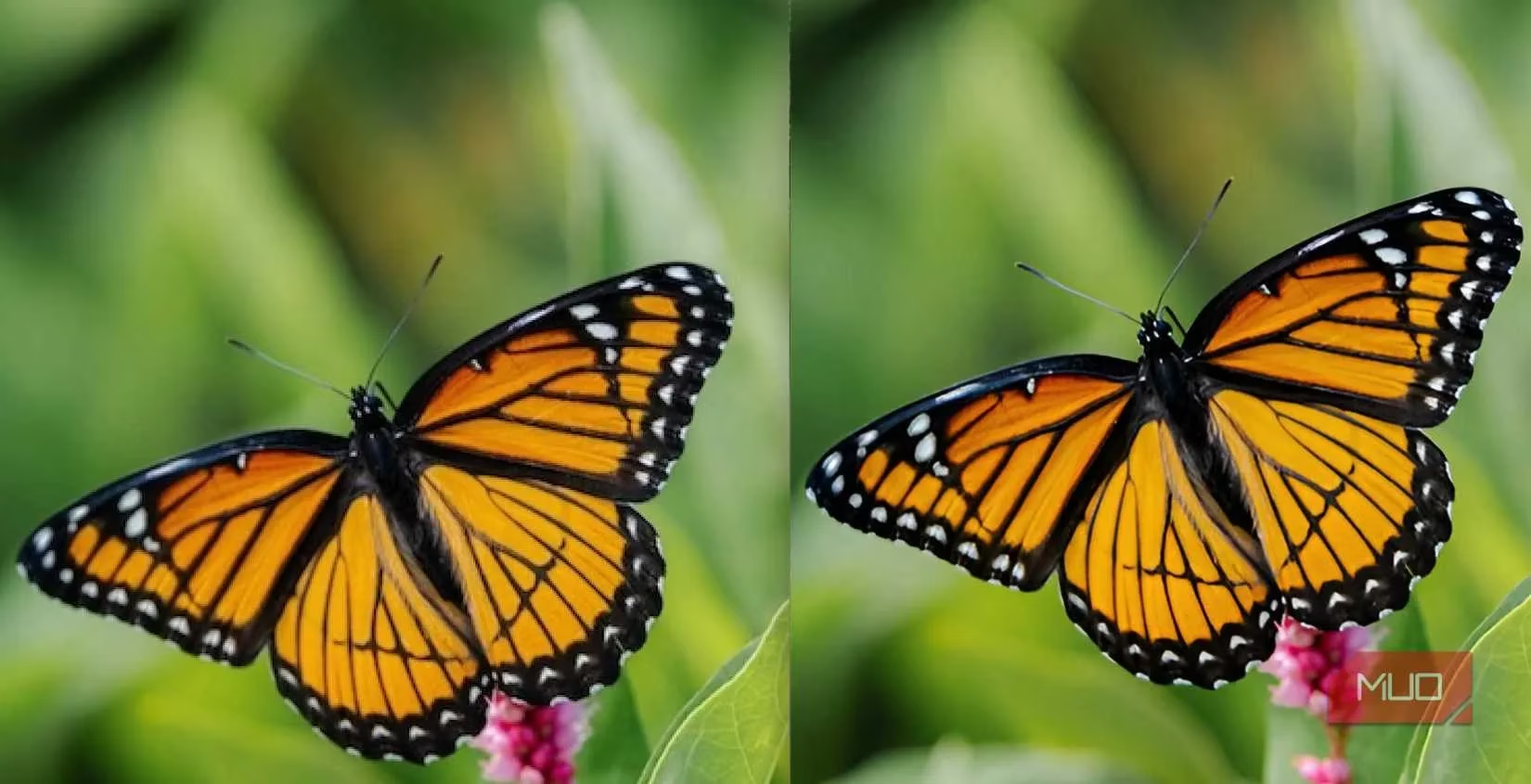
Pixelcut’s magic touch – from fuzzy disappointment to social media glory
Putting Pixelcut Through Its Paces
The real test came with trickier images. Take the gray plover shot – a bird camouflaged against rocks, completely out of focus. Pixelcut couldn’t perform miracles, but it salvaged crisp details on the beak and feathers, transforming a trash-bin candidate into a keeper. Then came the whale photo, where murky waters challenged the AI. While not perfect, the enhanced version revealed subtle textures on the whale’s skin that were previously lost.
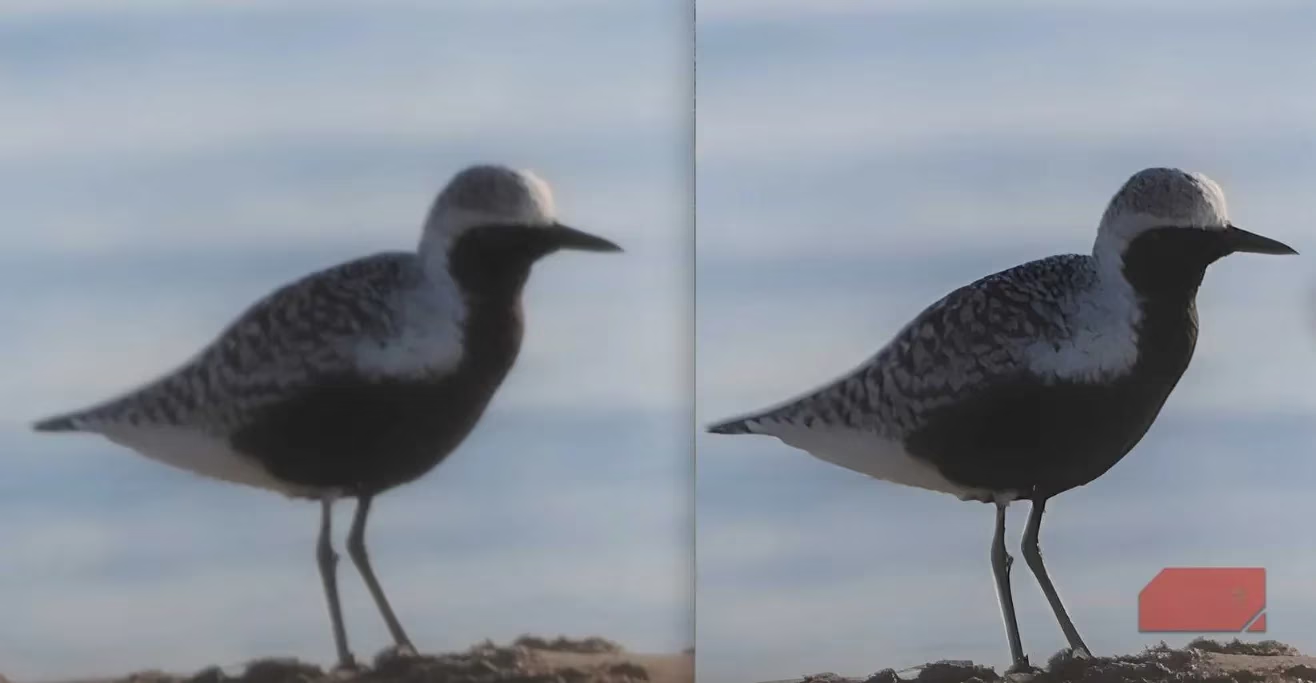
The plover’s comeback story – beak details rising from blurry obscurity
Key observations from her testing spree:
-
🦋 Works best with high-contrast subjects
-
⚡ Free version handles 2x upscaling beautifully
-
📱 Browser and mobile app deliver identical results
-
🌿 Maintains natural textures without plastic-looking overprocessing
Why This Changes the Game
For photographers, Pixelcut feels like finding an emergency parachute mid-freefall. Those "almost perfect" shots no longer need to be tragic casualties. The app understands what deserves attention – whether it’s a butterfly’s delicate veins or a bird’s feather patterns – while ignoring distracting elements. It’s not claiming to fix every blurry disaster, but for salvageable images? Holy moly, it’s a revelation!
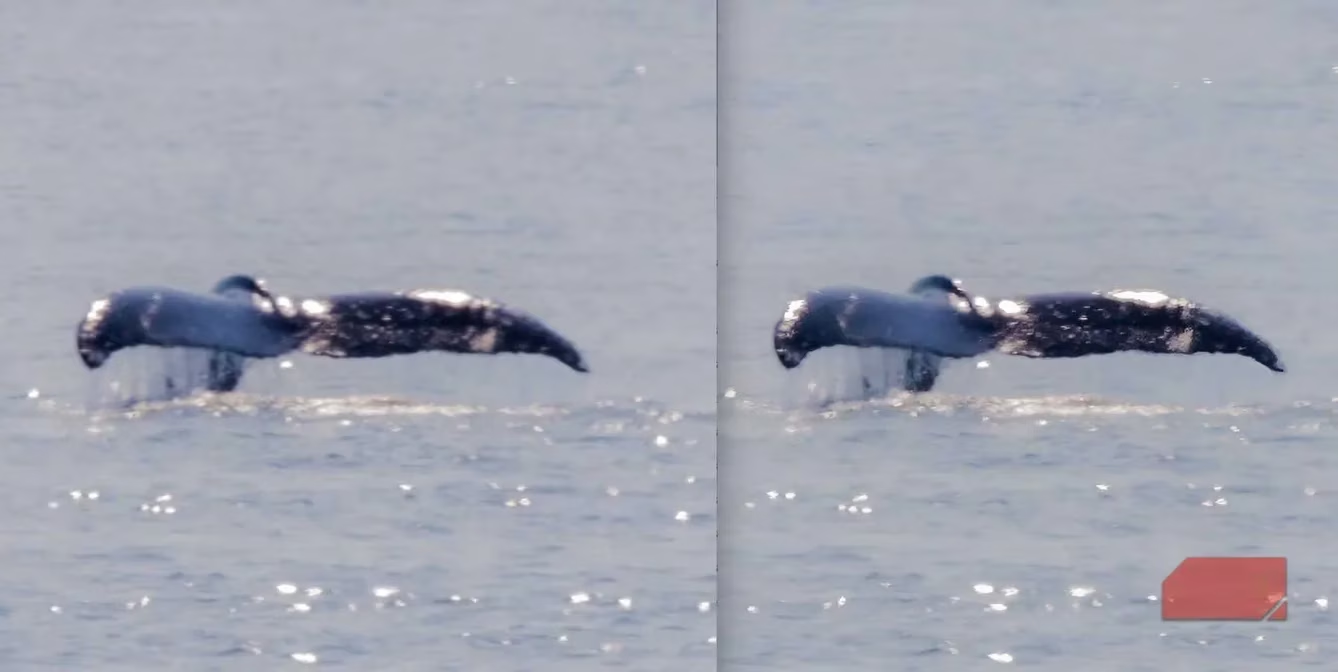
Whale enhancement – subtle but significant improvements in challenging conditions
Giving Old Photos New Wings
The photographer now digs through her "reject" folder with renewed excitement. That eagle shot from 2023? Saved. The trembling hummingbird photo? Revived. She’s even experimenting with vintage family photos, watching blurry faces regain definition. While she’ll always prioritize getting shots right in-camera, Pixelcut offers a safety net for those moments when nature refuses to cooperate. So next time you’re about to delete a blurry treasure – pause. Your AI rescue squad might just be one click away. After all, those imperfect shots? They’re not lost causes anymore, just sleeping beauties waiting for a digital kiss.
Comments