 AIImageInsight
The late‑afternoon sun was already dipping below the rooftops when Alex slumped into his chair, staring at a memory card full of photos that, frankly, looked like a hot mess. His Saturday photo walk had been a blast—he’d captured some gorgeous street scenes, his sister’s new puppy, and a moody sky over the harbour. But now, in the cold light of his 2026 Mac, the images screamed “amateur hour.” The colours were flat, a few shots were too dark, and one otherwise perfect frame had a trash can photobombing the main subject. He knew the files held promise; getting them there had always been the bottleneck.
He remembered his buddy Jake raving about how AI had become the real MVP in photo editing. “It’s a whole different ball game now,” Jake had said, “you barely have to lift a finger.” Alex, a self‑taught hobbyist who’d been tweaking sliders for years, was a bit old‑school. But he also hated spending hours hunched over his desk. So, with a shrug, he fired up Adobe Lightroom Classic—now packed with more smart helpers than ever—and decided to let the algorithms work their magic.
The first thing that caught his eye was the Auto toggle right in the Develop module. In the past, Alex had always treated the auto button like a badly written horoscope; he’d glance at it, roll his eyes, and go back to manual tweaking. This time, though, curiosity won. He clicked it on a bland cityscape. In the blink of an eye, the image popped. Vibrance and clarity shot up just the right amount, the shadows opened up without turning muddy, and the highlights that had been blown out on a store window regained detail.
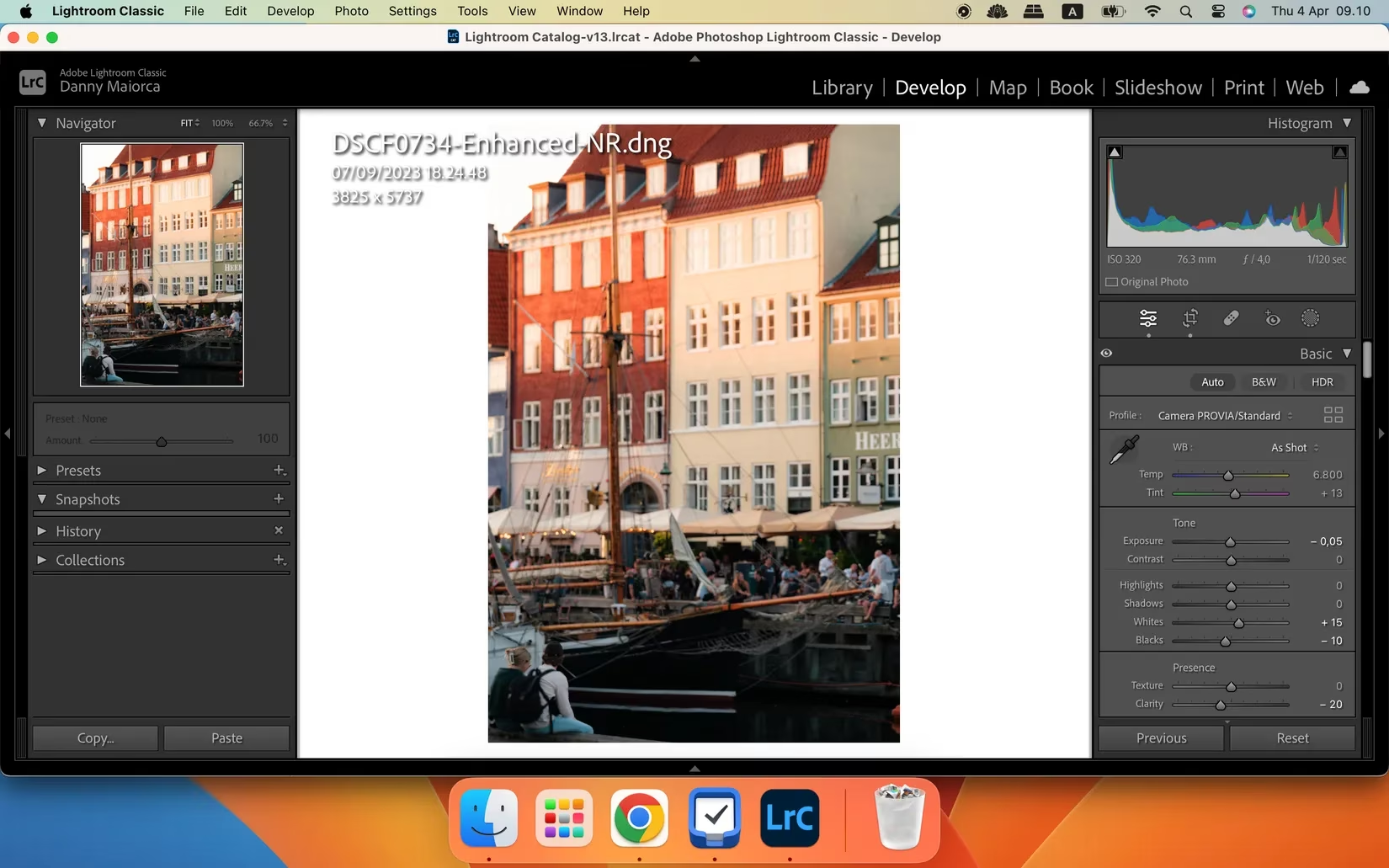
A few clicks later, Alex realized the AI wasn’t some one‑trick pony. The auto slider had given him a killer baseline edit—something he could then finesse with tiny manual nudges. “This is a game‑changer,” he muttered, already saving himself twenty minutes per image. He learned that even Apple’s built‑in Photos app, Canva, and Capture One had similar auto‑adjustment wizards, perfect for whenever he wasn’t using Lightroom. It felt like having a junior editor sitting right beside him, whispering the correct settings.
Emboldened by this win, he turned his attention to a grainy twilight shot of the harbour. The ISO had climbed past 3200, and the noise was so thick it looked like a sandstorm. A few years ago, he would have tried to kill the grain by softening the whole picture into a watercolour mess. But now, Lightroom’s AI Denoise feature promised a cleaner path. With just a couple of taps, the app analyzed the RAW file and delivered a version that was smooth as silk, yet retained the crisp rigging of the distant sailboats. Fotor and a few online tools had also jumped on the denoise bandwagon, but Lightroom’s implementation felt almost like witchcraft. He exported the image and grinned; the result was frame‑worthy.
Next on his to‑do list: sharing that very photo on Instagram. But Instagram in 2026 was still a stickler for dimensions, and Alex’s 4:5 masterpiece was getting cropped into oblivion. Banging his head against the wall was not an option. He remembered Jake mentioning a tool called Pixelhunter, and a quick search took him to its web app. The interface was a breeze. He uploaded the image, and the AI instantly presented a gallery of perfectly cropped versions for Instagram posts, Stories, Facebook banners, and even LinkedIn. No more looking up pixel dimensions or ending up with a picture that “looked like it was taken on a potato.” He picked the Instagram‑friendly version, downloaded it, and had it online in under a minute. The whole experience was so slick he made a mental note to use it for his portfolio site resizing, too.

The colour balance dragon was the next to be slain. One of his favourite shots from the day showed the puppy looking adorable, but the whole image had a yellow cast that made it feel like it was shot inside a cheese sandwich. In the past, Alex had butchered white balance so badly that skin tones turned purple. This time, he clicked the WB dropdown in Lightroom and selected Auto. Temperature and tint sliders jumped to a natural spot. A quick nudge of the temperature slider made it perfect. The AI had done the heavy lifting, and once again, all he needed was a tiny personal touch. He’d read somewhere that even seasoned photographers occasionally trip over white balance, and now he finally felt like he’d mastered it—without studying colour theory for a year.
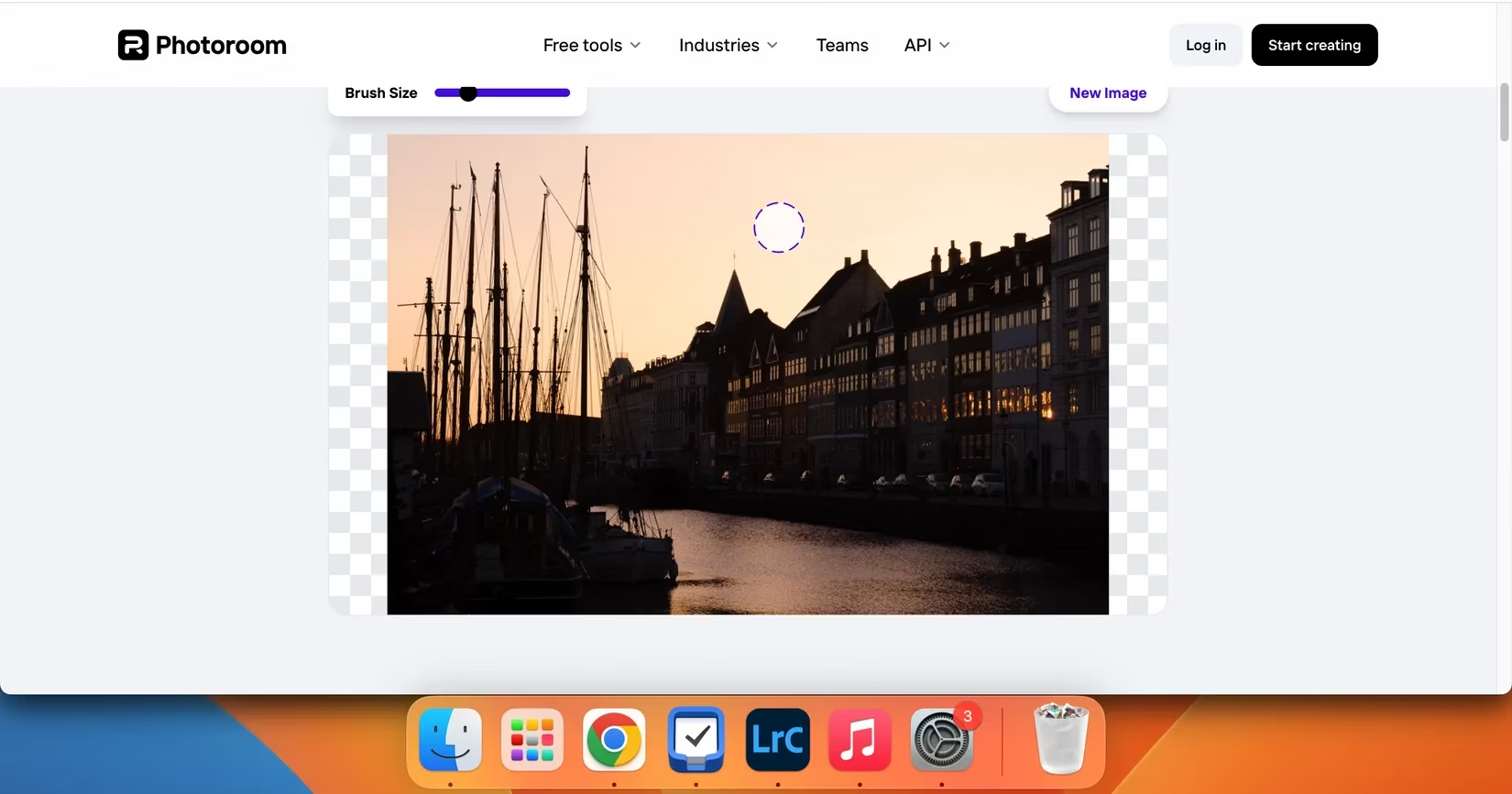
By now Alex was on a roll. One shot of his bike leaned against a graffiti wall looked amazing, except for the cluttered street sign and a guy photobombing in the background. A quick round of cropping couldn’t fix it. The solution? AI object removal. He hopped onto Photoroom, dragged and dropped the image, painted over the unwanted mess with the AI retouch tool, and let the software work its voodoo. Seconds later, the sign and the stranger vanished, replaced by a seamless continuation of the brickwork. It wasn’t 100% perfect—a small smudge remained on a brick edge if you zoomed in at 300%—but for social media and prints, it was a knockout. He also remembered that Android’s Magic Eraser, Picsart, and Fotor offered similar features that required zero design skills.
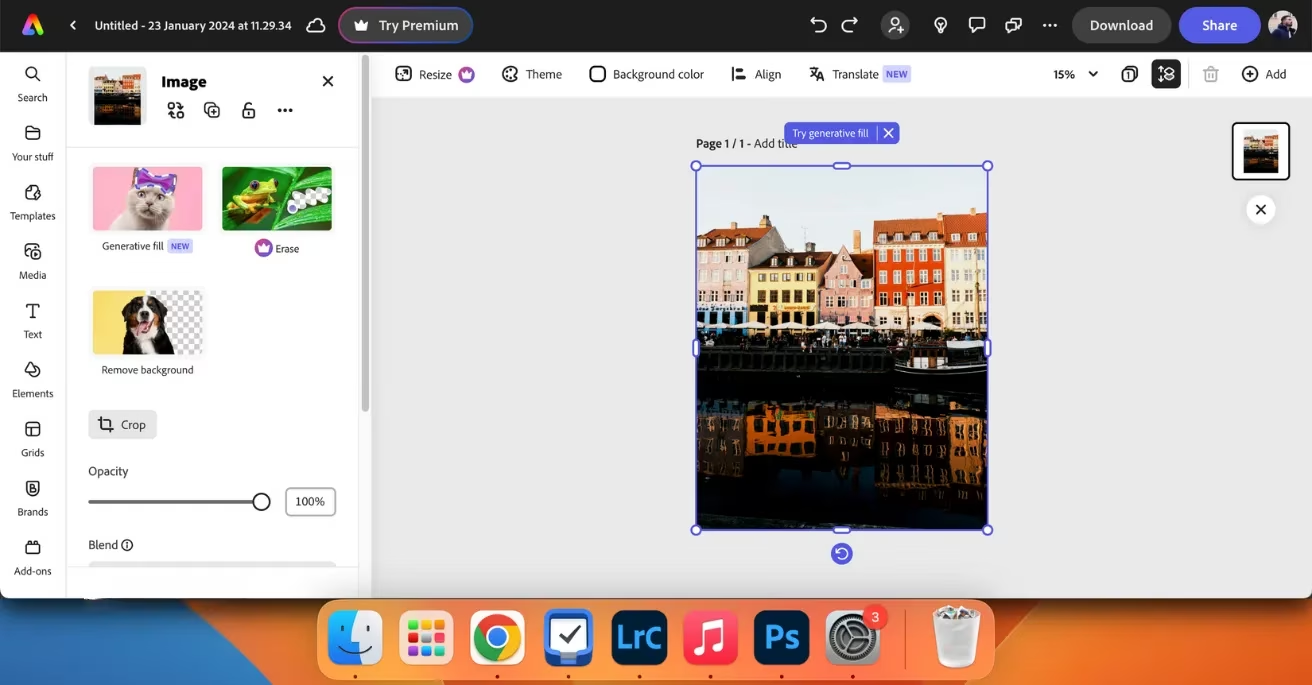
Not done yet, Alex had one final trick he wanted to try for a product‑style shoot of his vintage film camera. He wanted a clean, isolated look. Firing up Adobe Express, he uploaded the image and clicked Remove Background. The AI identified the camera instantly and stripped away the messy desk background, leaving a transparent canvas. He dropped a solid colour fill behind it, and suddenly the photo looked like it belonged in a brochure. Canva’s Pro subscription and a few other apps offered the same ability, but Adobe Express didn’t ask for a dime.
By the time Alex leaned back in his chair, the evening had turned into a full‑on editing marathon that had felt more like a creative joyride. AI hadn’t replaced his eye for composition or his love of the craft; it had just swept away the tedious grunt work. Auto‑editing sliders gave him a running start, denoise cleaned up his low‑light gambles, smart resizers made sharing a walk in the park, white balance got flattened in a single click, and object and background removal saved shots he’d have otherwise trashed. If you’d told him in 2023 that he’d edit a memory card of 200 photos in under an hour, he would have thought you were pulling his leg. But here he was, looking at a collection that felt genuinely pro‑level without a single headache. The only thing left to do was to pick his favourites, hit “share,” and start planning his next photo outing—knowing that whatever hiccups he hit, the AI had his back.
Comments