 AIImageInsight
In 2026, the line between the digital and physical realms has blurred beyond recognition, especially for gamers and content creators. The quest for the perfect virtual backdrop isn't just for fantasy RPGs anymore—it's for everyday photos, streaming overlays, and social media presence. A professional gamer, let's call him Kai, decided to put several AI-powered background replacement tools through their paces, not for a game map, but for real-world photos. His mission? To find out which digital paintbrush could most convincingly alter reality without looking like a cheap graphics mod.
Kai started with Fotor, a tool he knew from basic photo tweaks. He had a street scene from his hometown, captured on a gloomy, overcast day—a real mood killer. He thought, "Let's give this scene a proper sunny sky, even if the dude in the frame is bundled up for winter. YOLO." He uploaded the image, expecting a magical transformation.
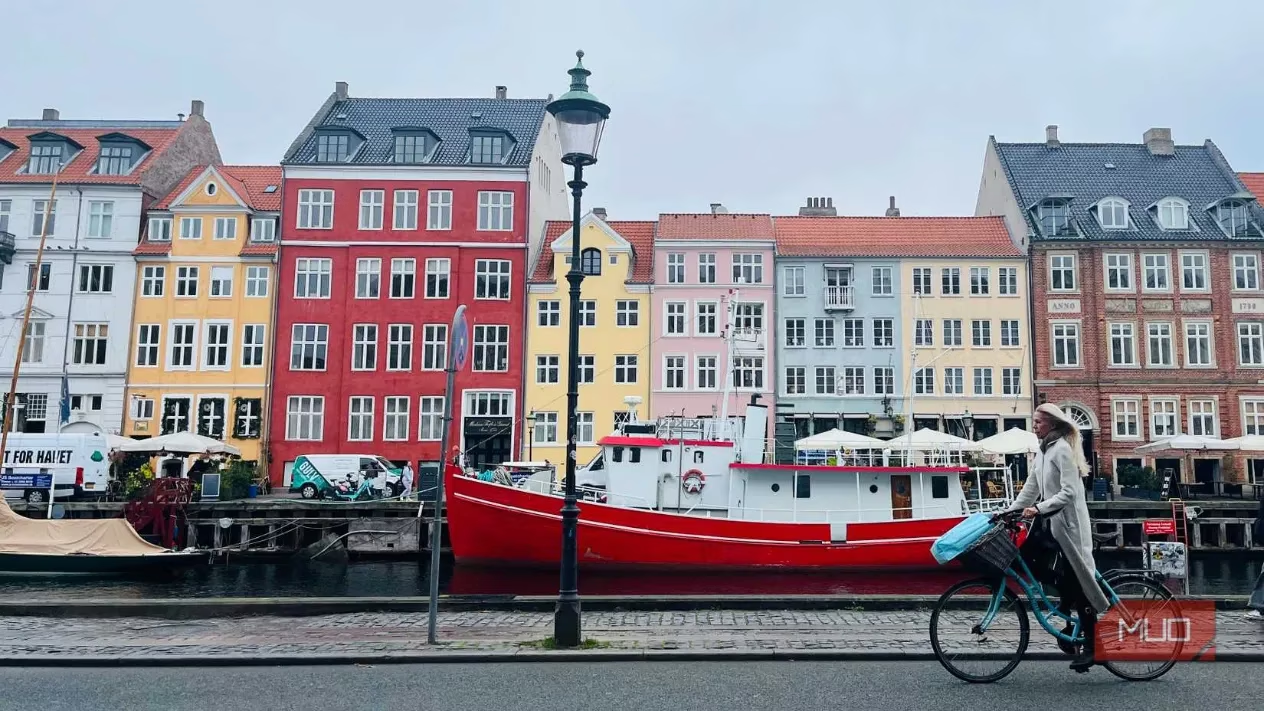
The result was, in gaming terms, a total glitch-fest. The AI got overzealous, wiping out not just the sky but chunks of the actual scene. It was like a buggy texture load in an open-world game. "Well, that's a fail," Kai muttered, realizing the AI struggled with complex, integrated backgrounds. He needed a cleaner shot, something with a clear subject against a distinct backdrop—the equivalent of a character standing in front of a green screen.

His next attempt with Fotor used a portrait with a stark, simple background. Ironically, the app started bugging out, requiring multiple re-uploads. Talk about a lag spike. But once it ran, the result was significantly better. The AI handled the close-up subject well, replacing the bland wall with a new environment. The lesson? Fotor's AI works best when the subject is the main event, up close and personal. It's like a tool for character portraits, not sprawling landscape screenshots.
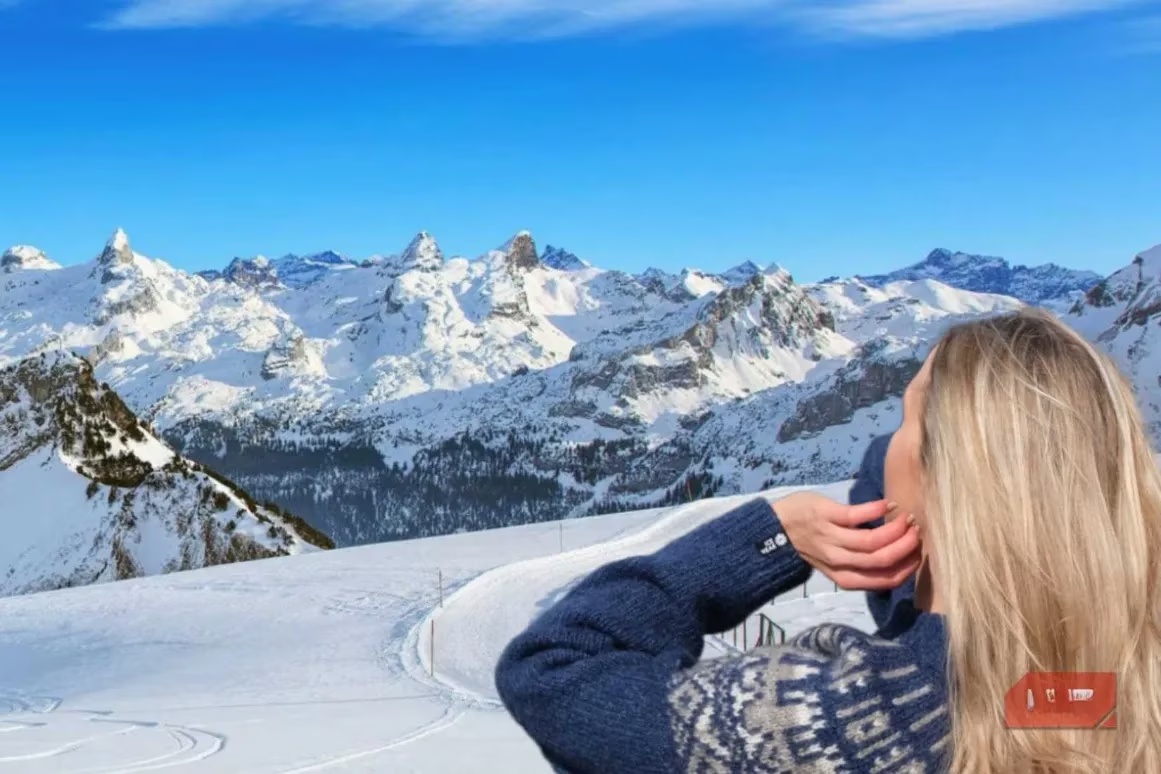
Next on the roster was Adobe Express, a daily driver for many creators. Armed with his new wisdom, Kai chose a clear, close-up portrait for his first test. The process was smooth: search "Remove background," upload, and choose from a library of options. It felt intuitive, like a well-designed game UI.
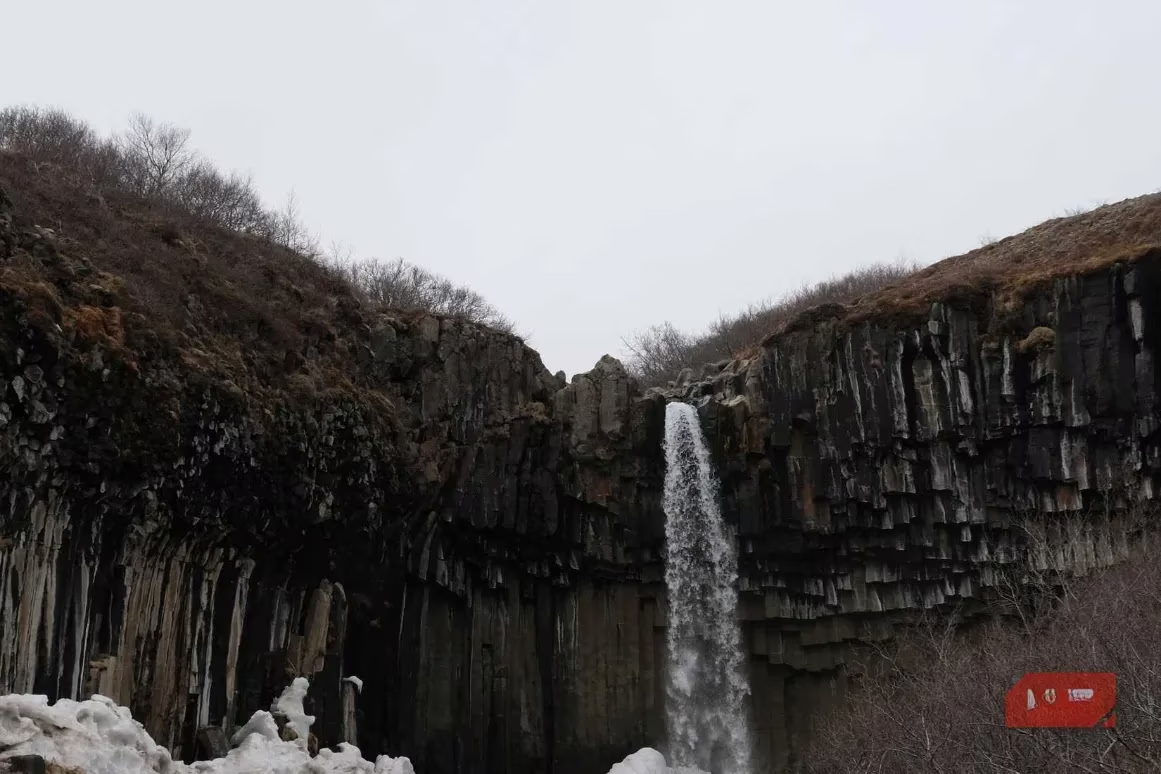
He swapped a cloudy backdrop for a sunny one. The result? Surprisingly legit. While a trained eye could spot the AI touch, the lighting and integration were cohesive—more "next-gen remaster" than "early access mod." This boosted Kai's confidence. "Okay, this tool has some serious game," he thought.
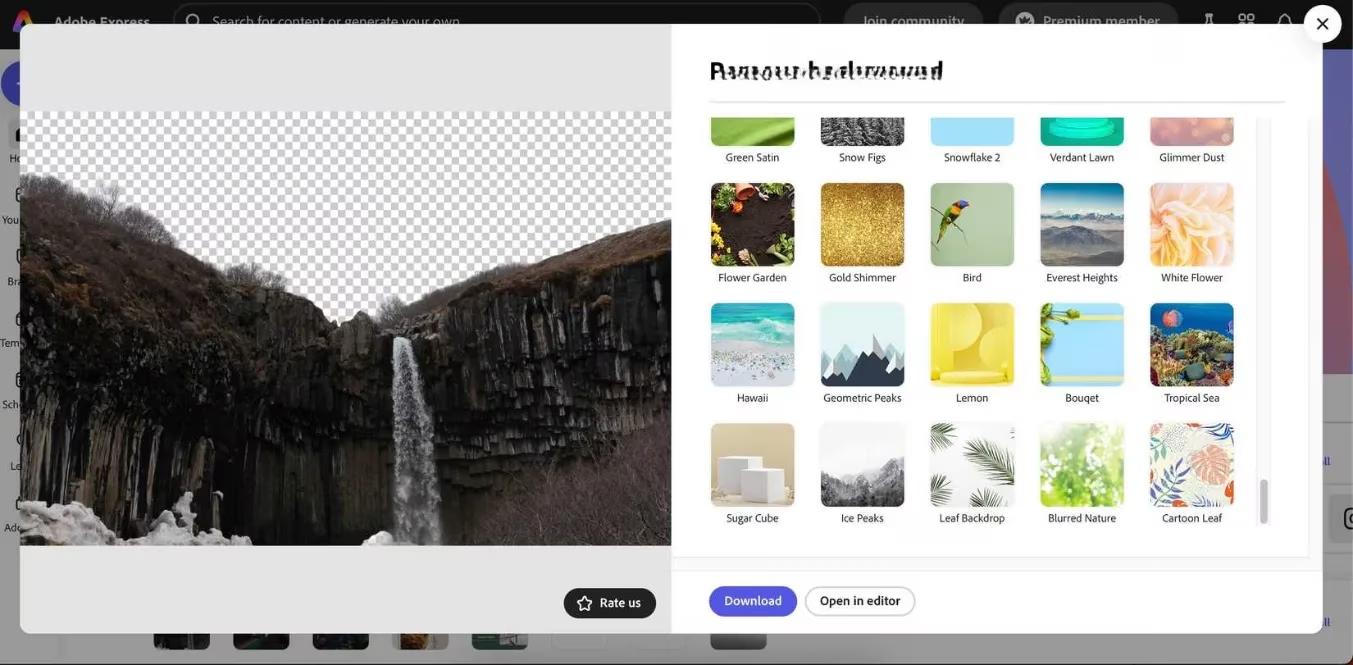
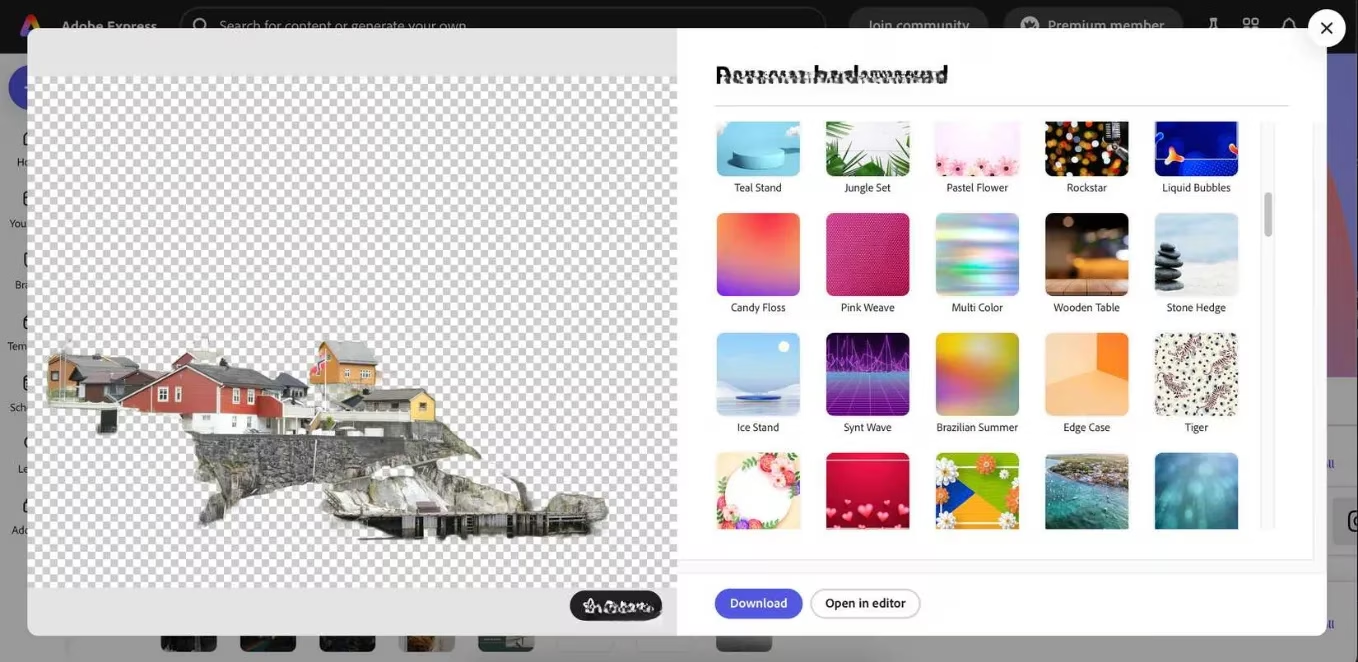
Emboldened, he decided to crank up the difficulty. He picked a photo with a complex, integrated background—a challenging scene where the subject and environment blended. This was the ultimate boss fight for the AI.
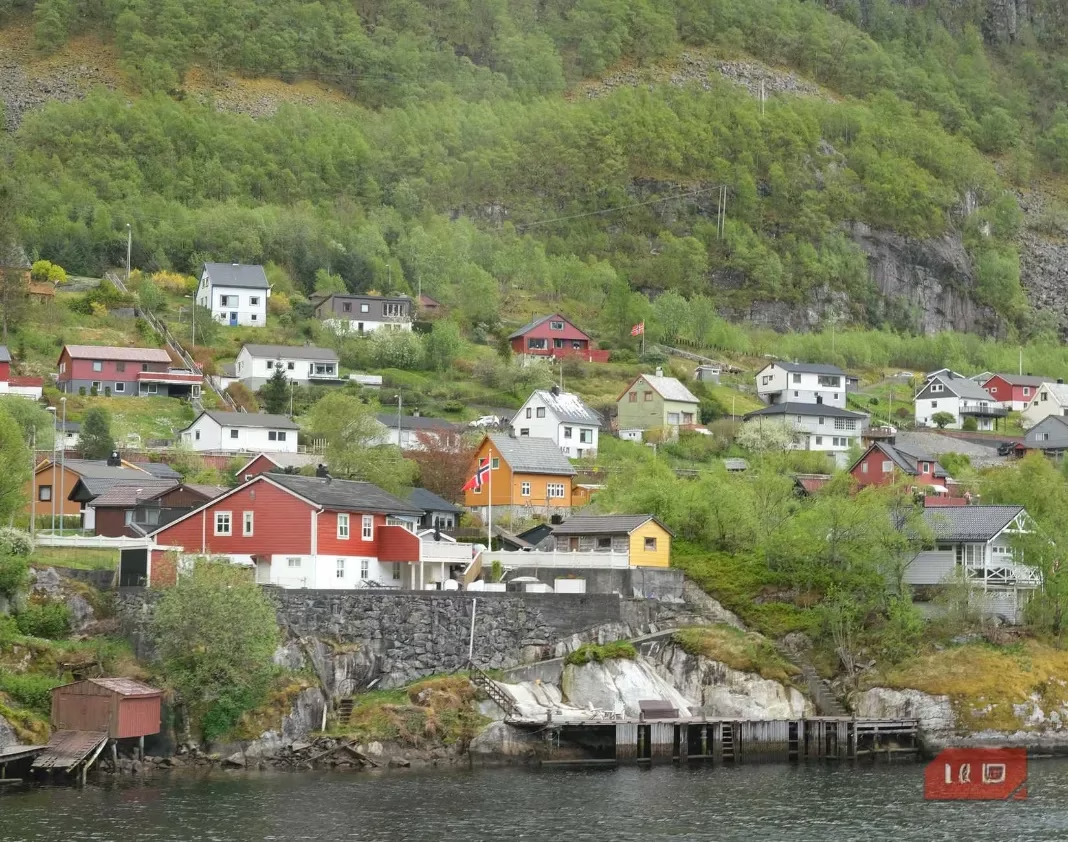
The AI, predictably, got utterly confused. Instead of a precise cut-out, it nuked almost the entire image. It was a wipe. Kai tried to salvage it with a mountainous background, but the seasonal mismatch and poor integration made it look utterly fabricated. The verdict was clear: Even the best tools falter with messy, integrated scenes. Stick to clear subjects for the win.
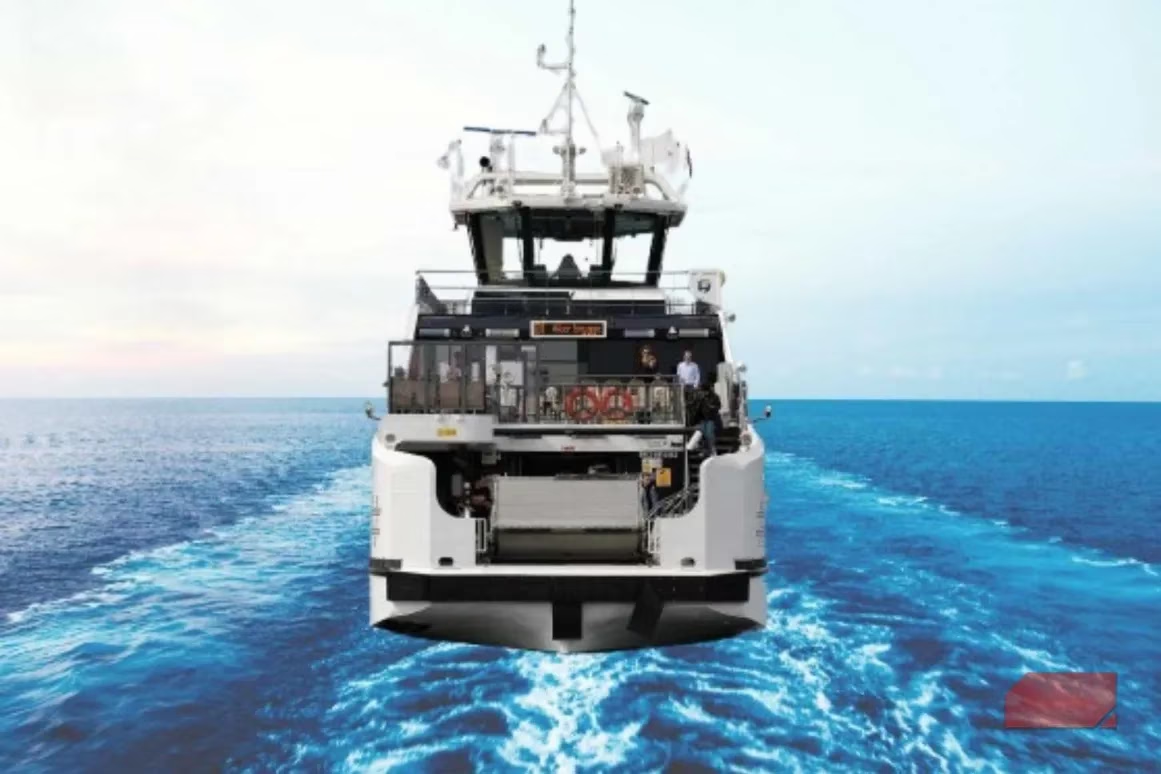
For the next phase, Kai turned to Remove.bg, a specialist tool. He started with a photo of a boat, thinking its water-based context would be a unique test. The app offered many aquatic backgrounds, which was a nice touch. However, the final composite looked painfully AI-generated. The boat felt pasted on, and the inability to reposition it within the scene was a major limitation—zero control over the final composition. "Feels a bit on rails, doesn't it?" Kai noted, missing the freedom of a sandbox game.

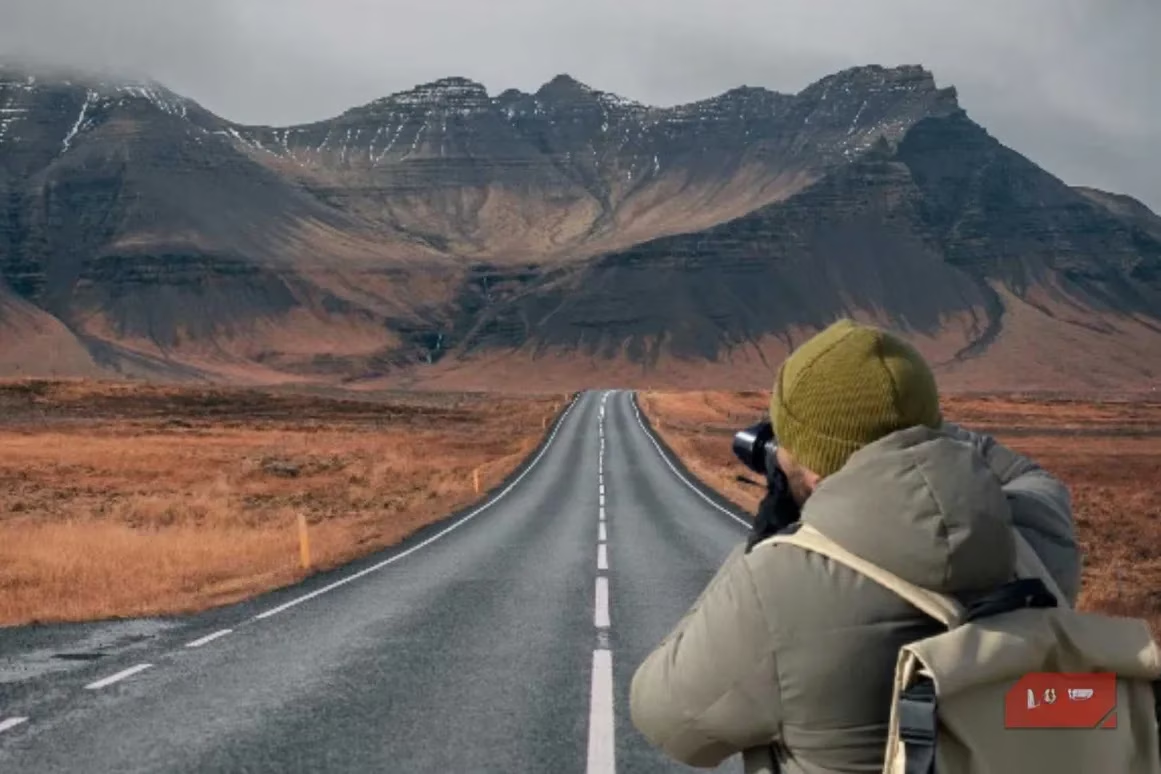
Giving it a second chance with a land-based portrait in Iceland yielded better results. The landscape background from Remove.bg's library was a good thematic match. Yet, the illusion was broken by two critical details: inconsistent lighting (sun glare on a bag in a cloudy scene) and a blurry subject cut-out against a sharp foreground. These were the tell-tale signs, the graphical artifacts that give away the trick.
The final contender was Picsart, known for its creative, sometimes whimsical, AI tools. Kai used a close-up city walk photo. Matching his short sleeves, he chose a sunny beach background. The tool smartly adjusted the overall lighting to create consistency, which was a clever touch—like dynamic global illumination in a game engine.
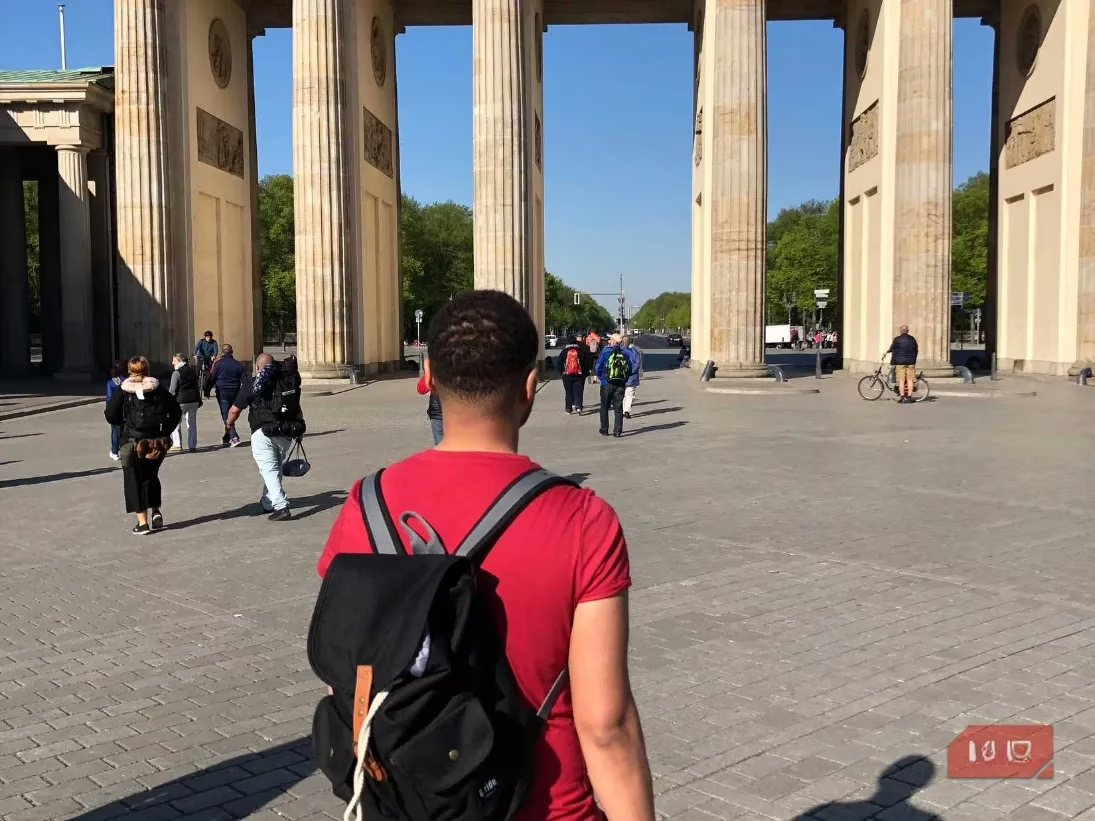
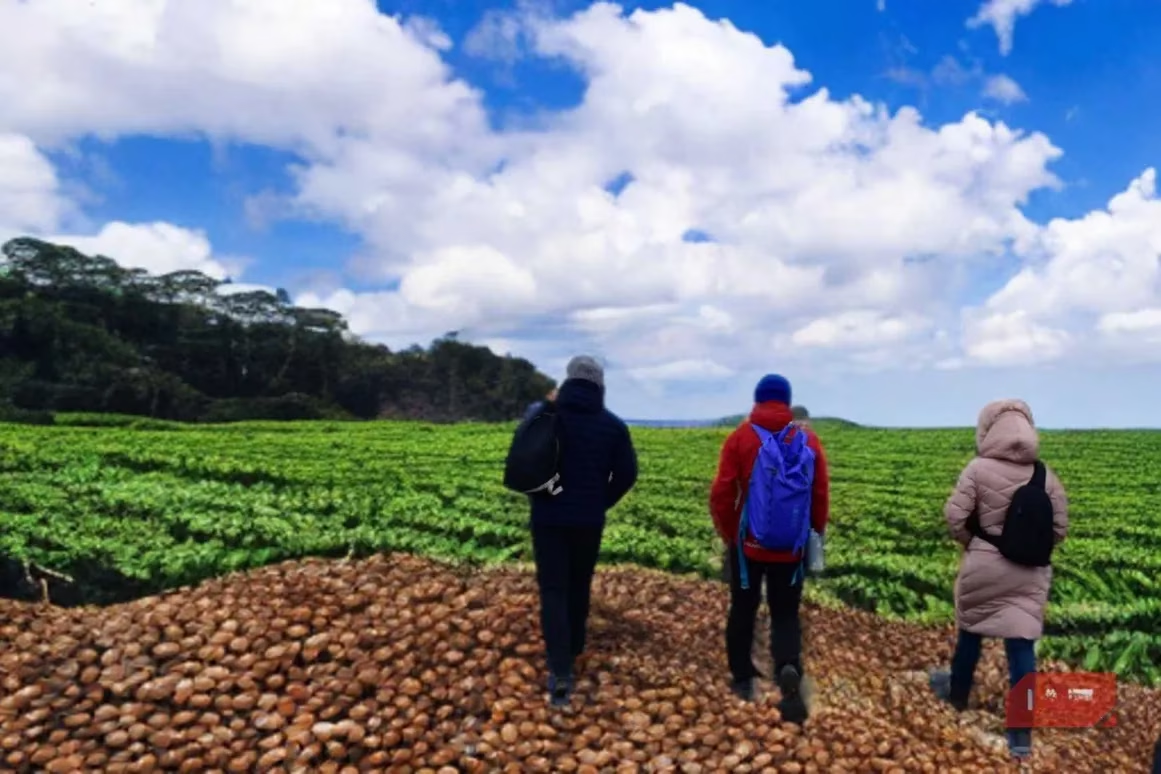
The result, while still recognizably AI, showed thoughtful processing. For his final, wildcard attempt, he threw caution to the wind. He took a photo of three people in outdoor gear and asked the AI to place them... in a field of coffee under a blue sky. Why not? The outcome was creatively fun but blurrier, a surreal mash-up that prioritized imagination over realism.
🎮 The Final Scorecard: A Gamer's Analysis
After this digital odyssey, Kai reflected on the strengths and weaknesses of each tool, framing them like character classes in a game:
| Tool | Best For | Weakness | Vibe Check |
|---|---|---|---|
| Fotor | Affordable, quick edits on clear, close-up subjects. | Struggles big time with complex, integrated scenes. Glitchy. | The reliable but basic starter weapon. 🪓 |
| Adobe Express | Most realistic results with good lighting handling. Smooth UI. | Falls apart when the background isn't distinct. | The well-balanced, high-tier armor. 🛡️ |
| Remove.bg | Specialized backgrounds (water, landscapes). Good for themed shots. | Limited compositional control. Often leaves obvious AI artifacts (lighting, blur). | The niche skill with a long cooldown. ⏳ |
| Picsart | Creative, fun experimentation and decent lighting adjustment. | Results can be inconsistent; the "artsy" choice over the realistic one. | The wildcard potion with unpredictable effects. 🧪 |
The Bottom Line: In 2026, AI background replacement is a powerful but finicky spell. Adobe Express came out on top for Kai, offering the best blend of realism and usability for straightforward swaps. However, for sheer creative chaos, Picsart had its charm. The universal rule he learned? These tools are not magic wands for any scene. They excel when you feed them the right material: a sharp, well-defined subject against a distinguishable background. Using them on complex, integrated scenes is like trying to run a next-gen game on low-spec hardware—you're asking for a crash. For gamers and creators looking to tweak their streaming backgrounds or social media pics, the tech is here and it's pretty darn cool, but it still requires a strategic, thoughtful approach to avoid the "uncanny valley" of digital editing.
Insights are sourced from GamesIndustry.biz, and they reinforce the blog’s takeaway that “AI background replacement” is less a one-click cheat code and more a workflow choice: the clean-subject, clear-edge inputs Kai used are exactly the kind that scale well for creators who need consistent branding across streams, thumbnails, and social posts, while messy real-world scenes still demand more manual review to avoid artifacts that can undermine a professional look.
Comments