 AIImageInsight
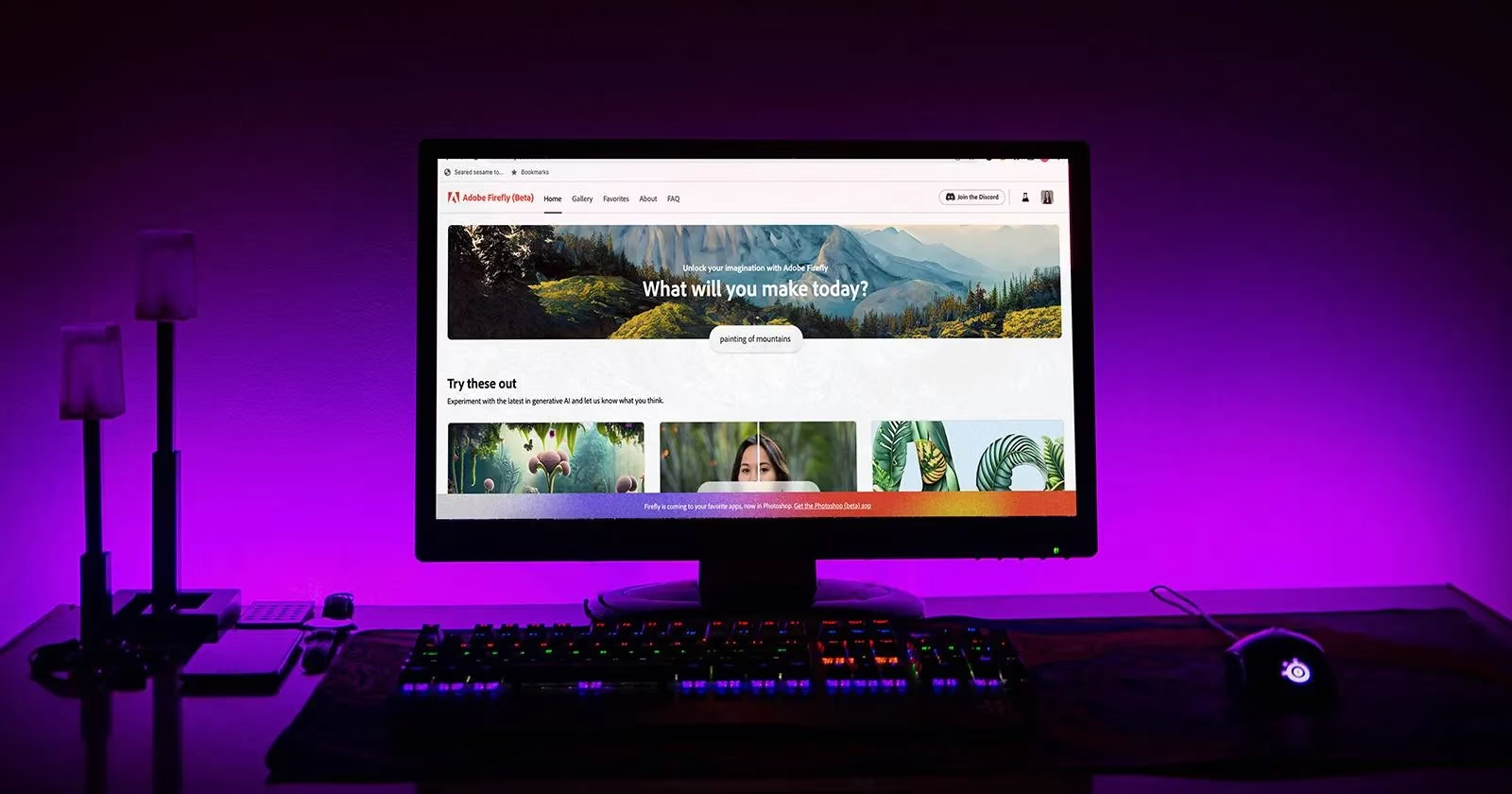
Adobe Firefly, the generative AI darling that burst onto the scene in 2023, has grown up. No longer the beta baby it once was, it now struts around Adobe's Creative Cloud like it owns the place. But even a mature AI tool has its quirks, and the intrepid digital artist soon discovers that Firefly isn't quite the limitless genie it's cracked up to be. So, grab your stylus and a grain of salt as we explore the limitations that still linger in 2026—some lifted, some stubbornly persistent, and all worthy of a knowing chuckle.
The Still Image Saga: Video? Not So Fast
Back in the day, Firefly was a strictly still-image affair. Want to animate that whimsical 3D text? Too bad. The tool would happily generate a static masterpiece, but motion was a pipe dream. Fast forward to 2026, and Adobe has dipped its toes into video generation, but let's just say it's not going to replace After Effects anytime soon. The video features are still in their awkward adolescence—useful for quick social media clips, perhaps, but not for a Spielberg-level production. The designer who expects a fully animated short from a text prompt will be met with a polite, pixelated shrug.
Commercial Use: The Fine Print Still Matters
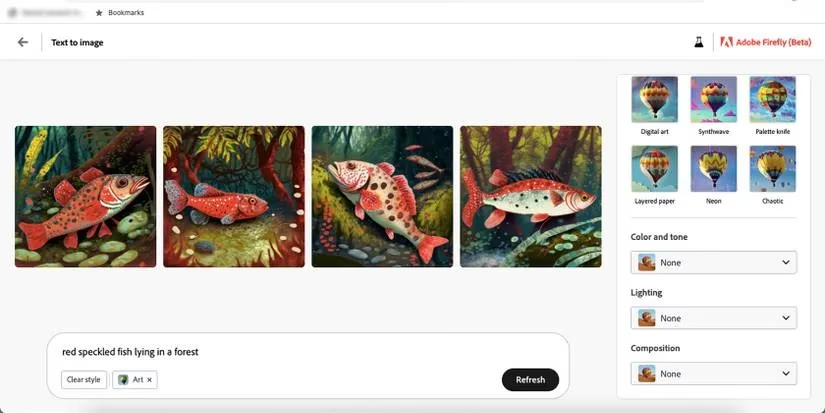
In the beta days, Firefly's output was strictly for personal experimentation—no selling, no monetizing, no funny business. Adobe has since loosened the reins, and many Firefly-generated assets are now cleared for commercial use. But here's the catch: not all features are created equal. Some outputs still carry restrictions, and the artist must tread carefully through the licensing labyrinth. It's a far cry from the outright ban of 2023, but it's not a free-for-all either. Always read the fine print, lest a legal eagle swoop down on your AI-generated masterpiece.
Uploading Your Own Art: A Limited Invitation
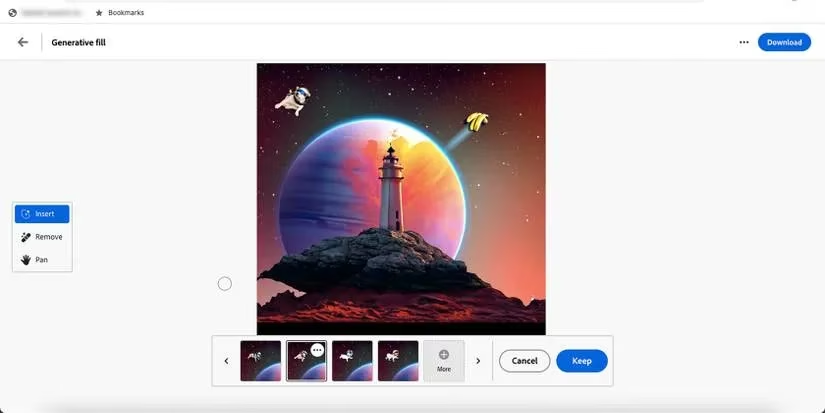
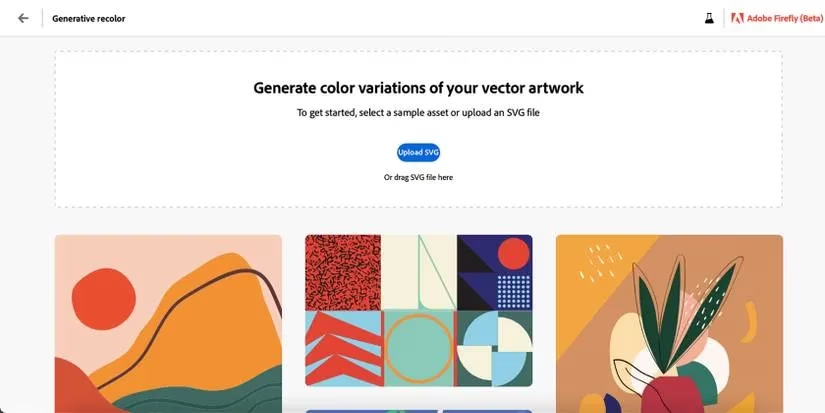
Firefly has always been a bit of a snob when it comes to input. In its early days, you couldn't upload your own artwork for inspiration or editing—except for vector recoloring, which graciously accepted SVG files. Today, Generative Fill lets you tweak your own photos, but the core generation tools still prefer to start from scratch. Want to feed Firefly your sketchbook? It'll politely decline unless you're using specific, supported workflows. The message is clear: Firefly is a creator, not a collaborator—unless you count those SVG vectors.
Training Data: A Double-Edged Sword
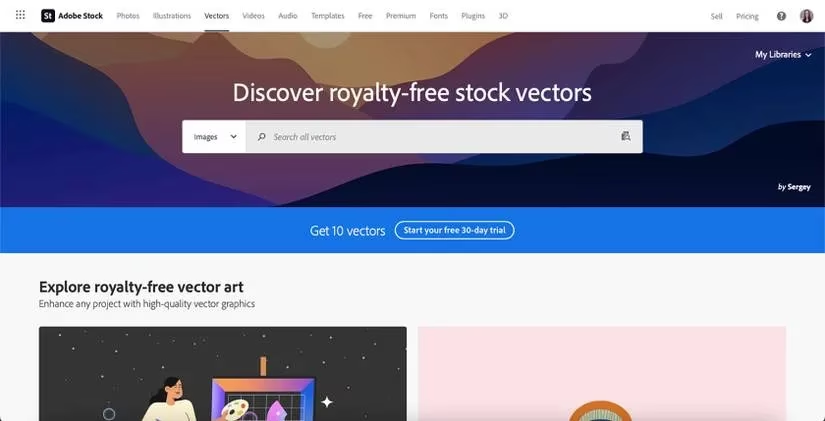
Adobe has been refreshingly transparent about its training data: only Adobe Stock images, no shady web scraping. That's great for copyright and peace of mind, but it also means Firefly's knowledge is bounded by the stock library. In 2026, competitors train on vast, diverse datasets, and Firefly sometimes feels like a well-read librarian who's only read books from one publisher. The results are often polished, but occasionally lack the wild, unpredictable flair of models trained on the entire internet. It's a trade-off between ethics and edge—and Adobe has chosen the straight and narrow.
Access: Subscribers Only (Still)
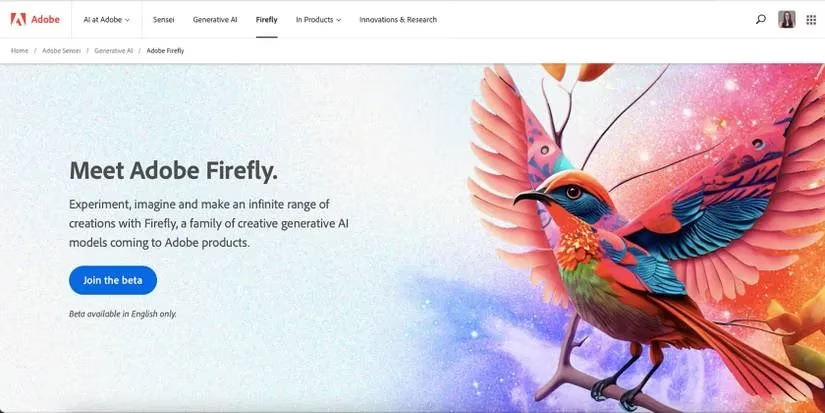
Remember the days of requesting a beta invite and waiting by the inbox? Those are gone, but Firefly still lives behind Adobe's velvet rope. You need an Adobe account, and while free tiers offer limited credits, the full experience is reserved for subscribers. It's not the exclusive club of 2023, but it's still not a public park. The artist who wants unlimited Firefly magic will have to pay the piper—or at least the subscription fee.
File Formats: The Usual Suspects
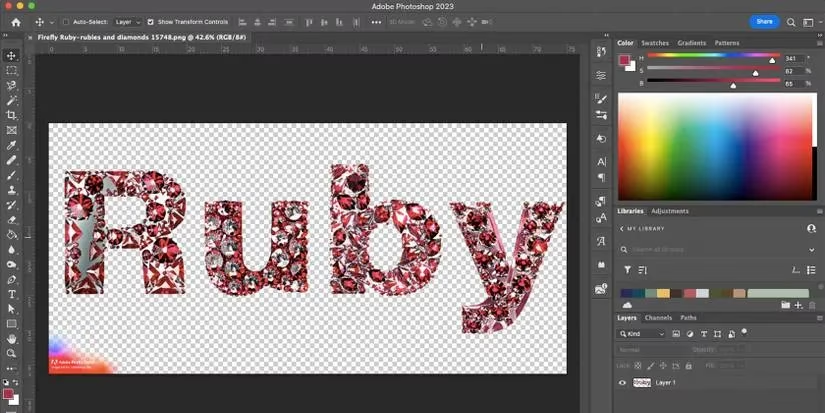
When it comes to saving your creations, Firefly remains somewhat predictable. Text effects yield PNGs with transparent backgrounds; text-to-image results are JPGs; vector recoloring saves as SVG. That's fine for many use cases, but digital artists often crave PSDs, TIFFs, or layered files. Adobe has hinted at more flexibility, but as of 2026, the save options are still a bit vanilla. It's like ordering a gourmet meal and getting a paper cup for your wine.
The Watermark: A Branded Badge of Honor
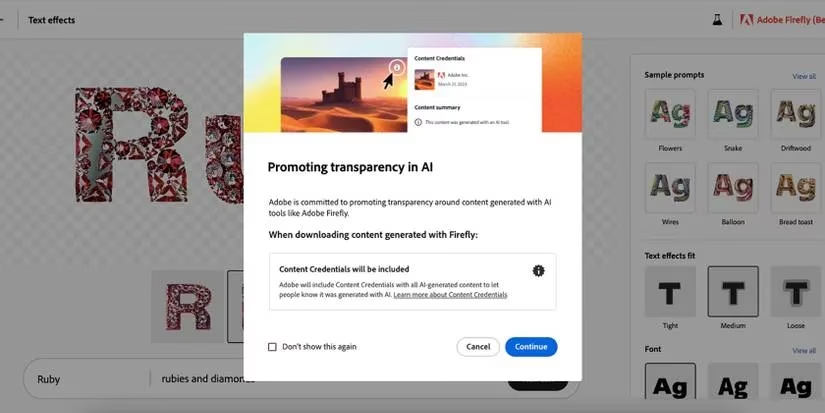
Ah, the watermark. In beta, every generated image bore a garish red-and-purple stamp reminding you it wasn't for commercial use. Today, paid subscribers can generate watermark-free images, but free-tier users still get the brand badge. It's a reasonable compromise, but it still stings when you want a clean image for a quick mockup. The watermark is like a persistent mosquito—annoying but not fatal.
Editing: Flattened and Frustrating
Perhaps the most enduring quirk is that Firefly's generated images are often flattened. Want to move that element? Remove that stray brushstroke? You're out of luck. Global adjustments are possible, but detailed, layer-based editing remains a dream. Adobe has integrated Firefly more deeply into Creative Cloud, and some workflows now support layers, but it's still not the seamless, editable experience artists crave. The result is a beautiful but rigid artifact—like a sculpture you can't chisel.
The Bottom Line
Firefly has evolved from a curious beta toy to a powerful creative sidekick, but it's not without its idiosyncrasies. From still-limited video to training data constraints and the occasional watermark, the tool reminds us that AI, for all its magic, is still a work in progress. The wise artist embraces these quirks, laughs at the flattened layers, and keeps a subscription handy. After all, in the ever-shifting landscape of generative AI, today's limitation is tomorrow's feature—and Firefly's future is still being written. 🎨🤖
Comments