 AIImageInsight
I used to treat AI like that overly eager intern who refills my coffee before I’ve taken a sip. Useful? Sure. Annoying? Sometimes. But after years of staring at blinking cursors, I’ve learned that the right AI tools can be a writer’s best sidekick—not a ghostwriter. In 2026, the landscape has shifted: Google Bard is now Gemini, ChatGPT has grown extra limbs, and tools like Notion AI and GrammarlyGO are smarter than ever. The trick is using them as an assistant, not a replacement. Here’s how I keep my workflow smooth without letting the robots steal my voice.

Why I Let AI Into My Writing Process (But Not My Drafts)
Look, I get it. Many content writers hear AI and picture a plagiarism scandal waiting to happen. But AI can handle the boring stuff: transcribing interviews, summarizing research, checking SEO, even catching my typos. It’s like having a personal assistant who never sleeps. The key is to keep your writing human. Use AI for ideas, structure, and polish—not for the actual sentences that carry your personality.
Here’s the kicker: AI won’t save you if you have nothing to say. It just makes the process less painful. So I use these eight tools as workflow boosters, not as content creators.
1. Otter.ai: The Transcription Buddy Who Never Yawns
I used to take notes during meetings and interviews like a frantic squirrel. Now Otter.ai transcribes in real time. It labels speakers, highlights keywords, and lets me comment or insert images into the transcript. That means I can actually listen instead of typing. For content writers, this is gold for research and interviews. It works on mobile and browser extensions, with free and premium tiers.

2. ChatGPT: My Idea Generator, Not My Ghostwriter
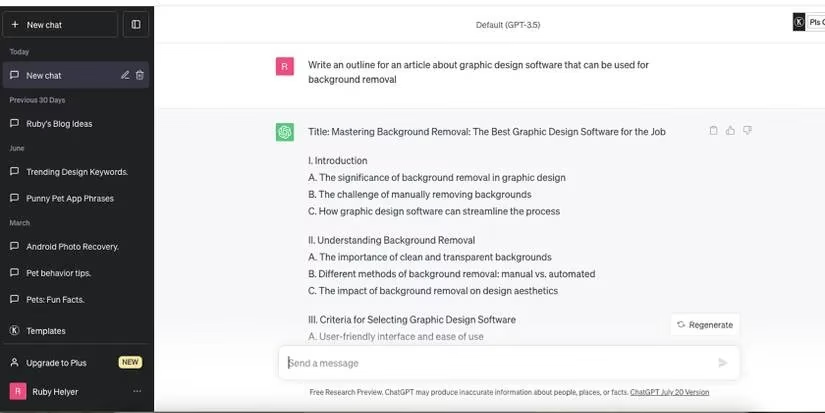
ChatGPT is the rockstar of the AI world. I don’t ask it to write my articles—I ask it to help me brainstorm angles, outlines, and headlines. Sometimes my brain is a dried-up well. ChatGPT tosses a few pebbles in. I can also train it to mimic my tone, then use those suggestions as raw material. It’s like a brainstorming buddy who’s read every book in the library. Just don’t let it write the final draft. That’s your job.
3. Canva Magic Write: The Visual Writer’s Secret Weapon
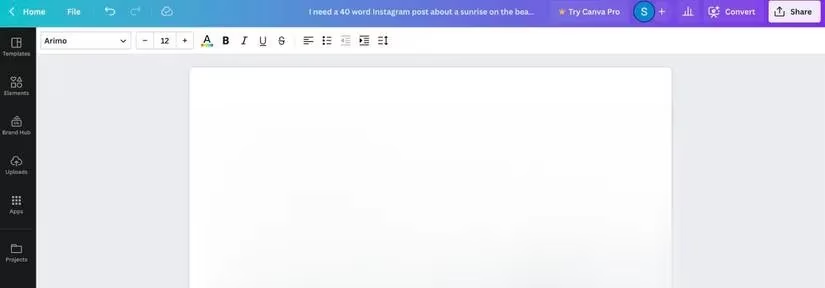
If you already use Canva for graphics, Magic Write is a bonus. It uses OpenAI technology, so it feels similar to ChatGPT, but it lives inside Canva Docs. I use it for outlines, paraphrasing, and summarizing long articles into social posts. It also translates content, which is great for multilingual audiences. Canva Pro is required, but if you’re already designing there, it’s a smooth add-on.
4. Google Bard / Gemini: The Research Collaborator
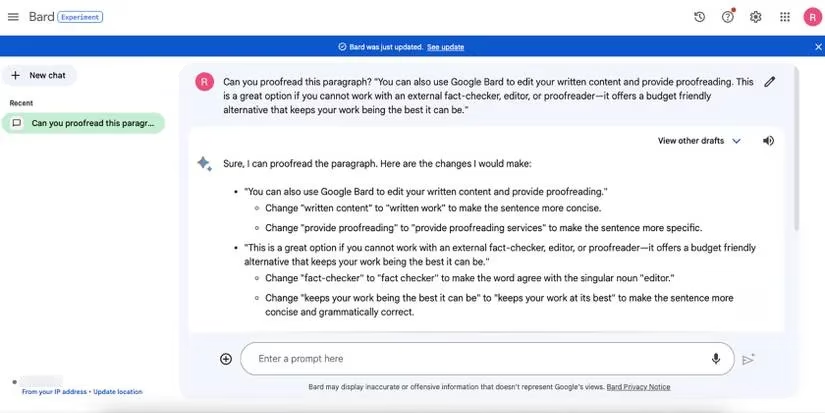
Bard is now Gemini, and it remains a solid writing collaborator. It gives cited answers when it can and sometimes includes images. I use it to bounce ideas, verify facts, and proofread drafts when I don’t have a human editor. It’s budget-friendly and keeps my work sharper. Think of it as a research assistant who actually shows receipts.
5. Dropbox Dash: The Research Speedster
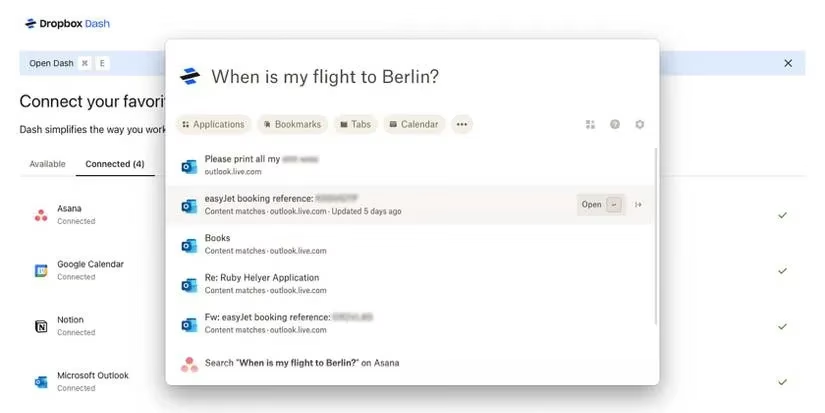
Dropbox Dash is an AI toolbox that summarizes documents and answers questions about your files. I can ask something like, When did Elon Musk buy Twitter? and it finds the answer in uploaded documents or connected tabs. That speeds up fact-checking and organizing research. It’s not a writing tool, but it’s a workflow lifesaver.
6. Notion AI: The Organized Writer’s Mentor
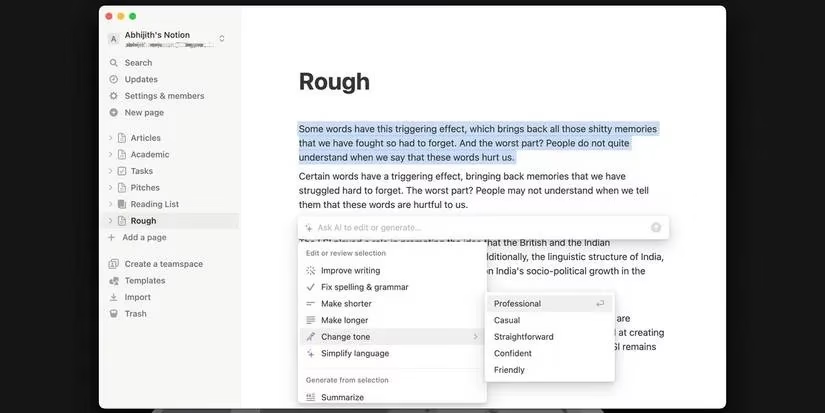
Notion keeps my projects, to-dos, and freelance finances in one place. Notion AI adds translation and tone adjustments. It’s like an AI writing mentor for new creators. I use it to translate pages and rewrite sections with a specific voice. Paid plan required, but if you already live in Notion, it’s worth it.
7. GrammarlyGO: The Polished Friend
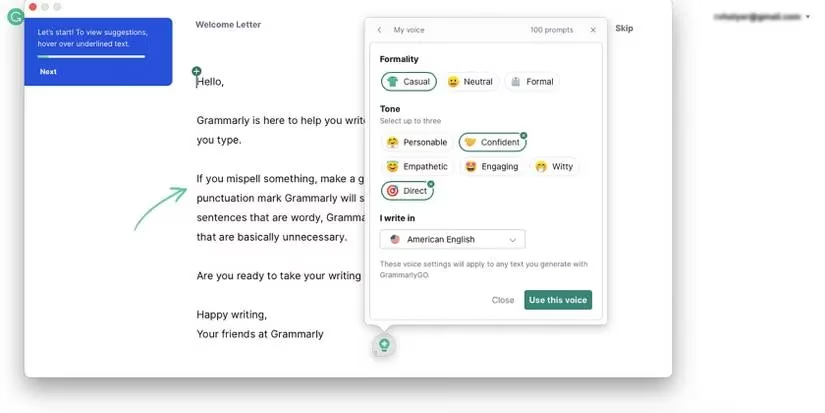
Grammarly catches typos, passive voice, and wordiness. GrammarlyGO adds generative AI: I can tell it my context and style, then ask it to improve, paraphrase, or change tone. It’s the friend who quietly fixes your spinach-in-teeth moments. Free and premium versions exist, and the AI features make editing faster.
8. Surfer SEO and Surfer AI: The SEO Sidekick
SEO can be a headache. Surfer AI gives subheadings and ranking suggestions based on your main keyword. You can customize the angle and get a score with advice on improving it. It’s not a replacement for good writing, but it helps you rank without angering Google. Subscription required, and Surfer AI credits are extra.
My Quick-Reference Table
| Tool | Best For | My Honest Take |
|---|---|---|
| Otter.ai | Transcription | Saves hours of note-taking |
| ChatGPT | Ideas and outlines | Great for brainstorming, not drafting |
| Canva Magic Write | Summaries and translation | Perfect for social posts |
| Gemini (Bard) | Research and proofreading | Cited answers keep me honest |
| Dropbox Dash | Document Q&A | Fast fact-checking |
| Notion AI | Organization and tone | Mentor vibes for new writers |
| GrammarlyGO | Editing and paraphrasing | Polished prose, less stress |
| Surfer AI | SEO optimization | Ranking help without keyword stuffing |
The Bottom Line: Human First, AI Second
AI tools are great for picking up the backlog of work. They can transcribe, summarize, check grammar, and suggest SEO improvements. But content writers shouldn’t rely on AI to create their content. This list of AI tools can improve your workflow while you focus on what you’re best at: content writing.
In 2026, the best workflow is a partnership. Let AI handle the noise. You handle the voice. Trust me, your future self will thank you.
That’s it. No drama. Just better writing days.
Comments