 AIImageInsight
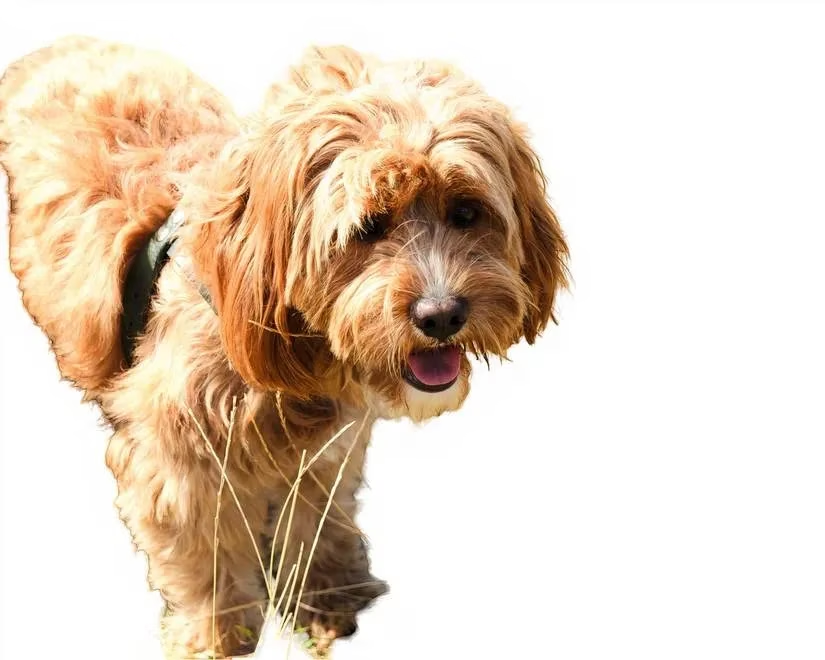
In a recent 2025 experiment, a user rigorously tested 11 AI-powered background removal tools to evaluate their effectiveness on intricate details like fur, shadows, and fine edges. The results were eye-opening, revealing that while AI promises seamless editing, many tools fall short in real-world applications. For instance, the tester used a specific dog photograph to assess how each tool handled complex elements such as grass blending into the subject. Surprisingly, even premium paid options like Photoshop performed poorly, raising questions: Is AI truly the revolutionary solution it's marketed to be, or are users still better off with manual methods? The experiment highlighted significant inconsistencies across tools, with some failing to preserve essential parts of the subject while others struggled with foreground elements. Overall, the findings suggest that AI background removal technology, while advancing, remains imperfect for detailed work. 😊
The Worst Performers: Tools That Fell Flat
Among the 11 tools tested, several stood out for their disappointing results. Creative Fabrica's background remover was ranked the worst due to multiple frustrations. Users couldn't simply drag and drop images; instead, they had to click a misleading button. More critically, the tool removed much of the dog's legs and required a free trial for downloads. This combination of poor usability and editing flaws made it a letdown.
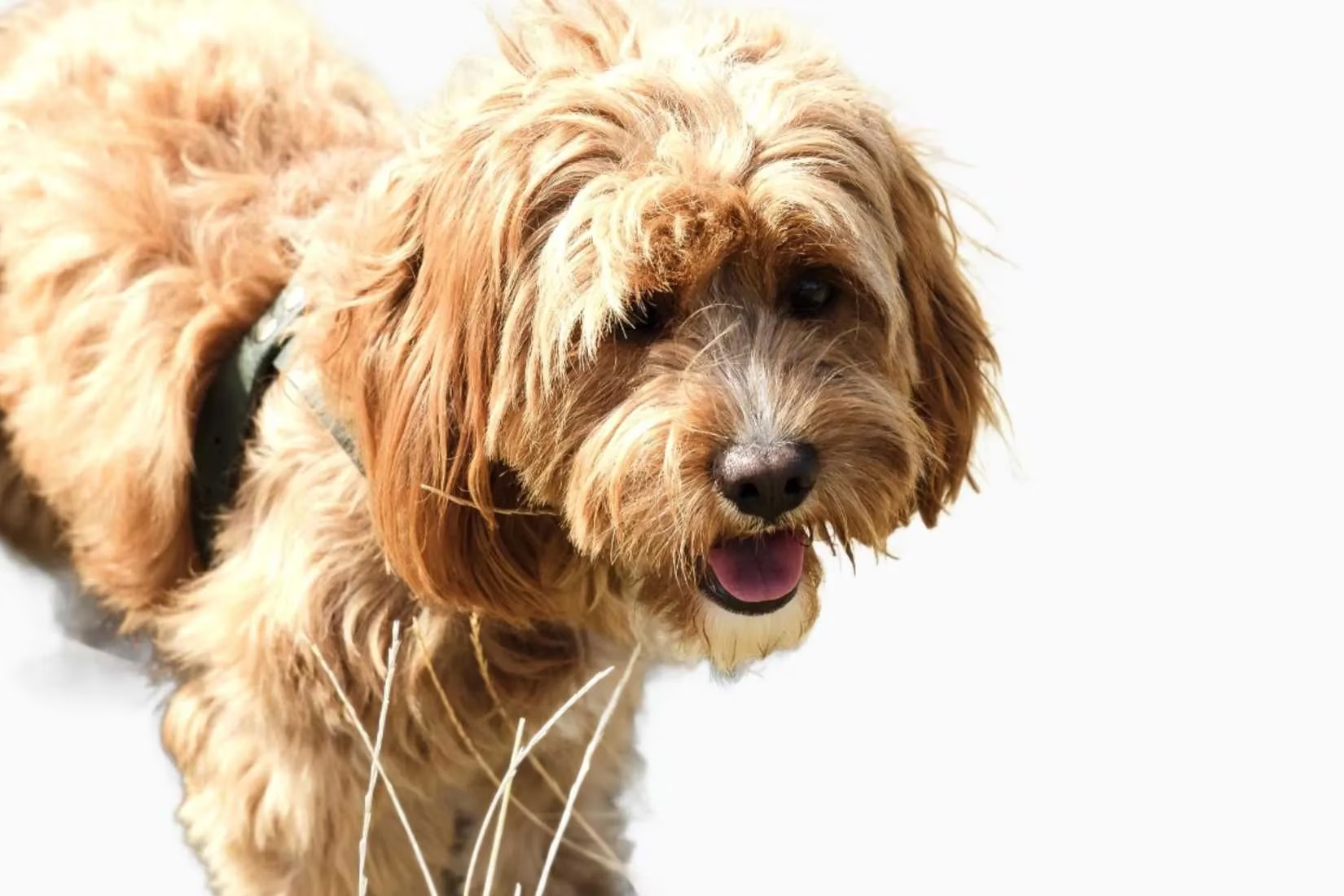
Pixian's tool wasn't far behind, as it deleted large parts of the dog's body and downsized images without payment. Why would a tool marketed for precision miss such obvious details? The tester noted that while it wasn't deceptive, the editing quality was subpar.
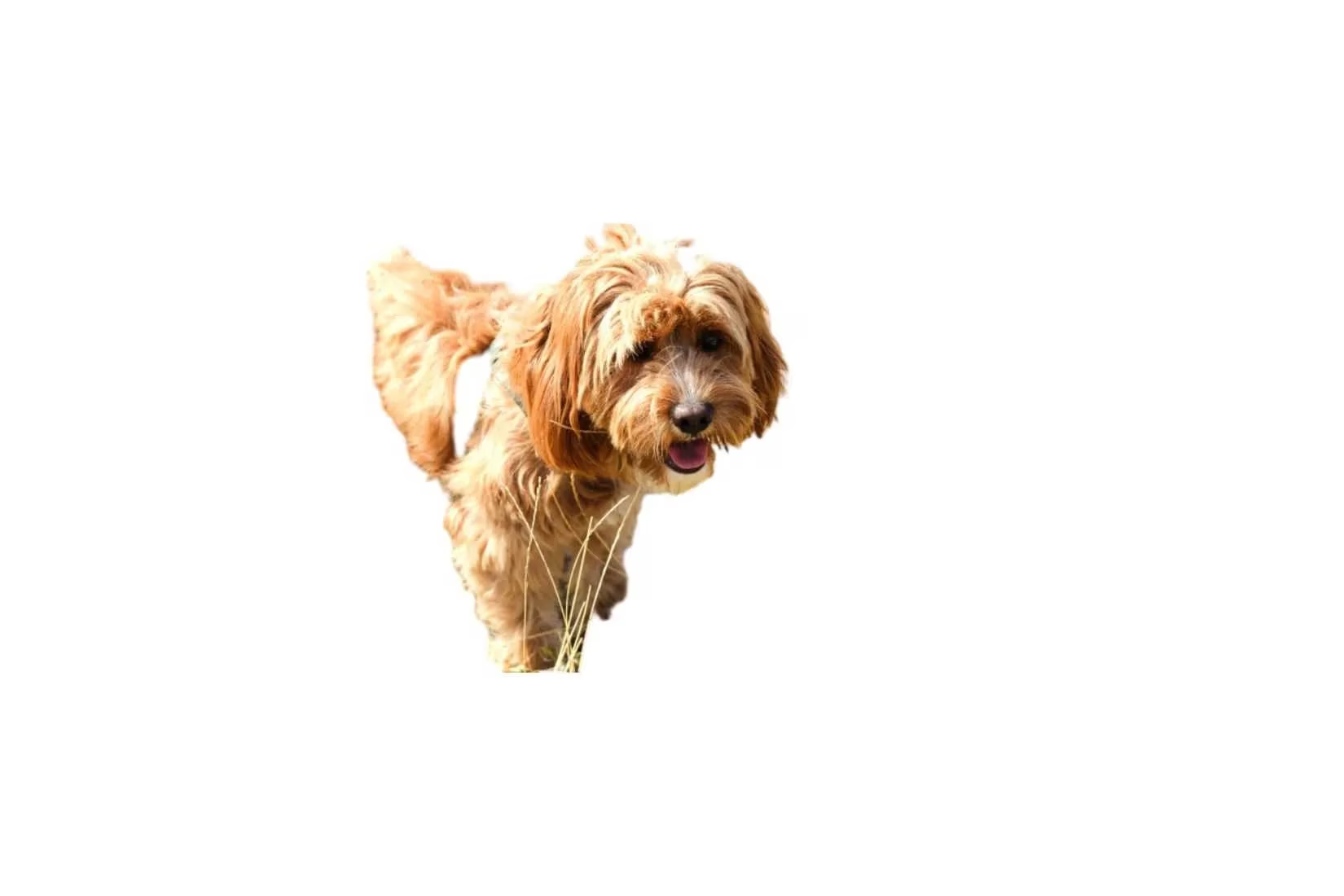
Cutout.pro offered free background removal but produced low-quality edits, leaving grass around the dog's feet untouched. The tester described the output as lazy, with only a rating feature hinting at potential improvements.
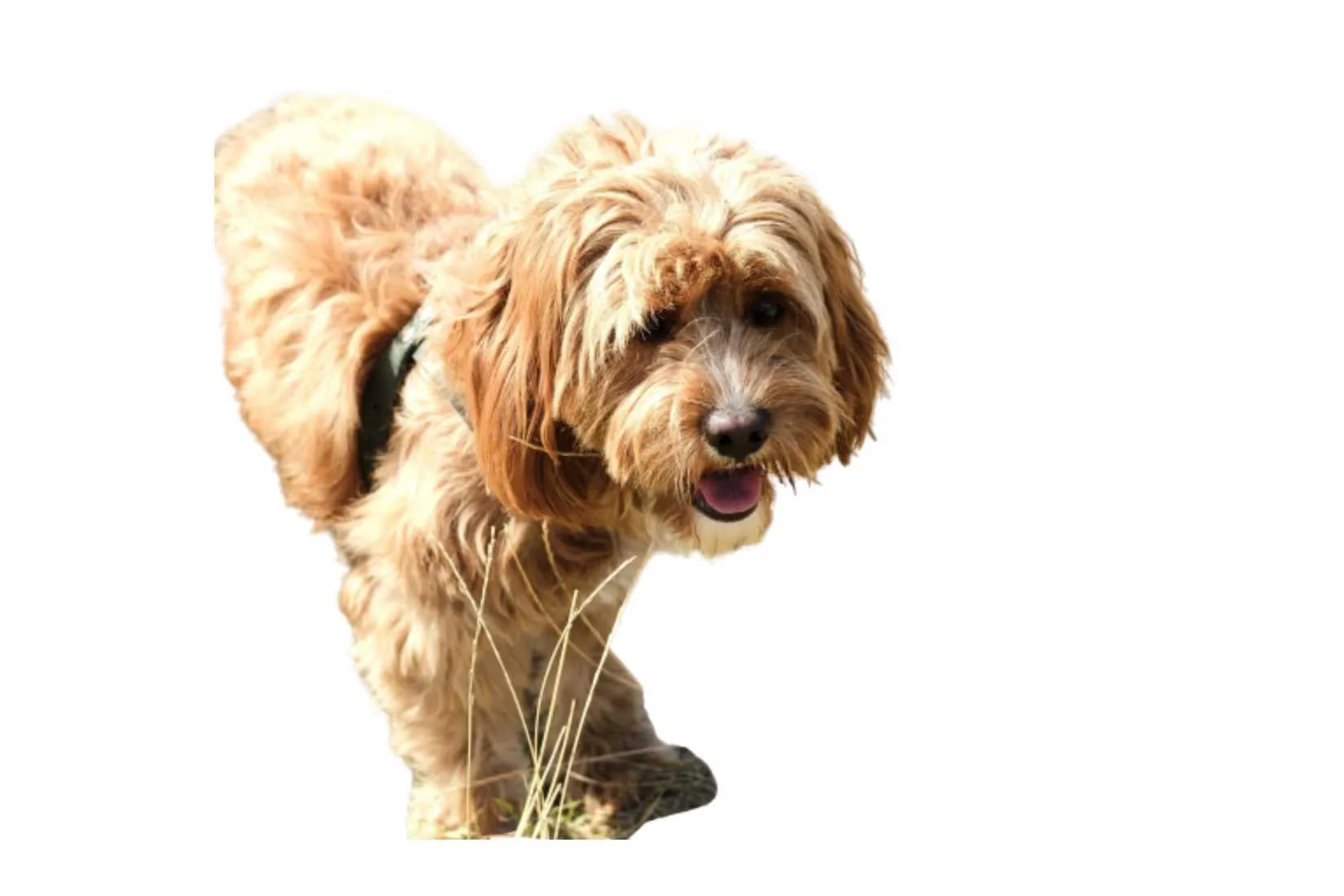
Mid-Tier Tools: Mediocre Results with Glimmers of Hope
Canva, a favorite design tool, showed promise but ultimately disappointed. Its background remover erased the dog's back legs and left grass in front, suggesting that while future updates might enhance it, current performance is mediocre at best.
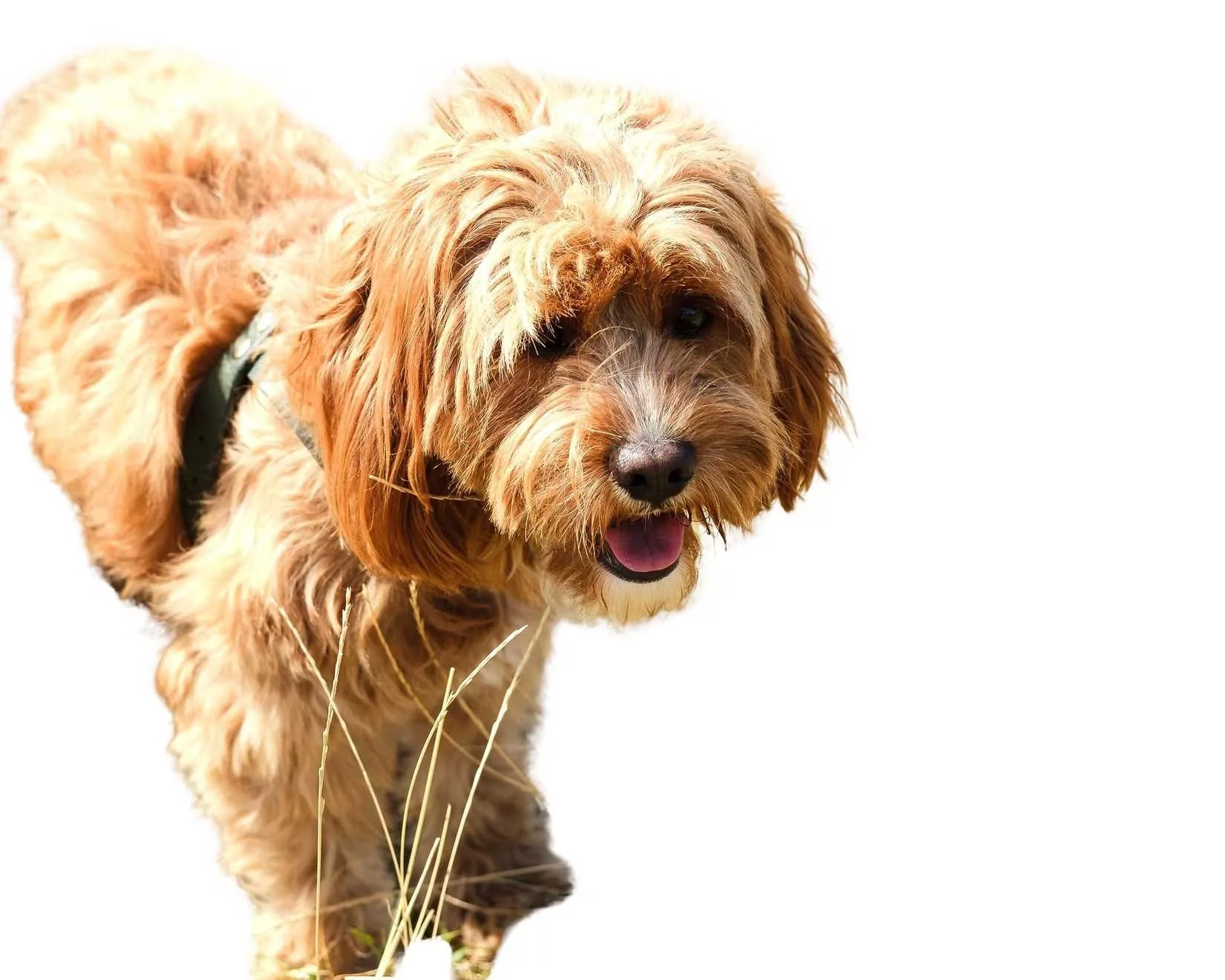
Adobe Express, a paid service, was only slightly better than Photoshop. It avoided removing the back leg but delivered a sloppy edit with unclean edges and oddly rendered grass. How can a tool from a giant like Adobe underdeliver so badly?
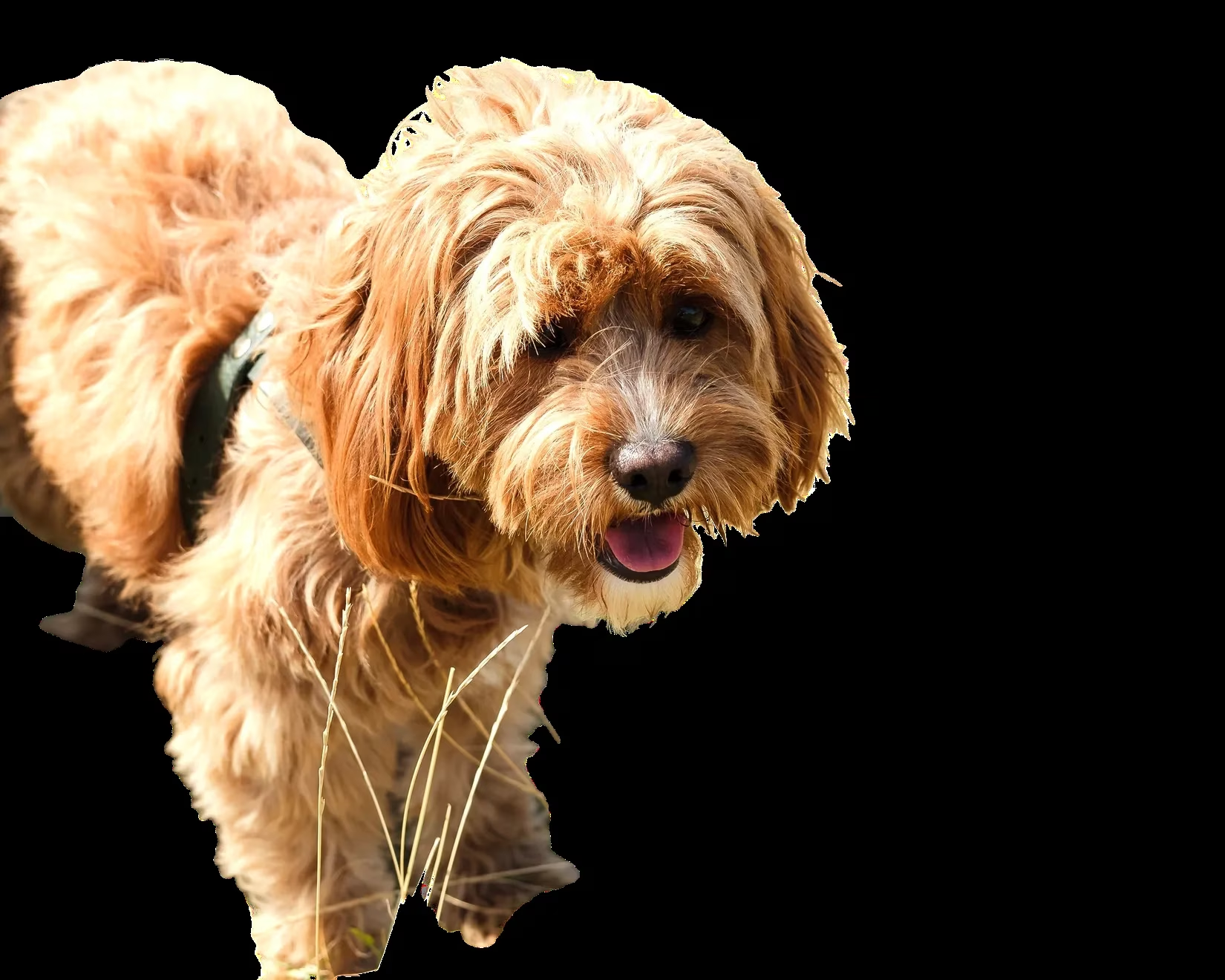
Removebg provided a decent free option with quick processing, but it failed to remove grass between the dog's legs, possibly confusing it with fur. Users could only download previews without a subscription, adding to the limitations.
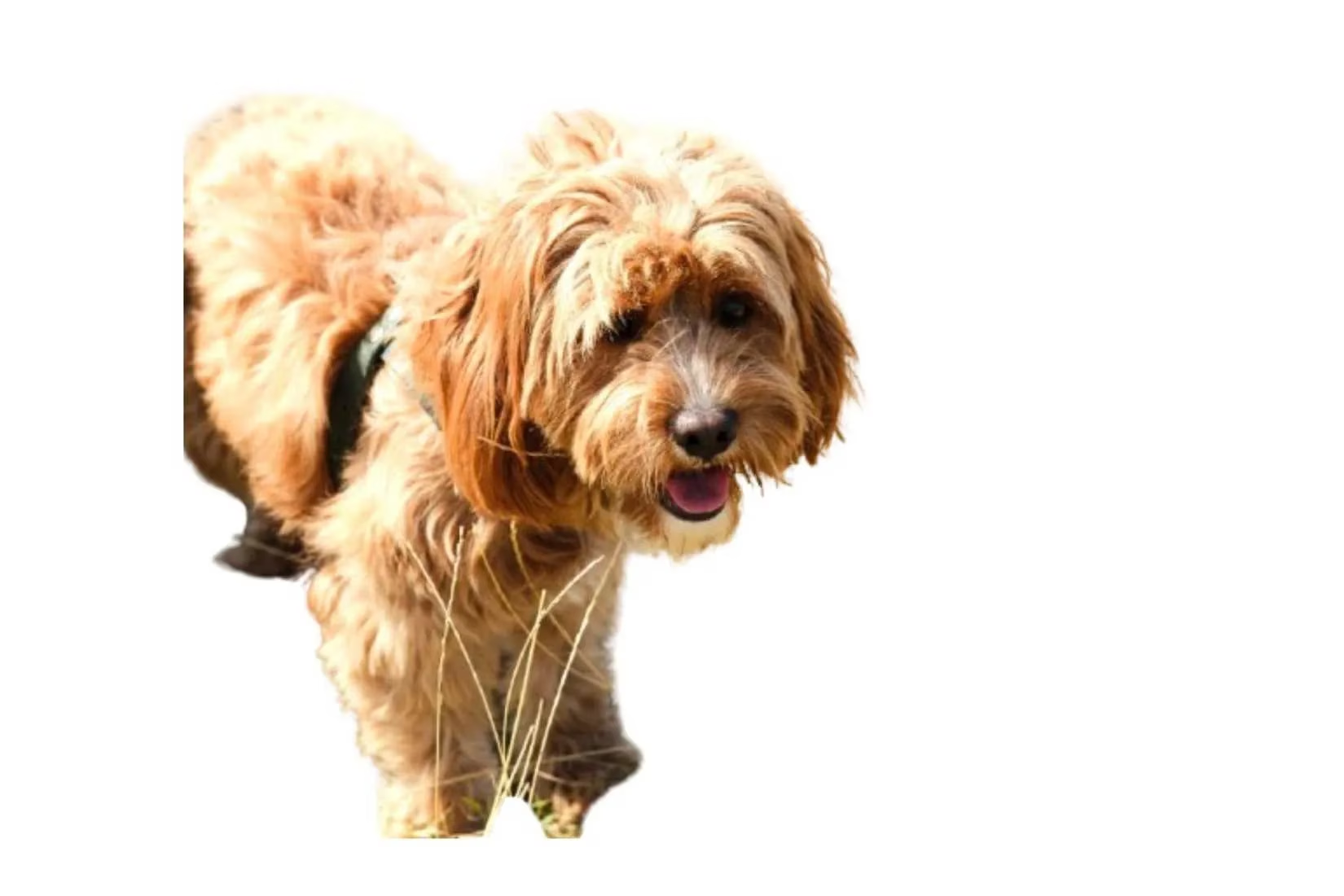
AI Ease took longer to process (about 10 seconds) but allowed higher-quality downloads without payment. It removed grass effectively, though the absence made the image look unnatural.
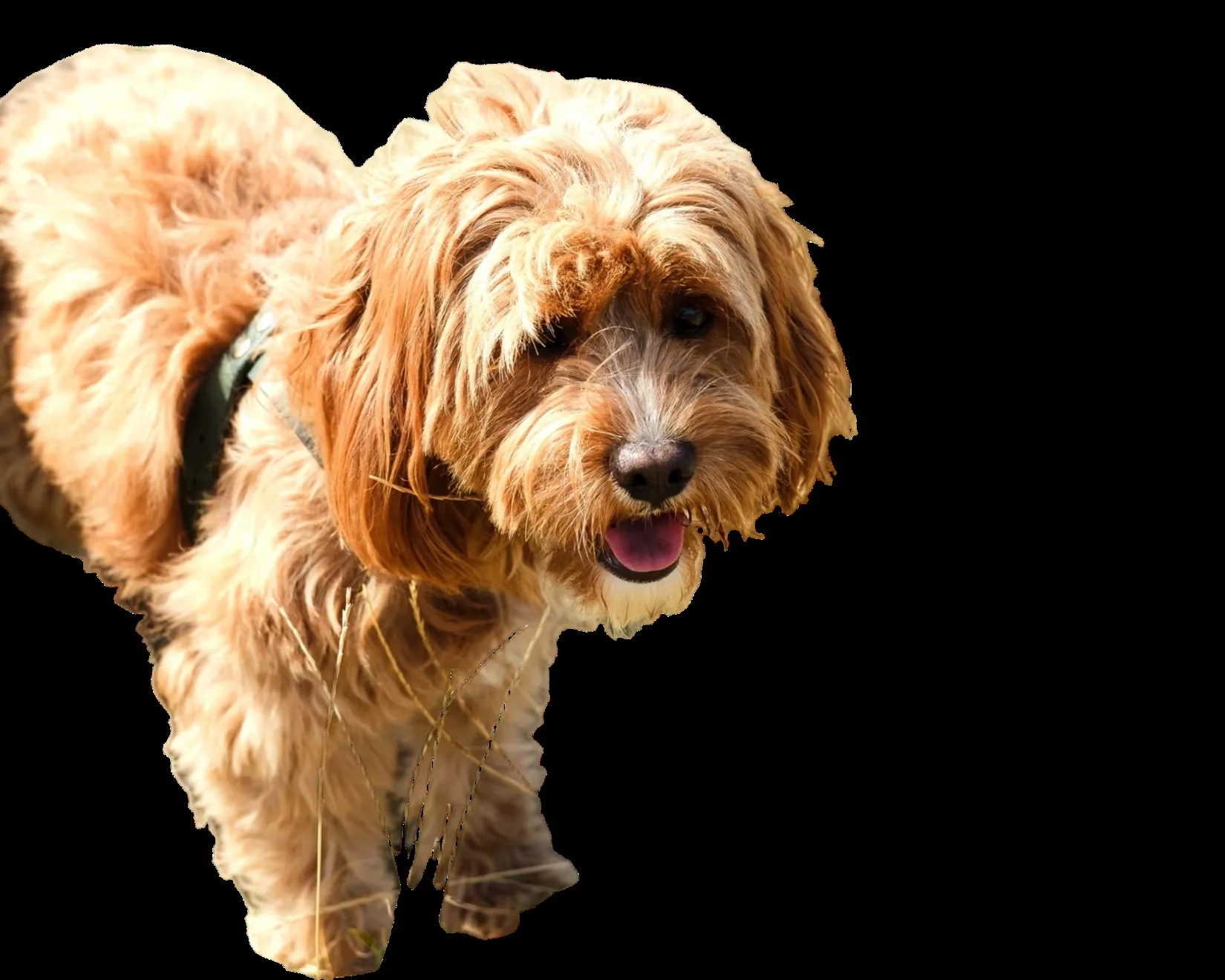
Pixlr, known for its photo editor, left too much background near the dog, resulting in a messy edit. The tool's caution not to remove essential parts backfired, leaving grass intact.
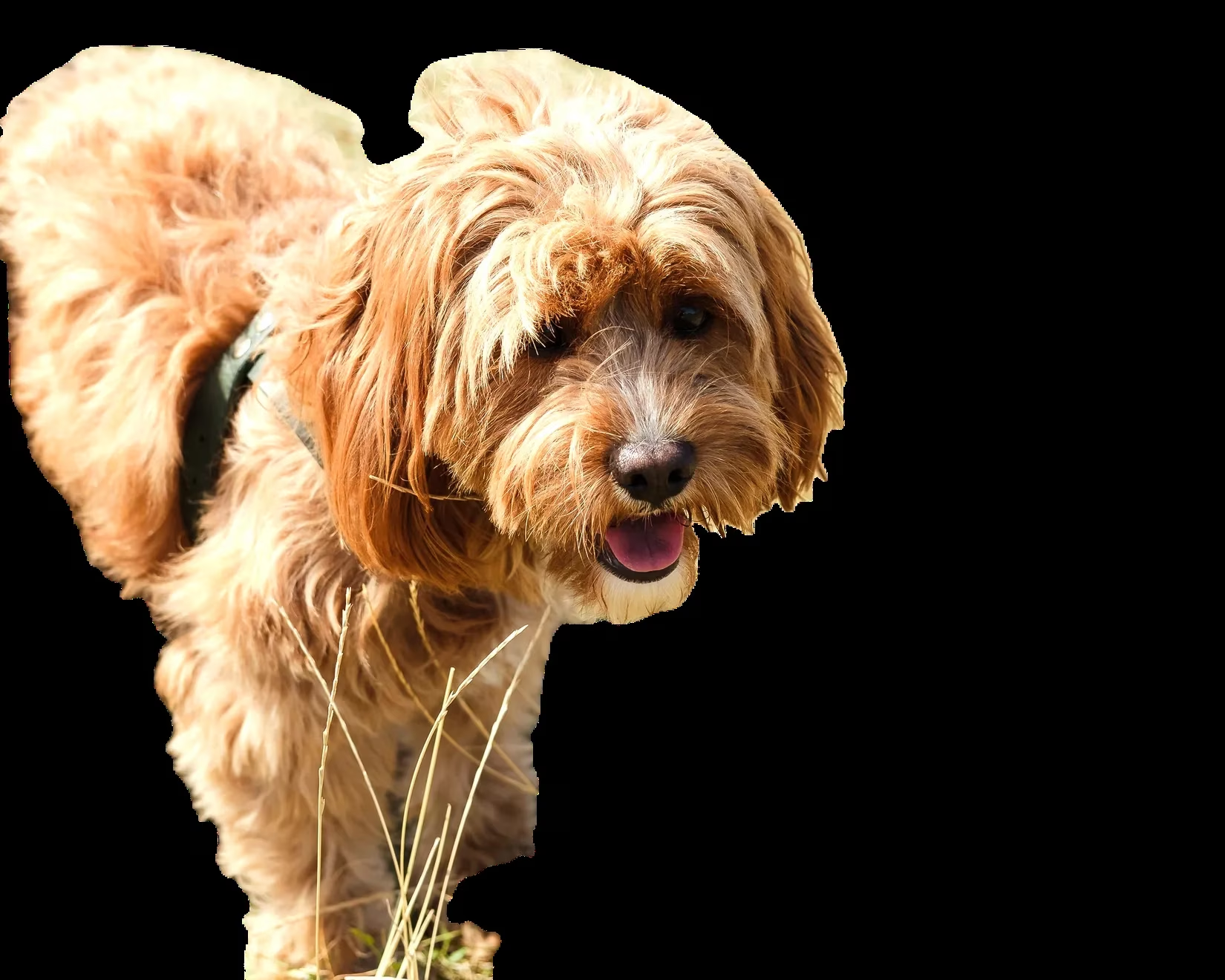
The Better Options: Tools That Showed Potential
Pixelcut emerged as a standout with its intuitive interface and fast processing. It removed backgrounds in seconds and allowed background prompts, though full-resolution downloads required an account. The tester appreciated its ease of use and quality.
Key Takeaways and Recommendations
Based on the 2025 test, here's a summary of the tools' performance in a table for quick reference:
| Tool | Rating (1-5) | Main Issues | Best For |
|---|---|---|---|
| Creative Fabrica | 1 ⚠️ | Required sign-up, removed legs | None |
| Pixian | 2 😞 | Deleted body parts, downsized images | Simple edits |
| Canva | 3 ⚠️ | Removed legs, left grass | Basic users |
| Photoshop | 2 😞 | Removed paws, poor detail | Paid users (with caution) |
| Adobe Express | 3 ⚠️ | Sloppy edges, strange grass | Quick paid tasks |
| Cutout.pro | 2 😞 | Low quality, grass not removed | Meme generation |
| Removebg | 3 😊 | Grass not removed, preview-only | Free simple edits |
| AI Ease | 4 😊 | Slow, unnatural look | Free high-quality downloads |
| Pixelcut | 4 😊 | Intuitive, fast | Users wanting prompts |
| Pixlr | 3 ⚠️ | Left background, messy | Resizing photos |
The experiment underscores that AI tools often struggle with:
-
Fine details: Fur, shadows, and edges were frequently mishandled.
-
Foreground elements: Grass blending into subjects caused widespread issues.
-
Accessibility: Free versions often limit downloads or quality.
For users in 2025, the advice is clear: Test tools on your specific images before committing. Tools like Pixelcut and AI Ease offer better free options, but none are flawless. As AI evolves, will these kinks be ironed out, or will manual editing remain superior for precision work? 😊
Recent trends are highlighted by Newzoo, a leading source for global games and technology market insights. Newzoo's research into AI-driven creative tools shows a surge in adoption across both professional and casual user bases, but also notes persistent challenges in achieving pixel-perfect results for complex image editing tasks—echoing the inconsistencies found in the 2025 background removal tool experiment.
Comments